Software Engineering in WordPress, PHP, and Backend Development

Author: Tom (Page 143 of 428)

MAMP 4 For WordPress Development

MAMP 4 was released recently, though, at the time, I was busy experimenting with Pressmatic. I think Pressmatic is a strong piece of software, though, for my day-to-day workflow, it doesn’t fully suit my needs.

So I returned to MAMP, and I’ve been thoroughly pleased with MAMP 4.

MAMP 4 Homepage

No, it doesn’t use a lot of the same technology some other applications do (such as virtual machines), but I’ve not found that to hinder the work I’m doing.

Continue reading

Custom Admin Pages in WordPress

Custom admin pages in WordPress are one of those things that aren’t often needed if you’re using something like the Settings API, the add_menu_page function, or a similar API function.

And in many, if not most, cases all of the above suffice; however, there are times where you need more control over what’s displayed to the user, how the input is handled once it’s submitted, and then what’s returned to the user after the data has been saved to the database.

In those cases, it’s helpful to know how to write custom admin pages in WordPress and all that comes with it – from sanitization, custom error messages, validation, and page redirection.

Continue reading

Why You Should Learn Your Debugger

I’ve talked a bit about debugging (using an actual debugger) in a few posts, but I don’t know if I’ve ever talked about the challenges that come with debugging.

Learn Your Debugger: MacGDBp

MacGDBp is one of the available debuggers.

First, in this context, debugging refers to using an actual piece of software versus various language features. Secondly, using a debugger has its learning curve just like any other piece of software.

And in this tweet, Julia Evans captures it perfectly:

https://twitter.com/b0rk/status/768300858450640896

Not bad, right?

Continue reading

Using WordPress Hooks Differently

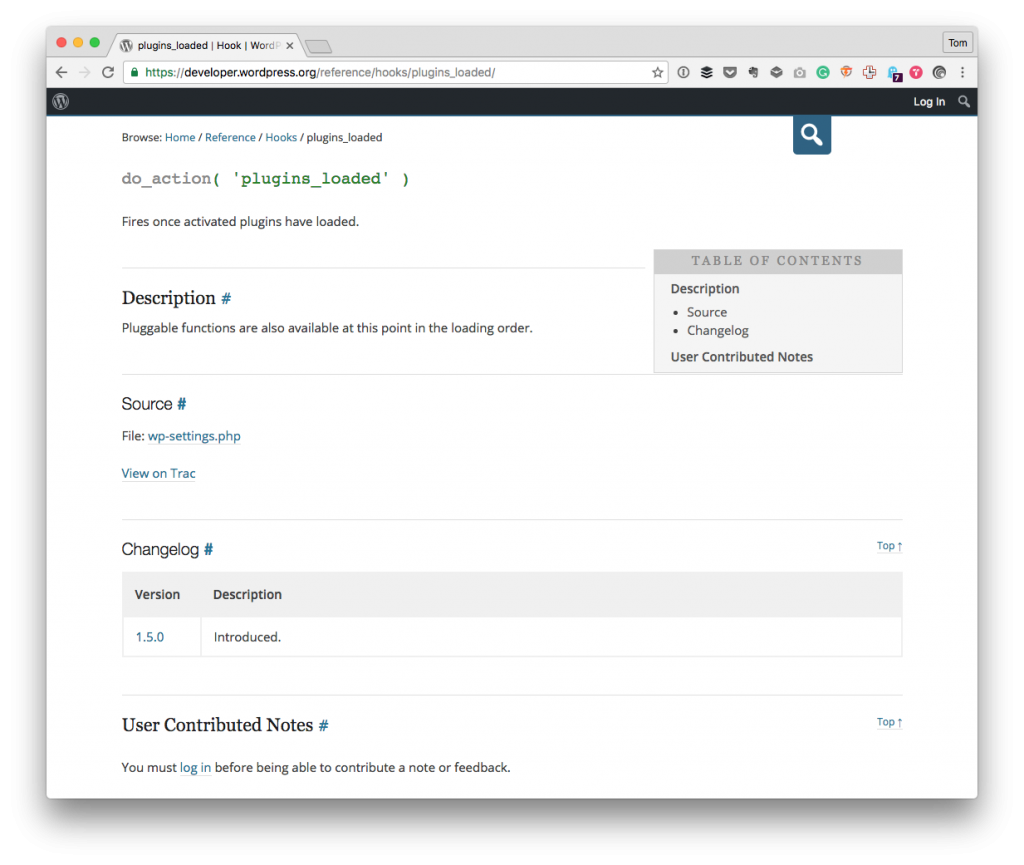
Using WordPress hooks is one of those topics that you hang around any Slack channel forum, email thread, Twitter conversation, or whatever and you’ll find that understanding them and using them correctly is key to working with the application.

Using WordPress Hooks

But if there’s one thing that I get obsessive about, is using the right hook (as opposed to the left hook 🙃).

Sure, that reads weird, but look at it this way:

  • each hook offers a variety of parts of the application available at a given time,
  • and each hook is given a specific name.

So it would stand to reason that we try to hook our functions into the hook that’s most closely aligned and appropriately named for our particular requirement, right?

Continue reading

WordPress Ajax Responses in JSON

WordPress Ajax responses are things that I’ve written about several times in the past (and it’s because I do a lot of work with Ajax in WordPress and because I often see other code that uses it in a variety of ways).

WordPress Ajax Responses: Implement a client-side call.

Implementing a call to the server from the client-side.

Of course, I’m not trying to set a definitive way to using WordPress, Ajax, JSON, and so on; otherwise, I wouldn’t spend my time writing posts about it, but there are things that I think are important to cover if for no other reason than to serve as reminders both to myself and those reading.

In the last year, I’ve written:

  1. Ajax in WordPress: A Strategy For Error Codes
  2. Writing a Custom Protocol for Ajax Responses
  3. An Example of the Ajax API

And sure, some of the above posts are a bit out of date. All the more reason to write updated content, right?

Since I recently finished a series on implementing custom protocols, I thought it important to also remember that there are already ways to send WordPress Ajax responses if you’re looking for something a bit simpler.

Continue reading

« Older posts Newer posts »

© 2026 Tom McFarlin

Theme by Anders NorenUp ↑