Software Engineering in Web Development, Backend Services, and More

Tag: WordPress (Page 24 of 220)

Articles, tips, and resources for WordPress-based development.

WordCamp Atlanta 2019: Web Apps with WordPress

I’ve enjoyed speaking at WordCamps since my first back in 2013. You can see a short list of the ones at which I’ve spoken here:

And this weekend is officially WordCamp Atlanta 2019.
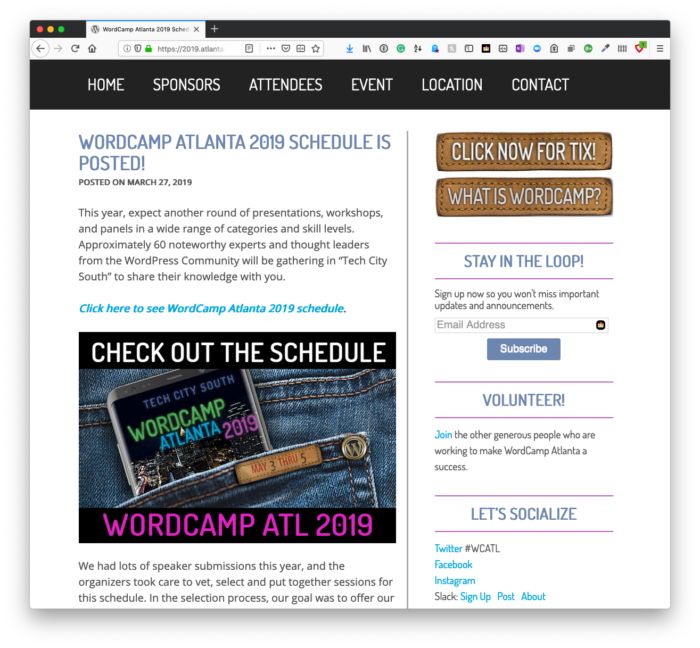
WordCamp Atlanta 2019: Web Apps with WordPress

I took 2018 off of speaking for several different reasons, and I’m not planning to do much in 2019 (especially with another kid making her debut later this year ❤️).

But given the work I’ve been doing with WordPress over the past few years, it seemed fitting to apply to at least speak at my local WordCamp.
Continue reading

Using Functions in Place of Globals: get_post_field

As PHP has continued to move forward and WordPress (and its developer-economy) works to begin using more of the more modern features, one of the things we still see happening is the use of globals within WordPress.

To some degree, it’s inevitable: Significant parts of the application were built using globals when that was the facility that was a primary feature; other parts, though, have moved forward by providing classes or functions that prevent us from needing to do that.

Case in point: get_post_field is a solid alternative to using the $post global that provides much of the same information in a slightly more modern (and arguably safer) way of reading the data.

Continue reading

How to Manipulate the DOM Using PHP

When it comes to manipulating the DOM, the first thing many of us likely think of is using JavaScript to do whatever it is we need to do.

Not only does the language natively support functions for doing this, newer features of ES6 give us more powerful ways to build client-side scripts. And if you’re using jQuery with WordPress, then you have the same library of functions for, ahem, querying the DOM that we’ve had for years.

But manipulating the DOM on the client-side isn’t always the best option. Instead, you may want to do so on the server-side. And because of some of the features built into PHP, it’s not much different from how we do things using JavaScript.

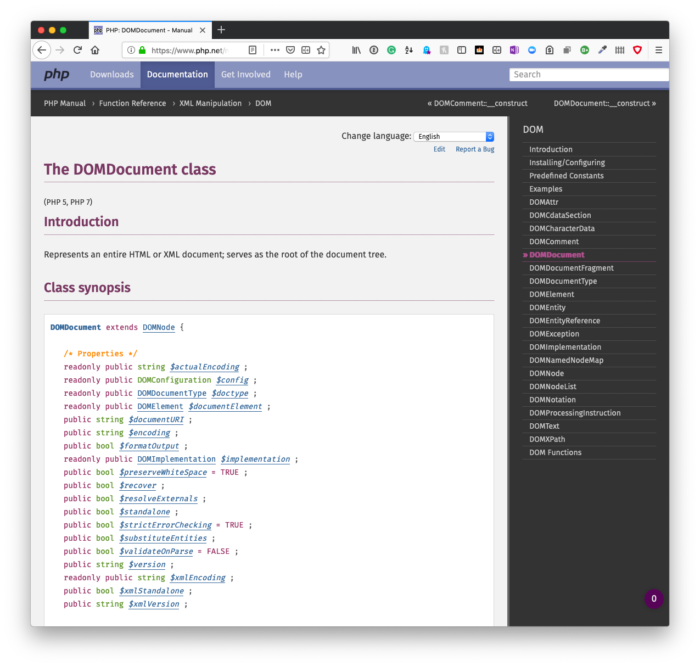
Manipulate the DOM Using PHP: Manipulate the DOM Using PHP: DOmDocument

Other than, of course, we’re doing so on the server.

Continue reading

Tools for Writing Better WordPress Code: The Composer Lock File

Before wrapping up our discussion on Composer, we have one important thing left to discuss: The vendor directory (and by extension, the Composer lock file).

Specifically, we need to talk about why we don’t need to commit the vendor directory to the repository but how our contributors can be sure they have the latest version of the software needed to work with our code base.

Using code quality tools to write better WordPress code is important, yes, but understanding how to properly manage dependencies and our repository is important, too. So before looking at said utilities, let’s review the lock file, the role it plays, and why we don’t need to commit the vendor directory to our repository.

Continue reading

Using Custom Filters with Shortcodes

Once you understand the Shortcode API and how filters work, it’s easy to implement them in WordPress.

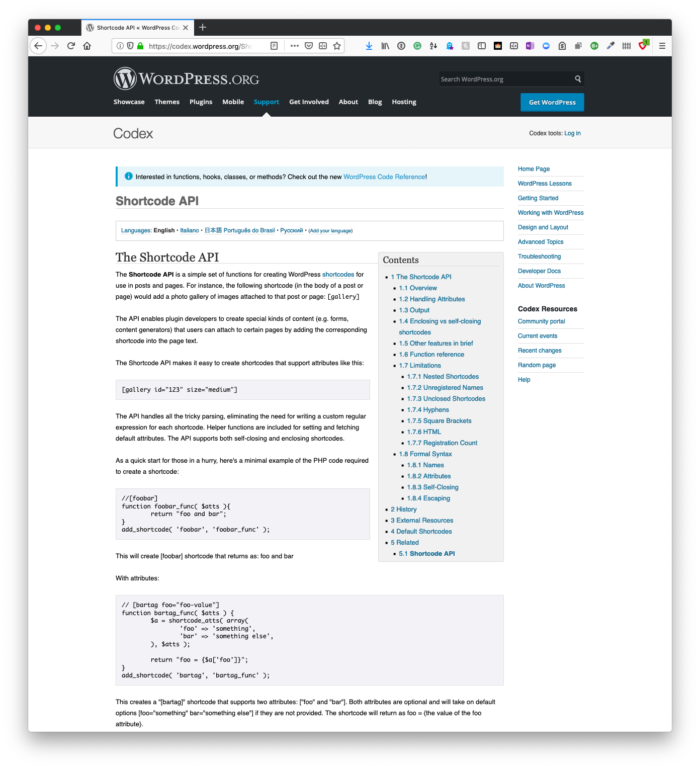
Custom Filters with Shortcodes: Shortcode API

And when you’re able to mix the two, you can do much more than usual than when they are operating independently of one another.

Specifically, you can filter data that are in the result of the shortcode, and this can be especially useful for other developers. If you’re familiar with implementing custom filters, then doing this within the context of a short code isn’t much different.

But if you’ve never used either the shortcode API or the functionality before, it’s still easy to do.

Continue reading

« Older posts Newer posts »

© 2026 Tom McFarlin

Theme by Anders NorenUp ↑