Software Engineering in Web Development, Backend Services, and More

Tag: Where Can I Watch (Page 1 of 2)

Where Can I Watch? 1.3.0: A Clarity Pass

Where Can I Watch? 1.3.0 is out, and this one is less about new features and more about making controls that have been in the app since launch easier to find and easier to trust.

When 1.2.0 shipped, I wrote that 1.3.0 was going to be a detail-page overhaul. But the more I used the app, the more I noticed another set of issues specifically around the filtering controls in the Services tab. They’ve been there since 1.0.0, but they’re buried far too low beneath the list of streaming service providers. So I shifted gears. The detail-page work moved to 1.4.0, and 1.3.0 became a clarity pass on the filtering experience across Search and Trending.


Continue reading

Where Can I Watch? 1.2.0: Episode Tracking and More

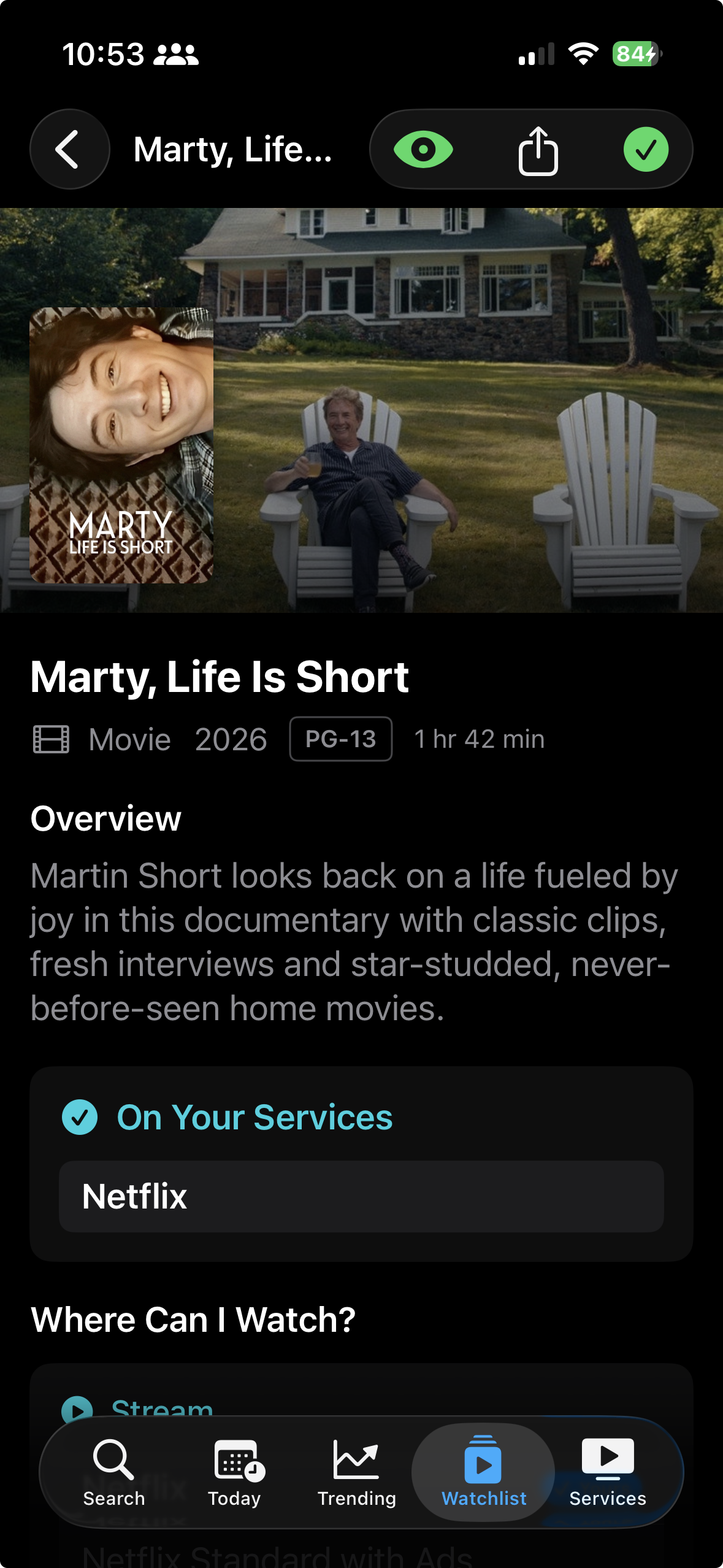
Where Can I Watch? started off as an app with a single purpose: tell me what service is streaming a show or movie. But the more I used the app (and the more a few users contacted me), the more it made sense to also track all of the shows and movies that are being watched. And with shows, there are obviously multiple episodes and, for most, multiple seasons.

So in the latest version, in addition to fixing a few things, I added per-season episode tracking. 1.2.0 has shaped up to be the biggest feature release since the initial launch of the app.


Continue reading

Where Can I Watch? 1.1.0: Smarter Sorting, More Providers, and a Bunch of Fixes

A couple of weeks ago, I released Where Can I Watch? launched on the App Store, and I recently shipped the first update. Version 1.1.0 includes four new features and six bug fixes most of which came directly from things that either bugged me while using the app every day or feedback from those using it.

That’s one of the nice things about building something you actually use. The feedback loop is short. Something feels off, you fix it. Something’s missing, you add it.

Here’s what changed.

Continue reading

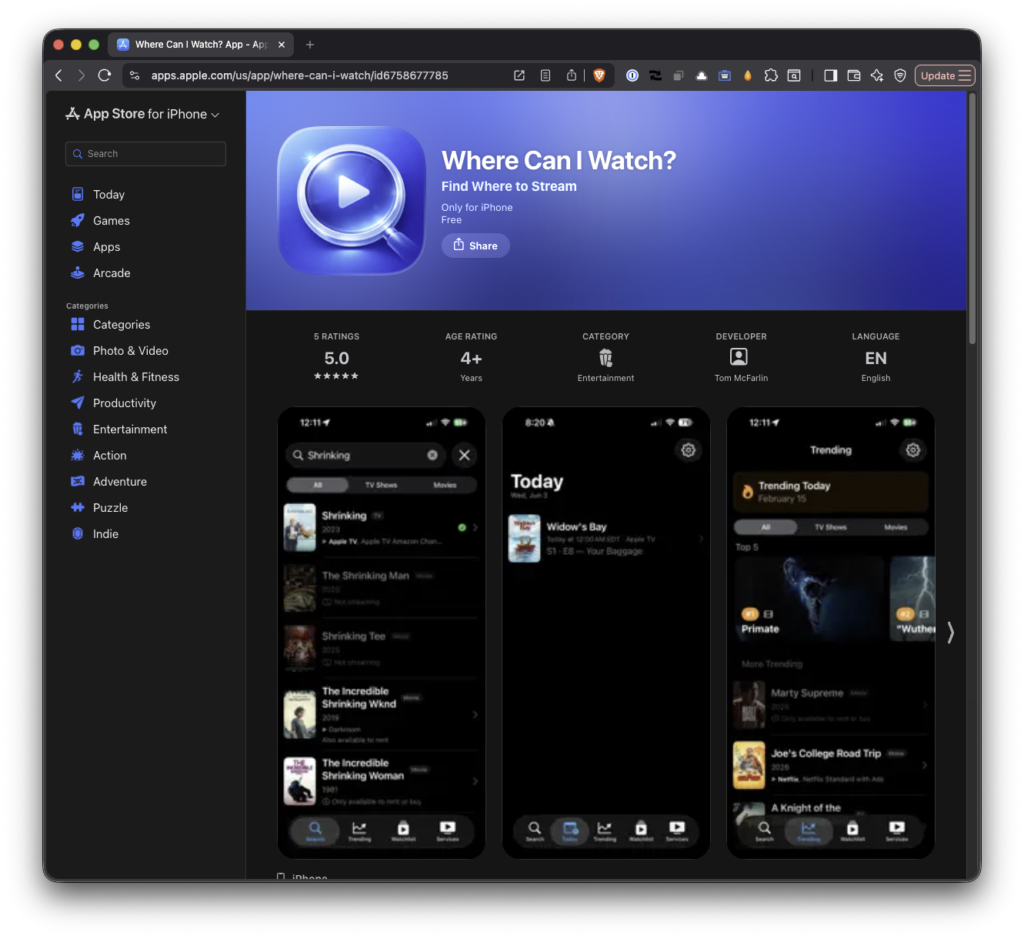
Where Can I Watch? Now Available For iOS

At any given time, I’ve got a number of active streaming services (some of which I rotate through during the year). Between the shows Meghan and I like to watch and the shows the kids like to watch, I don’t always know where to find what show or movie any of us are trying to find.

On top of that, this is an all too common song and dance: Someone recommends a show, I open Netflix, it’s not there. Try Hulu. Not there either. Check Disney+. Nope. It’s at a point now where I’ll drop the title in a note and maybe I’ll remember to look it up later. Or maybe not.

This happens enough so I built something to fix it. First, as a web app (which I’ve talked about), and now as an actual iOS app.

Continue reading

Keep Looking For Titles on Where Can I Watch? It’s Updated.

A month ago, I launched and shared Where Can I Watch?

The original version of Where Can I Watch?

When I first shared this online, I described both its impetus and purpose like this:

A few months ago, one of my kids was asking where should could watch a specific show.

Coincidentally, I was also looking for a small project to work on on the side so I took her question, where can I watch whatever-the-show-is, and turned it into a simple app.

If you read the initial post, you know I described it as:

A mobile application that makes it easy to find where to watch a show or movie.

The thing is, it’s not a mobile application. Instead, it’s a web app that runs in the browser so it’s available on as many devices as platforms as possible. But over the past few weeks, I’ve been working on seeing how feasible it would be to begin converting it to an actual mobile application.

Before moving full into the Apple economy, purchasing the developer license (of which I’m still unsure is something I want to do), and trying to port the web app into an iOS app, I’ve been refining the web app to follow standards that more closely align with mobile user interface and user experience patterns.

So, four weeks later, I’ve another version of Where Can I Watch that’s available here.


Where Can I Watch: New Features, Improvements, and Reductions

At first glance, it’s obvious the UI has been overhauled:

The current version of Where Can I Watch?

If you’re interested in using the app to find where you can watch any given show or movie, then go ahead and visit the site. If you’re interested in more of the technical details of this version, read on.

But there’s been a lot of stuff I’ve done on both the frontend and the backend of the app to both add features, improve performance, and bring greater parity to what we’re used to seeing within actual mobile apps.

New Features

The most significant change is a complete visual and interactive overhaul to match native iOS patterns. This includes everything from the typography and color standards, as well as the grid system. I’ve also added the spring physics animations we’re used to seeing in our mobile apps.

The dark mode and light mode toggles have been removed in favor of the full dark mode. This is something that could eventually be restored especially when the mobile app is done (if it’s ever done), but I’m partial to this aesthetic so I’ve stuck with it.

Each show and movie also includes a link to the IMDB page for the title in case you’re interested in a synopsis, run time, trailer, and all of the other stuff that is outside the scope of the app.

Finally, I separated out the services where a title can be streamed versus where it can be bought or rented.

Improved Performance

The search functionality was overhauled (which was triggered when I saw how long it took to load a franchise – for example, searching for superman or batman brings back a high number of titles which was taking far longer than it should). The new implementation handles searching in a way that’s more performant and that’s easier to making API requests to conserve data when doing so over a cellular connection.

Where possible, I implemented GPU acceleration animations for better performance and reduced motion affects for accessibility. Further, I tried to add aria labels across components to play well with accessibility.

Finally, I introduced a caching mechanism using Redis on Vercel so that if someone searches a title and then another person searches the same title within a reasonable time window, those results can be pulled from the cache without having to initiate yet-another-API-call.

For those interested, the changes to the API ultimately resulted in the following:

  • Before: Individual API calls per result (100+ requests for large searches)
  • After: Batched requests with chunking (2-3 requests maximum)
  • Impact: 95% reduction in API calls, dramatically faster loading

What Was Removed

In addition to removing light mode, I also stripped out all of the emojis as I’m not a big a fan of them. Further, they aren’t part of typical mobile app design language nor are they part of the iOS human interface guidelines.

For those that caught an intermediary version of the app from last month, I’d introduced a feature where if a title wasn’t playing in the United States or wasn’t available for streaming, I’d add it to a ‘Not Streaming’ tab; however, this tab negatively impacted the UI so I’ve hidden that functionality for now.

Further, adding international support for titles is also something that I’d eventually like to incorporate. First, though, I’d like to get a stronger foundation of the service completed.

Conclusion

Though the app is still built using Next.js and running on Vercel, I’m currently working on trying to build a shared backend and create one front-end for the web that maintains what’s available today and another front-end using React Native that will allow for an iOS version of the app.

As I’ve done with the last two posts, I’ll continue to document the progress.

That said, I appreciate the notes for those who’ve used this incredibly simple app so far. It’s always fun to hear that it’s something useful for someone else. And for as basic as it is, it’s been a lot of fun and to put it together and to stretch into areas that I don’t normally work

« Older posts

© 2026 Tom McFarlin

Theme by Anders NorenUp ↑