Software Engineering in Web Development, Backend Services, and More

Tag: WordPress (Page 33 of 220)

Articles, tips, and resources for WordPress-based development.

WordPress Widgets: Starting with Standards

The purpose of this series is to start doing a deeper dive into working with object-oriented programming in the context of WordPress.

And since the WordPress Widgets API is one of the APIs that does use object-oriented practices, it’s a logical place to start. Further, it will give us some foundational techniques that we can use to apply to future work as we see how to build more object-oriented projects on WordPress in future series.

So far, we’ve covered the following:

  1. WordPress Widgets: An Object-Oriented Approach. The Widgets API provides a solid litmus test and example of how to get started with object-oriented programming in WordPress.
  2. WordPress Widgets: How to Detect Object-Oriented Programming. The goal is to arm you with everything you need to detect object-oriented practices.

If you’re not caught up, now’s a great time to do so. And if you have, then you’ll recall from the last post, we ended with the following note:

That is, we’ll revisit the WordPress Widget Boilerplate and I’m going to be refactoring it in its current state to adopt more modern PHP standards.

To begin updating the WordPress Widget Boilerplate to follow said standards, we need to do a few things:

  1. create a branch from the existing boilerplate,
  2. install code quality tools,
  3. ensure our IDE is properly set up,
  4. and begin refactoring the code to said standards.

And that’s what we’re going to start doing with this post.
Continue reading

Simply Refactoring WordPress-Based Code

Back in 2011, I was doing a lot of reading on working with legacy code, code quality, and refactoring.

Refactoring WordPress-Based Code

There’s a quote by Martin Fowler (who literally wrote the book on refactoring) attributed to Uncle Bob that’s stuck with me – and I’m sure many, many programmers – ever since:

always leave the code behind in a better state than you found it

The thing about this particular idea is that I think it might sound a bit more idealistic until you really start to try to practice it in everything that you do.

That is, if you take it at face value it sounds like anytime you need to work on a codebase, then you need to leave the entire codebase better than when you found it. But the more I’ve tried to apply this rule in my day-to-day work, the more practical, the cleaner, and the more maintainable WordPress-specific code has become.

So when it comes to refactoring WordPress-based code, what does that look like?

Continue reading

WordPress Widgets: How to Detect Object-Oriented Programming

If you’ve not read the first post in this series, I recommend it, as we’re starting to get into writing object-oriented code for WordPress through the use of the Widgets API.

The series is going to capture a few things:

  1. show you the basic skeleton of a widget and why it’s object-oriented,
  2. discuss what things you should be able to notice and why
  3. update the Widget Boilerplate directly on this site first and then push it out to GitHub,
  4. build a widget using the API with the boilerplate as the foundation for our work.

But before doing that, I want to make sure that everyone reading this is caught up on the core principles of object-oriented programming and has everything needed to build out an object-oriented solution for WordPress.

To that end, I recommend the following:

  1. Two Pillars of Object-Oriented Programming: Part 1 of 2
  2. Two Pillars of Object-Oriented Programming: Part 2 of 2
  3. Abstract Classes, Part 1 – Abstracting Behavior
  4. Abstract Classes, Part 2 – Abstract Classes and Interfaces
  5. The Independent WordPress Developer

If you’ve read all of that content, great. You’re going to be well-prepared for this post and the upcoming posts. If not, there may be some holes in the rest of what you’re about to read, but the gist of the post should be clear enough.

What’s The Deal, Exactly?

Here’s the thing: Last week, I shared a bit of code along with some information about the Widgets API. I’m going to be revisiting that a little bit more in this post before we get into the more coding intensive part for two reasons:

  1. I want everyone reading this to be on the same page as it relates to writing object-oriented code (at the very least, in this context),
  2. I recognize that people are coming from different backgrounds and I want to make sure we’re all on the same page as much as possible before proceeding.

If you have experience with writing object-oriented code, especially in an advanced capacity, this may seem simpler to you; otherwise, I hope this is going to arm you with everything you need to detect object-oriented practices not only concerning this API but when reading others’ code, too.

Continue reading

Organizing WordPress Settings Screens with Namespaces

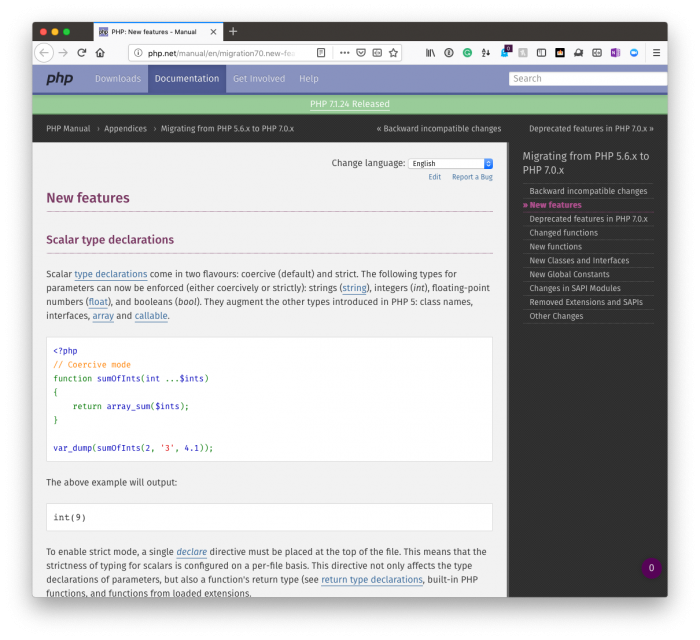
As many of us continue to move forward with PHP7+, we can continue to take advantage of a lot of new features that the language offers.

Organizing WordPress Settings Screens: PHP7

In the meantime, though, there are still features of PHP and related software that we can use t help streamline our development. The least of which (and that which I’ve written and spoken about a bit) is namespaces.

Namespaces and Autoloading in WordPress

Here’s the thing, though: I like to have my plugin’s files and directories structured so that they are organized to mirror that of the namespace conventions they follow. And this can be done for taxonomies, meta boxes, domain objects, database-related functionality and so on.

In this post, though, I want to talk about a way of organizing WordPress settings screens from both the logical – that is, their file system location – and the virtual – that is, their namespaces – organizational structures.

Continue reading

WordPress Widgets: An Object-Oriented Approach

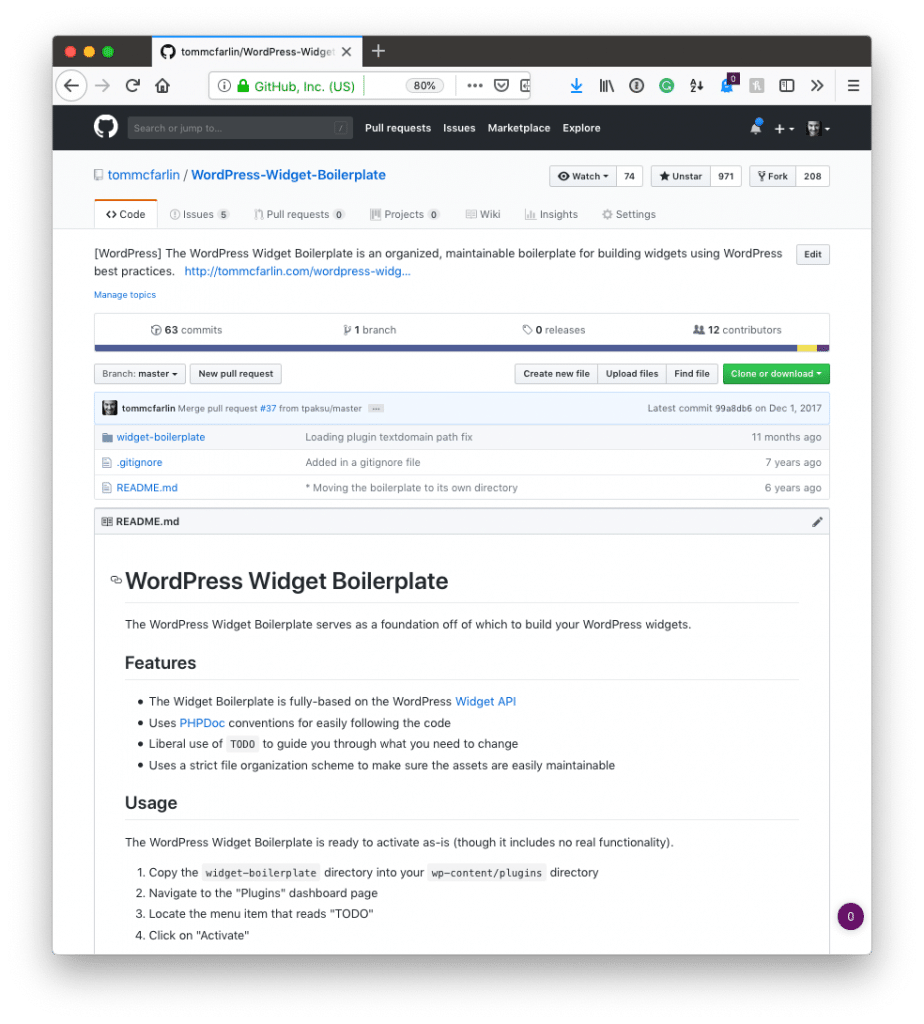
Years ago, I created the WordPress Widget Boilerplate aiming to be the following:

An organized, maintainable boilerplate for building widgets using WordPress best practices.

Since then, not much has changed regarding the Widgets API (which we’ll look at later in this post), but what I consider to be “best practices” has changed. Further, the degree to which I think this API is a solid example of introductory object-oriented programming in WordPress is high.

WordPress Widgets: The Widgets Boilerplate

It’s not because it uses a lot of object-oriented principles, it’s not because it uses modern standards (at least as far as modern PHP is concerned), but because it does use a few things that help us to recognize a few, say, signals regarding object-oriented programming in WordPress.

And this is something that shouldn’t be understated: If you’re looking for examples of object-oriented programming in WordPress, look for APIs that employ it.

Further, if you’re looking for ways to gauge you’re own level of evaluating a piece of code (let alone a code base) for the use of classes and some of the more advanced features of OOP, then why not have some sort of a litmus test to see how you’re doing?

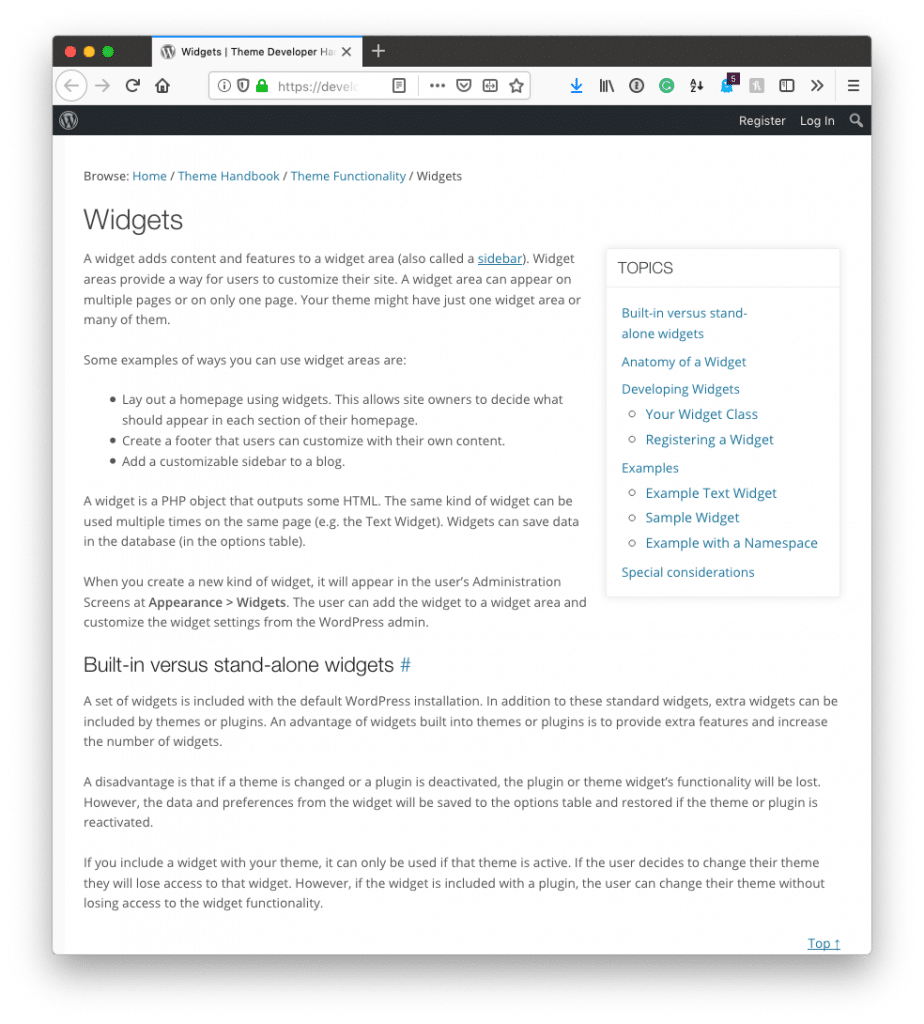
WordPress Widgets: The Widgets API

And the Widgets API does just that.

Continue reading

« Older posts Newer posts »

© 2026 Tom McFarlin

Theme by Anders NorenUp ↑