Where Can I Watch? has always answered a simple question: where can I actually watch this show or movie right now? The catch is that “right now” includes more than the subscription services you pay for.
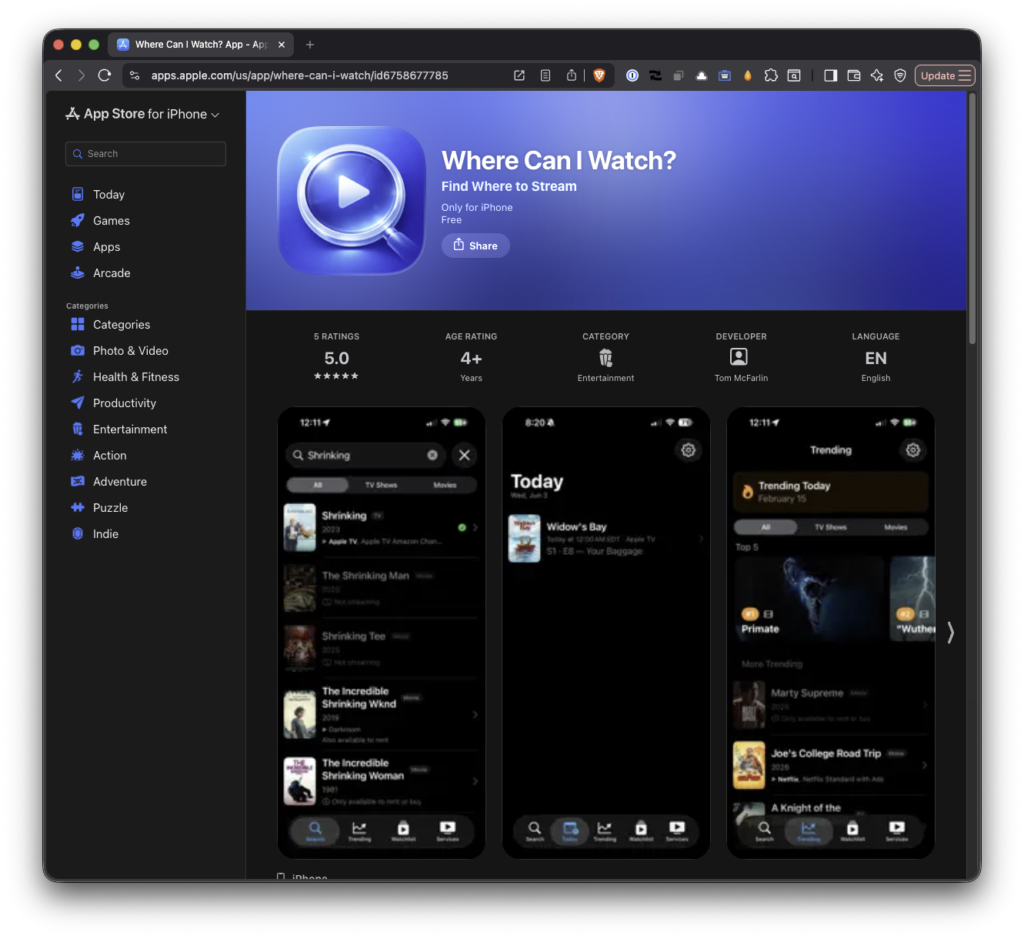
A lot of content lives on free, ad-supported platforms like The Roku Channel, Tubi, Pluto TV, and the like. Those are legitimate, no-cost ways to watch something tonight, and the app was leaving them out.
What’s Fixed
Until now, the app would group the ways in which you could watch whatever title you’re searching between where you can “stream” it and where you can “buy” it. There was no place to where it may be available for free.
That’s now fixed. Free, ad-supported providers show up in the section in their own Free with Ads group, sitting right alongside your streaming, rent, and buy options.
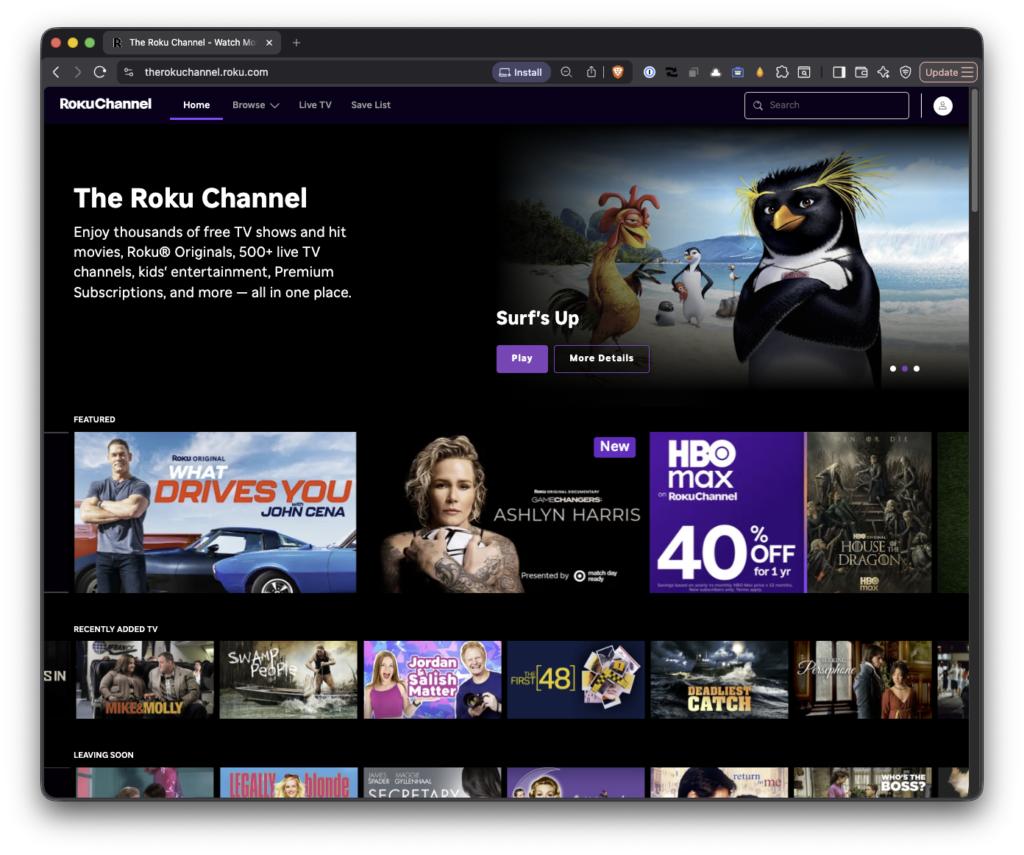
They’re also included when you share a title, and titles that are only available on these platforms no longer get hidden when you’ve turned on the option to hide unavailable results.
The result is that the app now shows you every legitimate way to watch something including the free ones. If anything, that makes it more useful, not less, since “free with ads” is often the answer you actually want.
What’s Next
I’m still chipping away at the detail-page overhaul I’ve mentioned in a couple of these posts. This includes ratings, runtime, and a clearer “on your services” view. That’s the next meaningful chunk of work. This release just jumped the line because hiding free content felt like the kind of bug worth fixing right away.
If you haven’t tried Where Can I Watch? yet, it’s free on the App Store. No ads, no accounts, no subscriptions which, now more than ever, is also a pretty good description of what it’ll help you find.
