Back in February, I wrote about Remove Empty Shortcodes 1.0.0 in which the plugin includes the admin scanner, a real test suite, and automated deployment to WordPress.org.
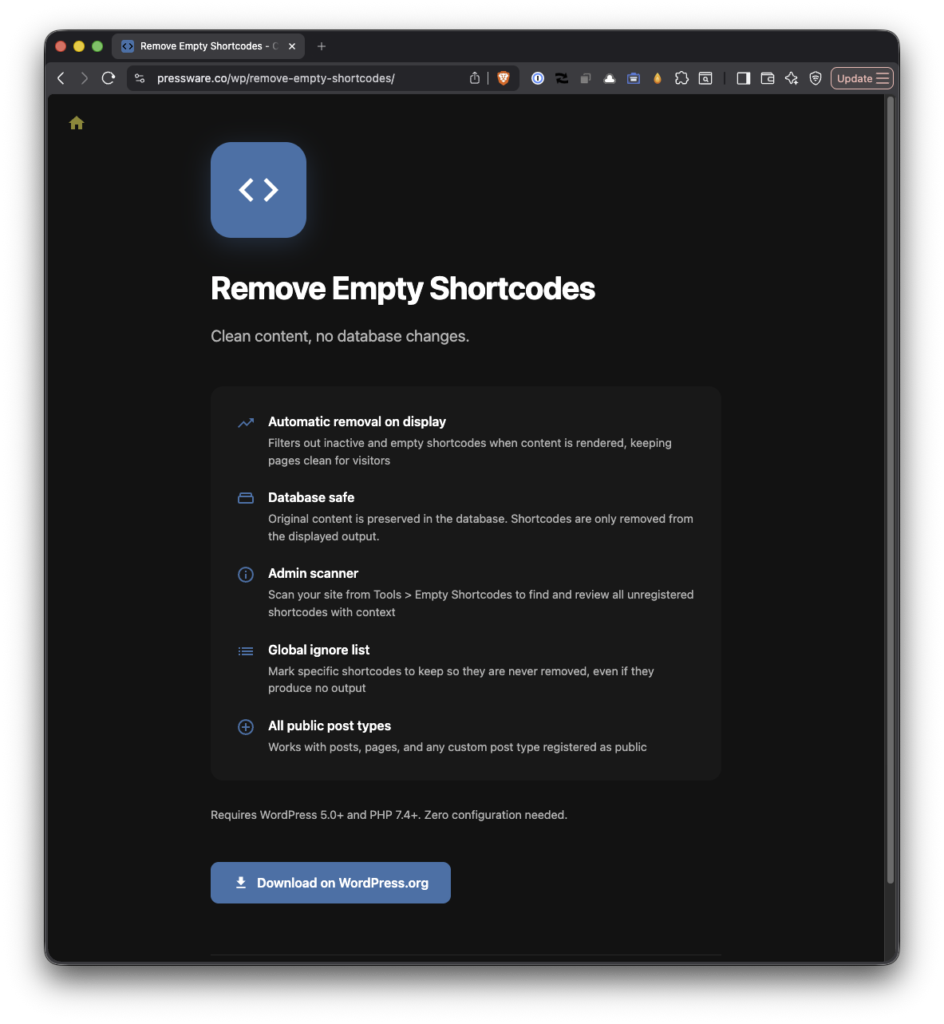
Then a bug report was submitted on the wp.org forums leading to 1.1.0.
The Bug I Shipped on Purpose
In 1.0.0, I cleaned up a batch of false positives such as bracketed text like [at] and [dot] that isn’t really a shortcode by leaning on WordPress’s own get_shortcode_regex().
It was the right call for false positives but wrong call for other reasons. It was also, it turns out, the wrong call for the plugin’s entire reason to exist.
get_shortcode_regex() only matches shortcodes that are currently registered. But the shortcodes this plugin is meant to clean up are, almost by definition, the ones that aren’t registered anymore such as the leftovers from a plugin or page builder you’ve since turned off.
By keying off the registered list, 1.0.0 quietly stopped seeing the exact thing it was built to remove.
The nudge came from someone migrating a client off a site built with WP Bakery. They’d imported all the posts, deactivated the builder, and were staring at content packed wall-to-wall with , , , and similar tags.
The user installed Remove Empty Shortcodes hoping it would at least stop those from rendering on the front end while they cleaned house. It did nothing. The scanner came back empty, too. Obviously, a bug.
What’s New in 1.0.0
It Removes Inactive Shortcodes. Again. (Seriously.)
The front end now detects unregistered shortcodes and removes them, while keeping all of the false-positive protection from 1.0.0. So from a deactivated builder gets handled, but [at] in “email me [at] example [dot] com” is left alone, exactly as it should be.
If you’d rather remove the whole block, content and all, there’s a resc_removal_mode filter for that.
It Keeps Your Content
If you’d rather remove the whole block, content and all, there’s a resc_removal_mode filter for that. The default is the gentle one.
This is the part I cared about most. When the plugin finds an inactive shortcode that wraps content such asSome real copy, it strips the wrapper tags and keeps the copy. You lose the dead , you keep “Some real copy.” Your writing survives; only the scaffolding goes.
The Scanner Looks Where the Content Actually Is
The 1.0.0 scanner only examined registered, public post types. So if your import dropped everything into a custom post type whose plugin is no longer active, the scanner never looked at it which is exactly how you get “nothing found” on a site that’s clearly full of orphaned shortcodes.
The scanner now looks at the post types actually present in your database, minus the obvious system ones.
“Ignore” Finally Means Ignore
The scanner has always let you add shortcodes to an ignore list. In 1.0.0, the front-end remover didn’t consult it. In actuality, the two halves of the plugin weren’t talking to each other. Now they are. If you tell the scanner to leave a shortcode alone, the front end leaves it alone too.
WordPress 7.0
1.1.0 is tested up to WordPress 7.0, and I fixed a small admin-button icon that 7.0’s new button styling had knocked out of alignment.
Still Nothing Touches Your Database
This was the founding promise of the plugin back in 2019, when it started life as a way to retire Restrict Content Pro without gutting my posts: remove shortcodes from what’s displayed, never from what’s stored.
That’s still true, and now it’s pinned down by tests. The plugin filters content on its way to the screen. Your post_content in the database is left byte-for-byte intact. Reinstall the page builder and every shortcode renders again as if nothing happened because, in the database, nothing did.
Under the Hood
A couple of things for the developers in the room:
- Integration tests against real WordPress. The 1.0.0 suite mocked WordPress with Brain Monkey, which is fast but can’t catch how the scanner behaves against an actual database. 1.1.0 adds a full integration suite that boots WordPress, seeds real posts, and exercises the scan-and-remove path end to end including a test that proves stored content is never modified.
- CI across PHP 7.4–8.3. The unit suite now runs on every push and pull request across four PHP versions. Which is how I caught that the code had quietly drifted into PHP 8.0-only syntax while the header still claimed a 7.4 minimum. 1.1.0 honors 7.4 again (though I’d eventually love to retire support for it sooner rather than later).
Get It
Remove Empty Shortcodes 1.1.0 is live on WordPress.org. Install it, activate it, and the front-end cleanup just works. There’s still no configuration required. If you want to review what’s lurking in your content first, the scanner is waiting under Tools → Empty Shortcodes.
The code, the changelog, and the issues are all on GitHub if you’d like to follow along.
