The first version of Now Playing Notify was primarily focus on notifications for the currently playing track. The second release was about being able to do something with them such as being able to click to open a track, copy a link, and launch at login.
This release is focused more on optimizing several things behind the scenes. As such, most of what’s in 1.2.0 is invisible.
What’s New
Lower Energy When Spotify Isn’t Running
Previously, the app worked by polling Spotify every two seconds whether Spotify was open or not. That added up over an eight-hour workday: tens of thousands of small system calls into a process that wasn’t even running.
In 1.2.0, polling pauses entirely when Spotify isn’t running. The app subscribes to macOS launch and quit events for Spotify, so the moment you open Spotify it picks up where you left off, and the moment you quit Spotify it shuts down its polling and waits.
Closed Spotify for a meeting or a heads-down stretch? Now Playing Notify is doing nothing while you’re in there.
Recoverable Permission Errors
If you ever revoke automation permission for Spotify in System Settings, the app used to just sit there saying “Not Playing” with no indication of why. In 1.2.0, the menu now tells you the permission is denied and gives you a button that opens System Settings directly to the right pane.
I hit this myself after a macOS update reshuffled my privacy settings. Surfacing the actual problem instead of failing silently was the obvious fix; it just took breaking my own setup for me to write it.
Cleaner Titles, Cleaner Toggles
Long track titles, such as classical music and/or live recordings, used to truncate mid-phrase. They now wrap to two lines, so the movement name or the “Live at the Nokia Theatre” parenthetical is visible.
The “Notifications Enabled” toggle is now “Show Notifications” which is a small change that better matches macOS menu conventions.
What I Got Wrong
During a final smoke test before submission, I noticed album artwork wasn’t attaching to notifications. A few minutes in Console.app showed I had quietly broken artwork access by trimming an entitlement
It turns out com.spotify.library is required for “artwork url of current track”. Spotify scopes that one property under the library access group, not playback, even though the rest of the playback metadata is right where you’d expect it. An empirical reminder that “obvious cleanup” isn’t always cleanup.
I restored the entitlement, ran the smoke test again, and shipped.
Same Philosophy
The app is still small, still does its job, and still stays out of the way. No new windows, no preferences pane to manage, no data collected. Almost everything in 1.2.0 is invisible until it isn’t which is the goal of the way the app is built.
What’s Next
1.3.0 is going to focus on the menu bar itself: optional playback controls (play, pause, skip) and the option to display the current track name directly in the menu bar instead of just behind the music note.
Both ideas have been on the list since 1.0; both feel small enough to land cleanly on top of 1.2.0’s cleaner foundation.
Get It
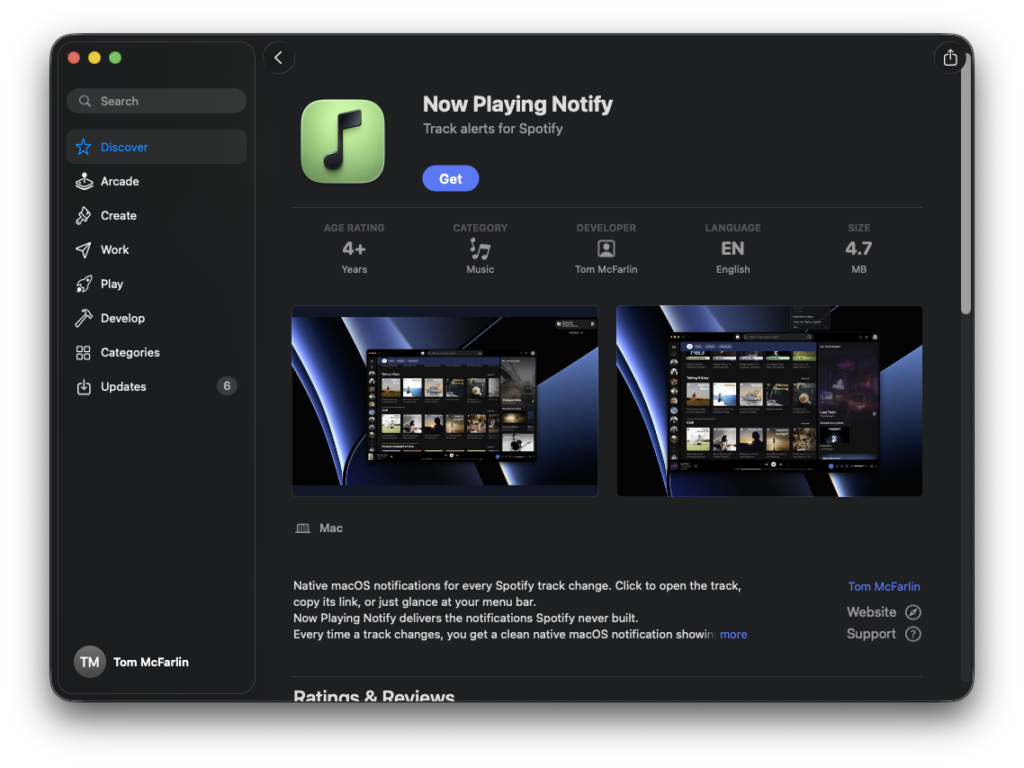
Now Playing Notify 1.2.0 is available on the Mac App Store.
It requires macOS 13 (Ventura) or later and the Spotify desktop app.
If you run into issues or have feedback, you can email me.
