Software Engineering in Web Development, Backend Services, and More

Category: Notes (Page 15 of 50)

Notes on programming-related problems that I’ve encountered while working on various projects.

Viewing The PHP Debug Log

When building web applications, especially with PHP, there are some tools that are invaluable.

These include things like a good IDE, a powerful debugger, version control, and so on. But one of the things that I think we often neglect against our shiny tools are basic text files.

No, I don’t think we need to take a step back from our usual toolset, let’s not forget files also at our disposal.

Case in point: Let’s say you’re working on a web application. If you’re using PHP, then one way to do this is to view the PHP debug log.

It’s a simple text file that gives you as much information as you could want about any page in your project. Continue reading
Install PHP CodeSniffer with Composer

A little over a month ago, I talked about how to install the PHP Code Sniffer in an MAMP-based environment. Though you can read the post in its entirety, the short of is this:

  1. Setup Pear
  2. Install the package via Pear
  3. Grab the rules for the WordPress Coding Standards
  4. Begin evaluating your code

Easy enough, right?

But here’s the thing: As mentioned in the article, some may opt to use Composer to install the package. In fact, someone also mentioned this in the comments.

And since Composer is the default dependency management application for PHP projects, it makes sense to use it, right?

Composer

The funny thing is, since I’ve written that article, I’ve been using Composer in a few projects. So I thought it would make sense to show how to install PHP CodeSniffer with Composer.

Continue reading

Programmatically List Google Maps Markers

I’ve written a few articles on working with the Google Maps API – some simply based on the API itself, others within the context of WordPress.

Generally speaking, I’m not a huge fan of the API. Sure, it’s powerful and yes you can do a lot with the information Google makes available, but I’ve also found the initial learning curve of the API is kind of steep. Once you orient yourself with the basics, it’s not as bad to introduce new functionality, but there is something to initially getting started.

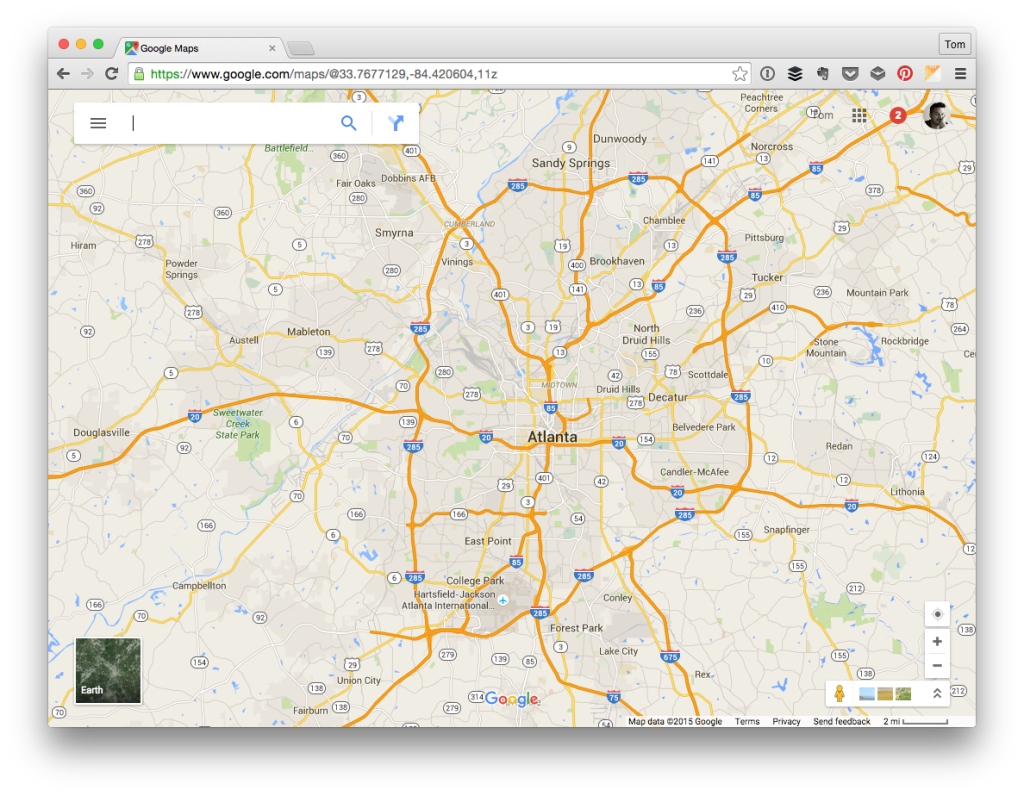
Google Maps

But I digress. That’s not what this post is all about. Instead, this post is meant to share how to solve a specific problem: Programmatically listing Google Maps markers when the map isn’t visible (say in a responsive website).

Continue reading

Importing A Large Database in MAMP

When working with WordPress databases, we’re pretty fortunate to have tools like WP Migrate DB Pro, phpMyAdmin, Sequel Pro, and so on. But there are times when importing a large database is a bit more demanding than the front-end utilities we have.

Perhaps we have to change up our PHP configuration, perhaps we’re dealing with hundreds of megabytes worth of data, perhaps we don’t have the kind of control on the environment that we need.

Whatever the case, we always have the command line. And if you’re working with WordPress, MAMP, and you’re faced with importing large databases, then you may need to stop tweaking your PHP settings and simply import the file via the command-line.

Continue reading

Quick Tip: Searching Custom Post Types

Say what you will about the built in WordPress search functionality – sure, it could stand to be improved (personally I’m a fan of SearchWP) – but not all projects warrant the same requirements, right?

Sometimes, the built-in search functionality works just fine out-of-the-box. It gets a little more involved if you start introducing, say, custom taxonomies or custom post types, though.

That is, say you’re working on a project or have a client who needs help with modifying the built in search functionality so that it allows for searching custom post types. There’s actually a lot of flexibility provided in how you tailor the search results, but for this case it’s pretty easy. Continue reading

« Older posts Newer posts »

© 2026 Tom McFarlin

Theme by Anders NorenUp ↑