Software Engineering in Web Development, Backend Services, and More

Author: Tom (Page 138 of 430)

Properly Writing WordPress Plugin Constructors

One of the things that many of us see (and are guilty of abusing) are WordPress plugin constructors.

If you’re using object-oriented programming, you’re likely familiar with constructors. However, the purpose they serve isn’t always clear at least in the world of WordPress.

The definition of a constructor well-defined in Wikipedia:

In class-based object-oriented programming, a constructor (abbreviation: ctor) in a class is a special type of subroutine called to create an object. It prepares the new object for use, often accepting arguments that the constructor uses to set required member variables.

But here’s the key thing to notice for anyone working with constructors and object-oriented programming in WordPress plugin development:

It prepares the new object for use, often accepting arguments that the constructor uses to set required member variables.

And this is where many of us, and WordPress plugin developers, fail. We abuse constructors for a purpose they are not intended.
Continue reading

Initializing Default WordPress Options

Whenever you’re working on a plugin that’s going to have a decent set of options (and I’m not talking about giving users too much to think about because “decisions, not options,” remember?), it’s wise to initialize default WordPress options.

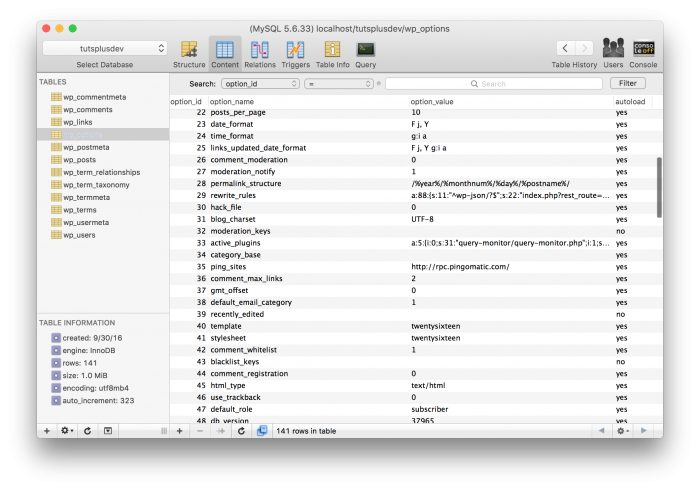
Default WordPress Options in the Options Table

By that, I mean it’s important to set up an array or whatever data structure you like to use (but WordPress does love its arrays) and prepare them to be saved before the user even interacts with the settings page(s).

Think of it this way:

A user installs a plugin; they’ve yet to select any option; we need to drive the UI elements through input fields, checkboxes, radio buttons, etc., so we have functions that make calls into the database. But where they are they going to get their options?

That’s where this come into play.

Continue reading

How To Monitor Your PHP Error Log in MAMP

I’ve talked about reading your PHP Error Log using Console.app in a previous post, and it’s something I recommend reviewing.

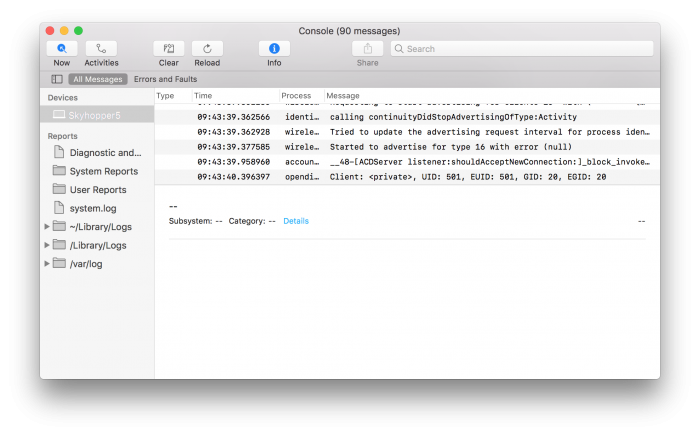
Using Console.app to monitor PHP Error Logs

Since that post, though, I’ve swapped to MAMP 4 and have asked my opinion on a variety of its features. Though I plan to do a more extensive post on this in the future, I thought it might be better for me to highlight a few things that are beneficial in shorter posts.

And you know I’m a fan of using a proper debugger, but I still stand by using the error log when working on your day-to-day work.

Continue reading

A Few Spotify Playlists for Work

A few weeks ago, I was talking with some others about the types of Spotify playlists we listen to whenever we’re working primarily to help us focus and get things done. (And no, I’ve nothing against Apple Music, fanboys, I pay for it, too so ease up. ).

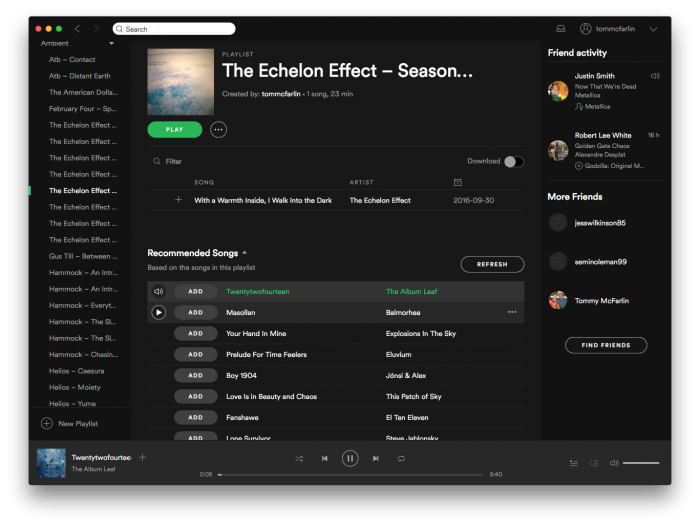
Spotify Playlists for Work, Volume 1

I forgot to ‘heart’ or ‘like’ or ‘star’ or whatever Twitter is calling is currently calling the act of bookmarking a tweet, but I still thought it was a neat idea to list out some of the things we all listen to whenever we’re writing code, writing words, or taking a break.

So here’s what I’ve been listening to lately.

Continue reading

Setting Up PHP CodeSniffer in Visual Studio Code

This post was last updated on July 31st, 2020 to include the most recent updates.

If you’ve read any of my previous posts, you know that I think code sniffing (as funny as that sounds) is something that I believe to be a staple of any WordPress development environment. And this is how you can setup PHP CodeSniffer in Visual Studio Code.

But first, a word about Code.

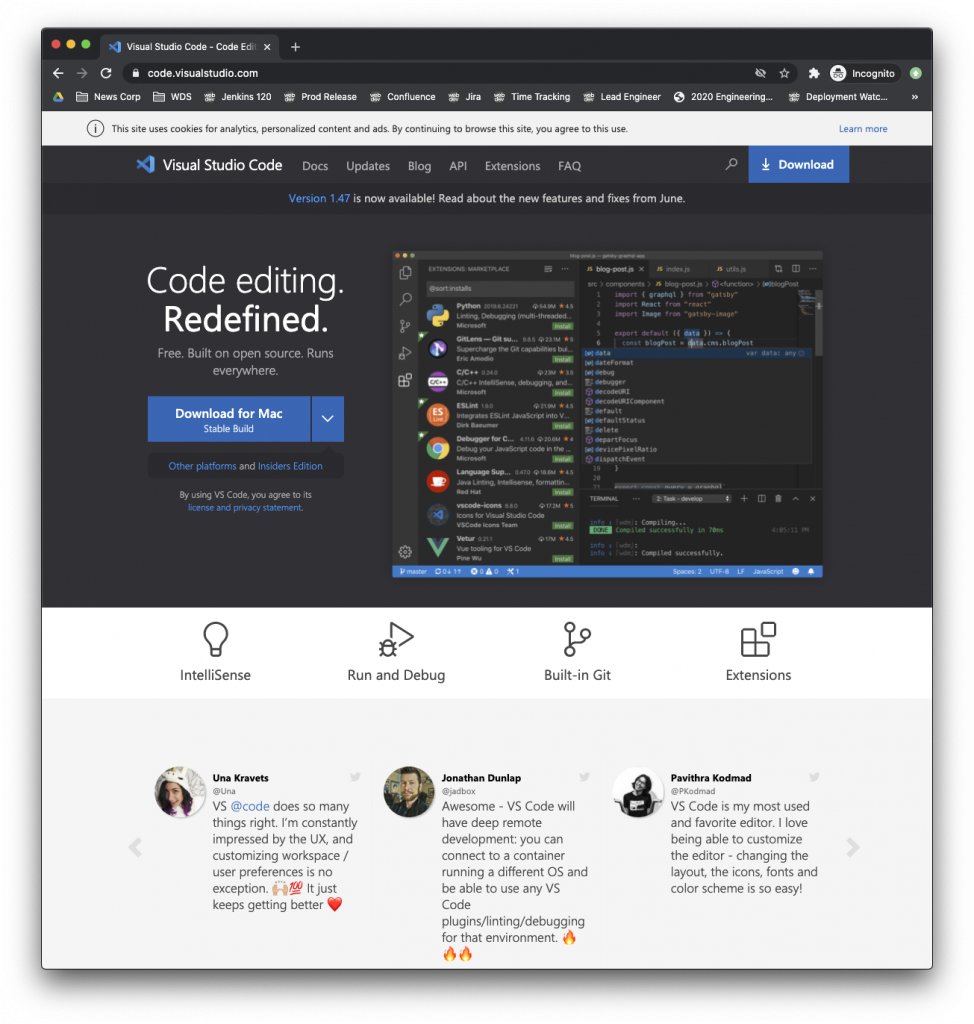
Visual Studio Code is a source code editor developed by Microsoft for Windows, Linux and macOS. It includes support for debugging, embedded Git control, syntax highlighting, intelligent code completion, snippets, and code refactoring.

I’ve been using Code as my primary IDE for years at this point and have been extremely happy with it. I’m not going to belabor the points as to why. I’ve written about them in other posts.

But here’s how to set up PHP CodeSniffer in Visual Studio Code.

Continue reading
« Older posts Newer posts »

© 2026 Tom McFarlin

Theme by Anders NorenUp ↑