Software Engineering in Web Development, Backend Services, and More

Tag: WordPress (Page 66 of 220)

Articles, tips, and resources for WordPress-based development.

Using the PHP Interpreter When Working With WordPress

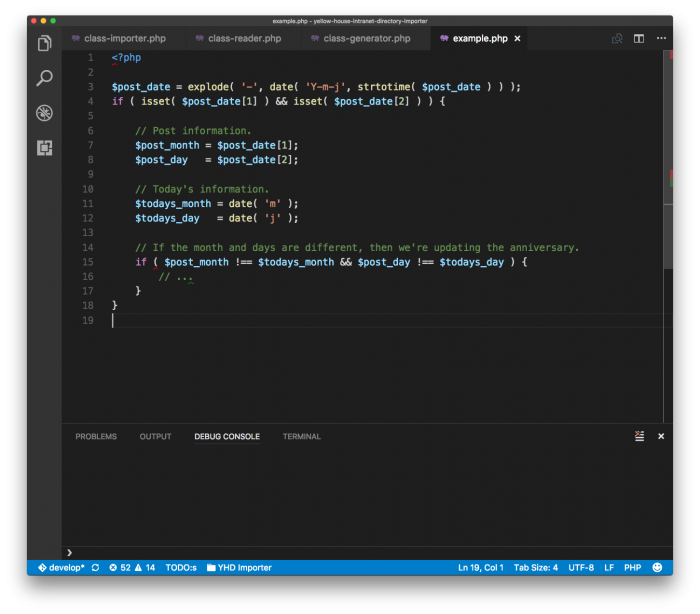
Recently, I’ve been working on a project that requires a lot of work with dates. Depending on the nature of the work, there are times in which this can be easier than others.
Using Visual Studio For Date Comparison

On the one hand, if you’re making a simple comparison between, say, the values of two months then that’s not a big deal. On the other hand, if you’re dealing with months, days, years, the current date, timezone offsets, and different formats, then it can be a bit more complicated.

The point of all of the above, though, is not about strictly working with dates. Instead, it’s about the challenges that come with needing to write, test, and work with source code.

And if you’re in the habit of writing code, testing it in a browser, doing some form of debugging or dumping information onto a screen, and then repeating the process, there are easier ways to deal with this.
Continue reading

Load All WordPress Custom Fields via Database Query

When retrieving information from the WordPress database I prefer to avoid using direct database queries, but there are times in which they can be useful (and it’s important that it’s done right).

One use case in which it might be helpful is when you need to retrieve a set of data of a single type. Case in point: Say you need to load all WordPress custom fields.

At the time of this writing, there’s no function of which I’m aware that will do this, so here’s how I query the database to do so.

Continue reading

How To Get a WordPress Taxonomy By Term ID

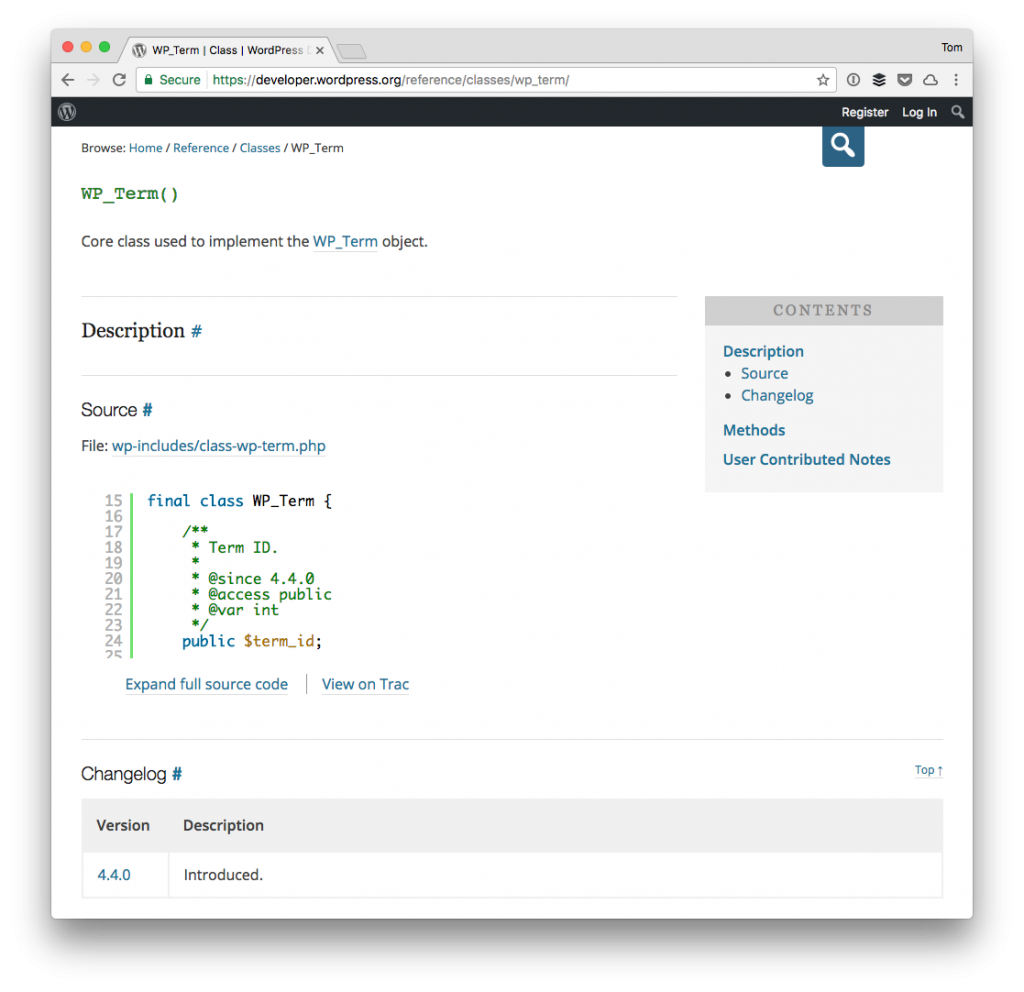
Occasionally, when working on a project there are times in which it’d be nice to have an API function to help achieve whatever it is that needs to be done. Case in point: the ability to retrieve a taxonomy by term ID.

Get a Taxonomy By Term ID

Granted, it’s not a hard thing to do, but having the ability to retrieve the information from pre-existing functionality is always nice.

But when that’s not possible, we write our own way to do it, right?

Continue reading

Namespaces and Autoloading in WordPress

In my talk for this year’s WordCamp Atlanta, I’m going to be talking about namespaces and autoloading in WordPress.

Namespaces and Autoloading in WordPress

When I don’t yet have the images I want for my presentation, I use stock photos.

While working on my presentation:

  • I’ve been working on a project for someone in which I’m writing an autoloader from scratch,
  • I’m talking with other developers about their preferences with writing autoloaders,
  • I’m looking at open-source projects to see how others are writing autoloaders.

All of this is primarily done to see how, if it isn’t obvious, others implement namespaces and autoloading in their projects. What’s interesting is that there seem to be three main ways in which people go about doing it.

Continue reading

Manipulating WP Admin Bar Styles with Events

I’ve mixed feelings about the WordPress admin bar, but that has to do with how third-party solutions add their options to it (plus, it can be disabled if you’re not a big fan of it).

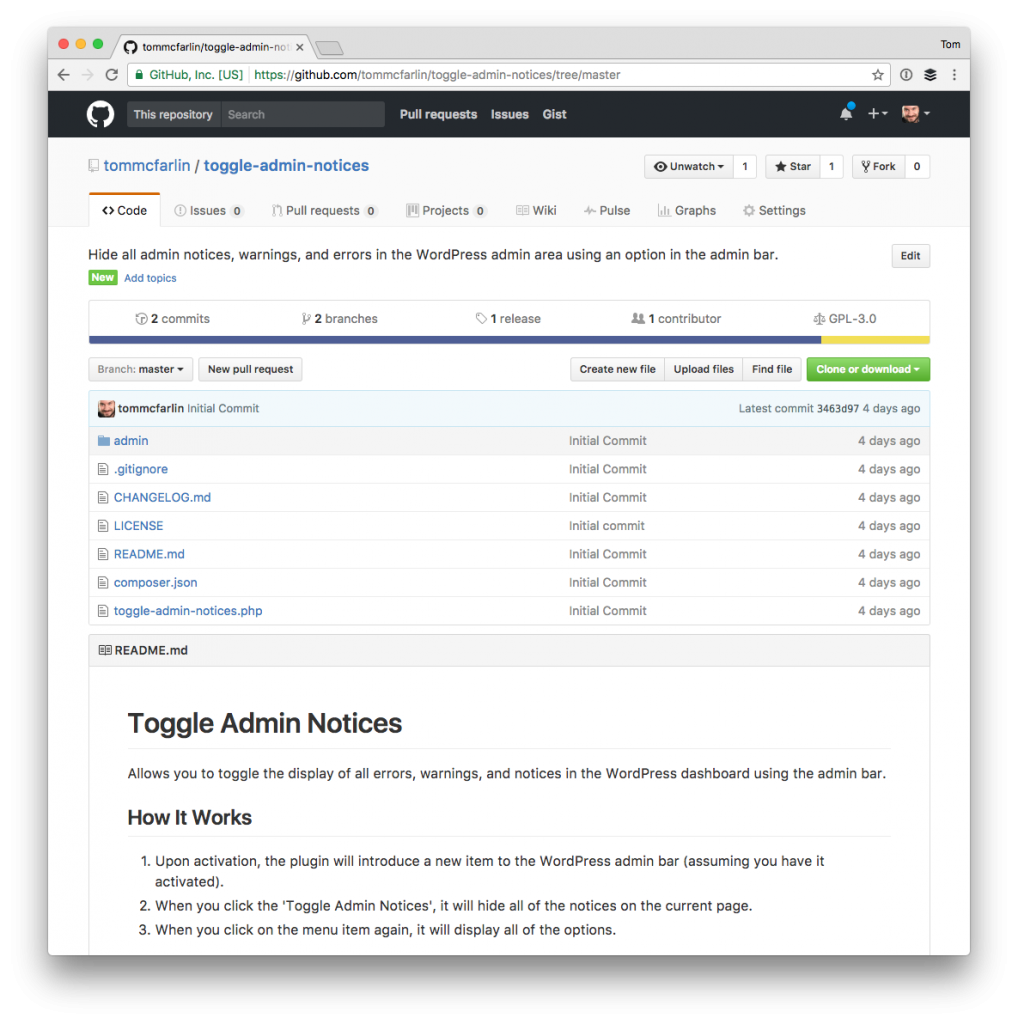
Recently, I published a small plugin – meant primarily for developers – that allows users to toggle admin notices whenever they are working with WordPress (ideally in their local environment, though it can be installed anywhere WordPress is installed).

WP Admin Bar Styles: Toggling with Events

The plugin is simple:

  • It introduces an item into the WP admin bar,
  • When you click on an item, it will toggle any notices or messages that are displayed,
  • When you click on it again, it will toggle their visibility.

But there’s a small nuance that I think is worth covering and that has to do with manipulating the WP admin bar styles using client-side code.

All of this is covered in the initial post, but one aspect of the code that I think is worth sharing for those working with the admin bar and those working with JavaScript.

Continue reading

« Older posts Newer posts »

© 2026 Tom McFarlin

Theme by Anders NorenUp ↑