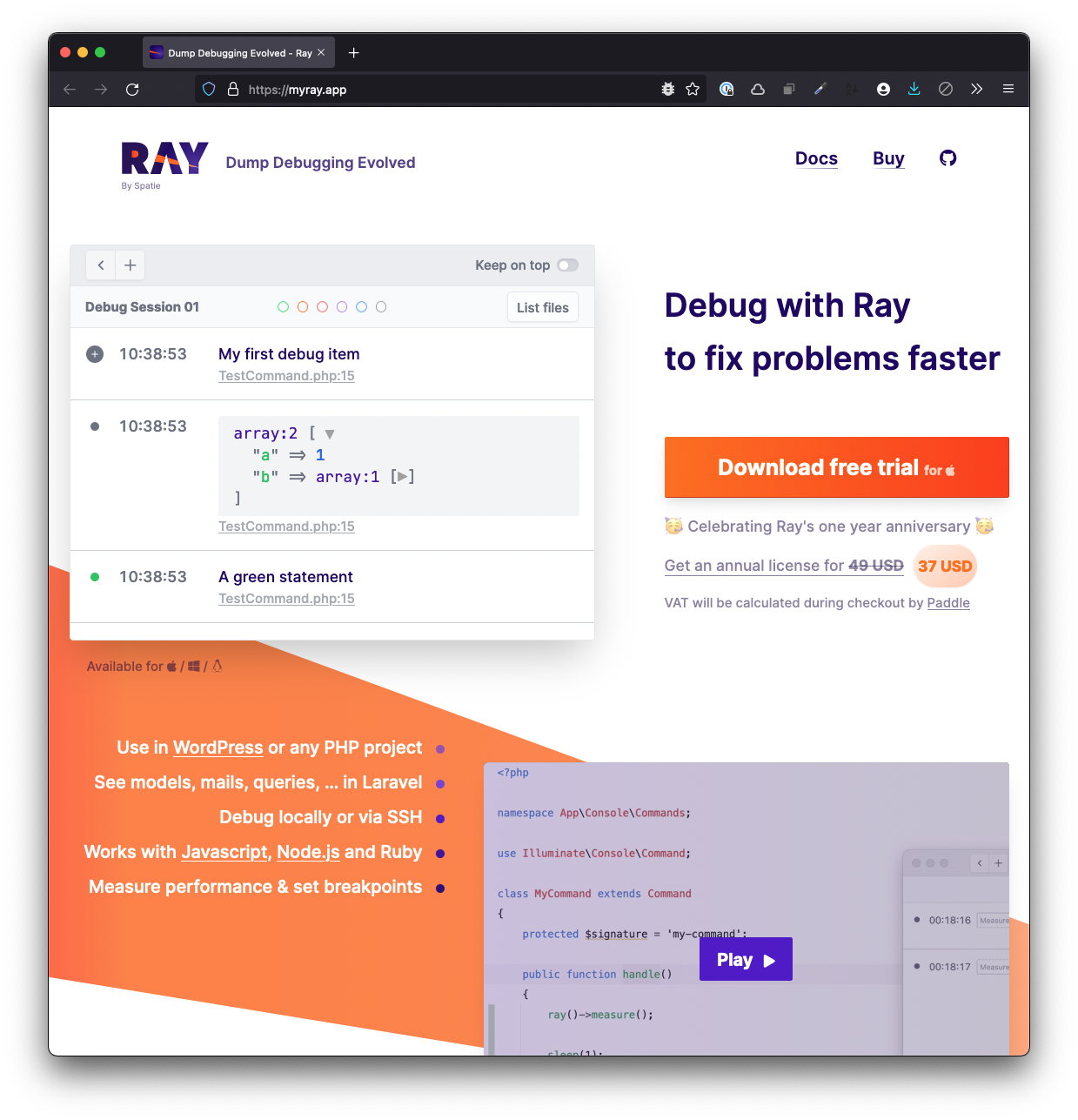
TL;DR: Though knowing how to use a debugger is useful, it can be overkill for some of the work that we’re doing. In this article, we’ll look and see what debugging functionality Ray provides and how we can use it when traditional debugging may be overkill.
TL;DR: The WP Plugin Scaffold repository contains a a very basic set of files that are needed to spin up a Composer-based WordPress Plugin.
Over the years, I’ve written or contributed to a number of different projects that have been aimed at making WordPress plugin development easier. At this point, there are a variety of ways people are creating WordPress plugins such that there isn’t really a way to create a boilerplate to capture all of them.
So I’m not aiming to do that.
But over the last few months (or maybe a year?), I’ve been working with the same structure for creating plugins. It normally grows into something larger based on if I’m taking an object-oriented approach or a procedural approach. It also changes based on how large the plugin is, what its purpose is, who is going to use it, or how it’s going to be used.
To that end, I’ve ended up with a very basic set of files that every project incorporates regardless of the size.
TL;DR: Callers and Stack Traces are two indispensable tools for debugging code and Ray makes it simpler than most fully-featured debugging environments. This article covers how to both understand what they are and how to use them.
TL;DR: We’ll see what Ray looks like when rendering data, data structures, and other information in the context of a custom WordPress plugin. We’ll also see how to leverage some of its built in functionality for making data structures much more readable from how we’ve historically been able to do so.
📝 A Note About the Ray Plugin
When it comes to actually using the Ray application within the context of WordPress, I’d like to bring some clarity to the different ways in which it can be installed.
Ray can be installed as a Composer dependency which is what we did in the previous article.
All of these are viable options. I prefer to use the first option because I’m a fan of Composer and managing my dependencies that way so this guide will be following that approach.
If you opt to use any of the approaches, great! This series, however, will not offer guidance on those methods.
TL;DR: This is the first article in a series in which I’m going to walkthrough how to use Ray in WordPress development. From installation, plugin creation, and both beginner and advanced use of the application.
Starting last summer, I started to use Spatie Ray in my day-to-day work. I’ve written a few posts about it:
The more I’ve used the software and the more I’ve talked with other developers in the WordPress space, the more I see there’s potential for how to really leverage all the features the software offers beyond a glorified var_dump or print_r.
If you’re someone who’s comfortable writing code for WordPress but hasn’t gotten started with a debugger or is someone who is used to writing statements out to the browser, it’s my hope this series will provide you with everything you need to get started.
📝 Notes, Prerequisites, and More
I don’t necessarily have any pre-requisites as I’m going to be writing about Ray using an example plugin and project and doing so from the ground-up.
I do assume you have a local environment running and you’re comfortable working with Visual Studio Code or another IDE. When applicable, I’ll link to documentation that may be useful for setting up a development environment or diving deeper into a topic.
Though I plan to provide some explanation as to what we’ll be doing in a given step, such as installing Ray via Composer, I won’t necessarily be taking the time to show how to install Composer. Instead, I’ll link to other blog posts or available documentation to do that.
With that said, let’s get started with using Ray in WordPress Development.
Kinsta offers premium managed WordPress hosting for everyone, small or large. Powered by Google Platform and strengthened by Cloudflare, they take performance to the next level. All hosting plans include 24/7/365 support from their team of WordPress engineers. Get startedwith a free migration today.