Software Engineering in Web Development, Backend Services, and More

Tag: WordPress (Page 129 of 220)

Articles, tips, and resources for WordPress-based development.

Sanitizing Multiple Values with the WordPress Settings API

This post is part of a series on Sanitization with the WordPress Settings API. This is the first post in the series.

A couple of weeks ago, I wrote a series of posts on An Object-Oriented Approach to the WordPress Settings API. With the proliferation of the The Customizer, I don’t know what the fate of the Settings API will be as WordPress moves forward, but I know that it’s not going to go anywhere soon and I know plenty of projects that still use it such that they’ll be maintained for a while.

Anyway, the goal of the previous series should be clear:

How to organize files in an object-oriented manner such that you can take advantage of some of the features of object-oriented programming such as inheritance, etc.

Maybe it did its job, maybe not. Generally speaking, I think the posts lead to some generally positive comments and I had a few people email me with some better questions so I thought I might talk a little bit more in-depth on things we can do to further take advantage of object-oriented practices within the context of this API.
Continue reading

How To Stop Saving Empty Values with the Settings API

Occasionally, I’ll get questions via Twitter or email from those who are working with the Settings API and aren’t sure why certain values are saving when they shouldn’t actually be saving.

For example, say you have an input field that’s asking for, say, a company’s name. You obviously want to sanitize the data to make sure that it doesn’t have any malicious characters and you want to make sure it’s empty, but what if you’re code is structured in a way that is stores an empty string in the value of the array if it’s not set?

I mean, an empty string is not nothing, right?

Continue reading

WordPress Menu Pages and “Cheatin’ Uh?”

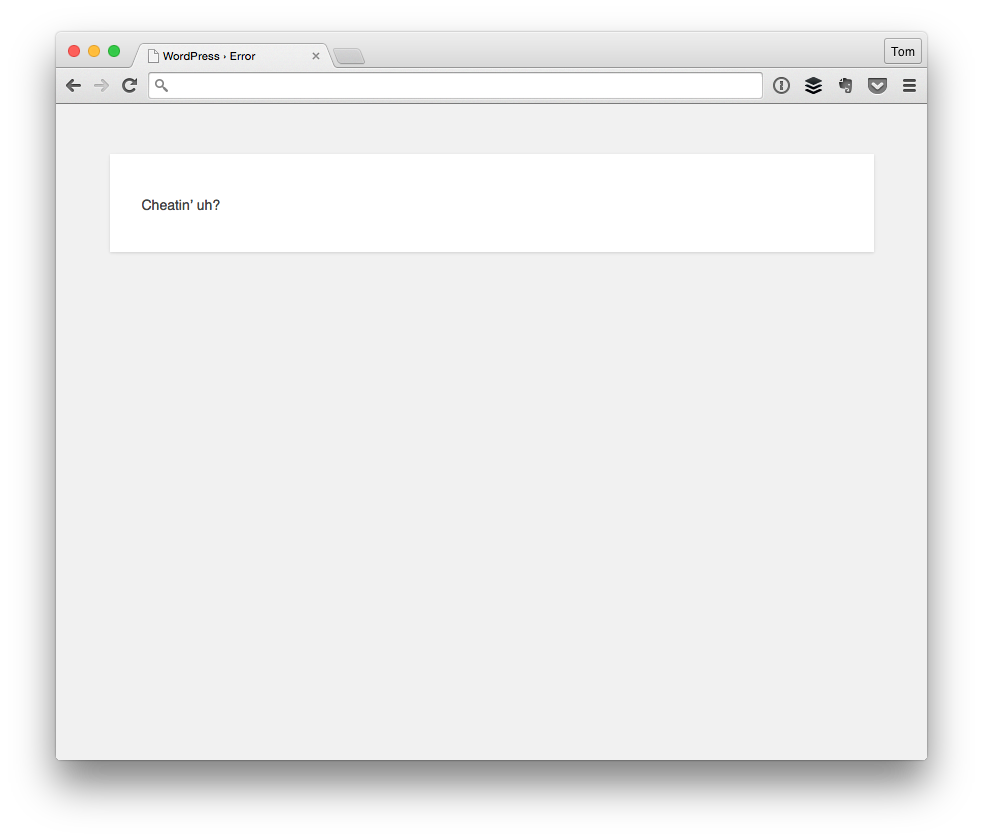
When working with WordPress menu page permissions, you there’s a chance that you’ll eventually come across the “Cheatin’ uh?” message.

Cheatin uh

In short, this particular message shows up whenever a user of a certain role with a certain set of capabilities is trying to do something that they aren’t permitted to do. For example, say that you have an Editor who is trying to save options on a page created by the Settings API.

Technically speaking, this should be straightforward:

  1. Create the options menu (via, say, add_menu_page)
  2. Populate the page using the Settings API
  3. Allow the user to save the information

When defining add_menu_page, you have to specify a capability for which the user has the ability to save the options. Luckily, the Codex has a page that makes it really easy to know what capabilities are available to each role.

But what happens when you’ve defined a capability for a menu page and you’re still getting an error message when trying to save the data?

Continue reading

Resources For The WordPress Theme Customizer

With the recent change to WordPress.org requiring themes to use the WordPress Theme Customizer in their work, WordPress designers and developers have been talking about it and discussing it for several weeks now.

And rightly so: Many of us are fans of the customizer, many are not, some fall in between, and some wish that there was a compromise.

As far as I’m concerned, that’s fine (though maybe I’m biased because I tend to be a fan of the Customizer), but whatever the case, this doesn’t change the fact that there’s a lot of education that needs to happen around how to use the API – which isn’t terribly difficult (in comparison, to say, the Settings API) – and how to make the transition over to it.

Continue reading

Using SiteGround For WordPress Hosting

As if this is actually news to anyone, one of the number one choices that have to be made when hosting a website is where to actually host the site. And there’s no shortage of hosts from which to choose.

For beginners, it’s easy to look for cheap hosting, for more advanced users, it’s easy to look at managed hosting, dedicated hosting, VPS hosting, and for some businesses, it’s even best to look for reseller hosting.

Regardless where you fall, hosting is one of the most critical components that comes with running your own website – especially as it starts to grow beyond a basic blog and/or a basic site.

Over the years, I’ve experienced a number of different hosts – some great, some not so great – and I’ve usually blogged about a number of them. But as this site has continued to grow and as Pressware has continued to grow as well as head into a different direction, I opted to change hosts sometime ago.

Continue reading

« Older posts Newer posts »

© 2026 Tom McFarlin

Theme by Anders NorenUp ↑