Software Engineering in Web Development, Backend Services, and More

Author: Tom (Page 396 of 432)

Remove JavaScript Tags From WordPress Input Fields

When building custom functionality into WordPress, it’s important to make sure that you’re properly sanitizing data. WordPress provides an array of utility functions for doing this.

But there are times when completely sanitizing the input may be too much. For example, say you’re working on a widget that has a text field and you’re comfortable with allowing the user to input styles and markup but want to remove any JavaScript. Using strip_tags and strip_slashes is overkill, obviously. These would reduce the input into nothing but the raw text.

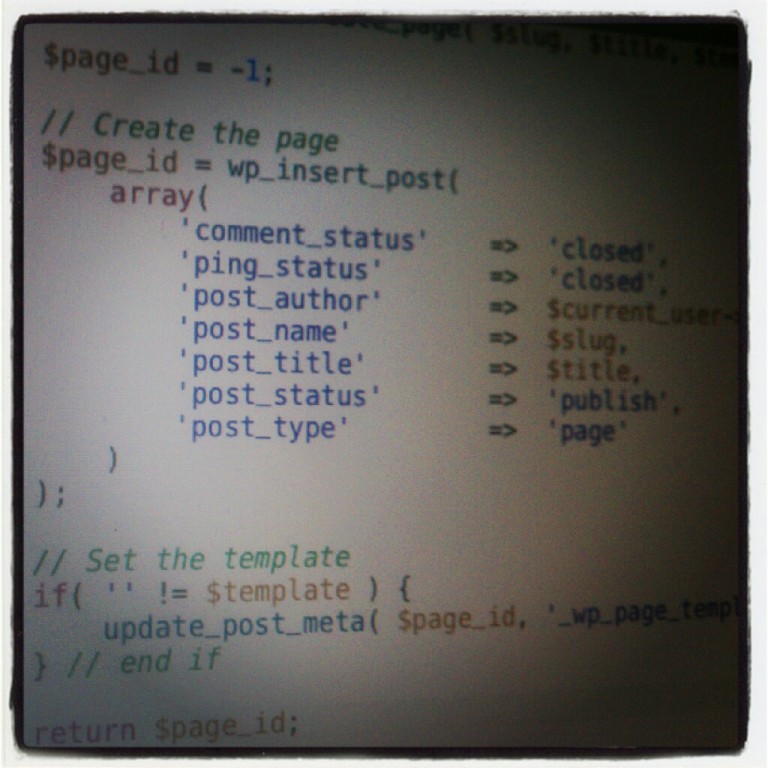
Here’s a simple way to removing JavaScript tags from input fields while still supporting inline CSS and HTML markup:

Continue reading

Introduction To WordPress Unit Testing

WordPress Unit Testing

Unit Testing (or other testing methodologies) is one of those things that’s often relegated to larger software applications or enterprise-level projects and seems to be often overlooked in the context of WordPress.

Why is that?

WordPress is a web application and the tools, themes, plugins, and extensions that we build are software that run on top of said platform and the platform as well as the certain themes and/or plugins can be used anywhere from just a few hundred people up to several million people.

In some cases, I think this qualifies it as enterprise-grade. Regardless, WordPress should not be excluded from the best practices in software development. As such, I’m contributing a series of articles on Envato that is meant to help you get started with WordPress unit testing.

It’s targeted at beginners but aims to lay a foundation on which more experienced developers can build. Additionally, I’m providing working examples of plugins and themes both of which have been built using unit tests:

  1. What Is Unit Testing?
  2. Building a Testable Plugin
  3. Building Testable Themes

Throughout the series, I walk you through how to setup your local development environment to include both PHPUnit and the WordPress Testing framework along with giving a background of unit testing, what it is, why it matters, how it can improve plugin architecture and theme development.

All of the code is also available on my GitHub page:

Configure Coda 2 To Connect MySQL

If you’ve recently installed or upgraded to Coda 2, are using MAMP to manage your development stack, and are looking to use the built-in MySQL frontend, here’s what you need to do in order to connect to MySQL in Coda 2.

Coda 2 and MAMP MySQL Socket

Setting up a connection between your project and its database is easy. It really only takes a single step though it assumes you know the username and password to your local database (which I can’t imagine why you wouldn’t know it :).

Continue reading

« Older posts Newer posts »

© 2026 Tom McFarlin

Theme by Anders NorenUp ↑