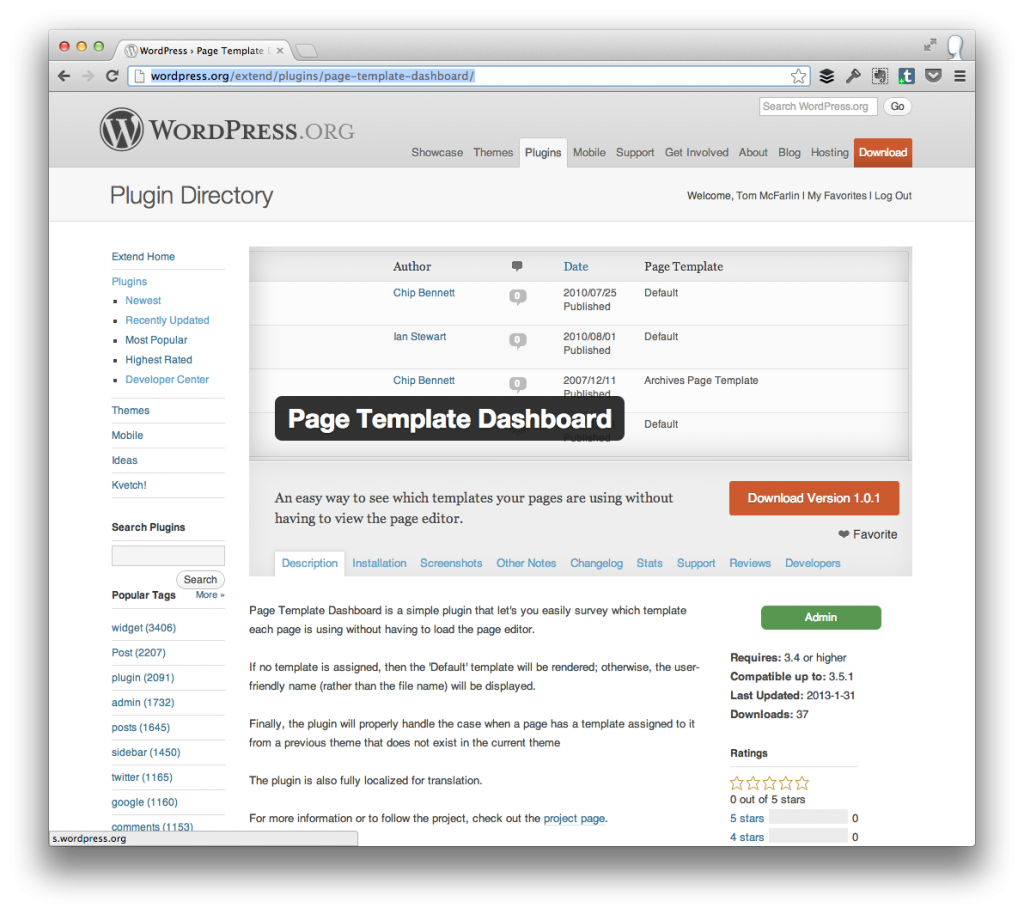
Page Template Dashboard is a simple WordPress plugin that makes it easy to see which template each page is using without actually having to load up the post editor screen.
This particular plugin is one that I’ve been using personally during development, but have never bothered to release a proper version of it.
Obviously, it’s a simple plugin but it’s meant to save editors, authors, developers, and anyone else that spends a lot of time in WordPress a little bit of time.
Page Template Dashboard does the following:
- Adds a new column to the ‘Pages’ listing in the WordPress dashboard that lists the column
- Will display ‘Default’ if the page uses no template
- Will display the user-friendly name (versus the file name) of the template
- Will check to see if the template applied to a page exists before displaying it just in case the page template information is left over from a previous theme or plugin.
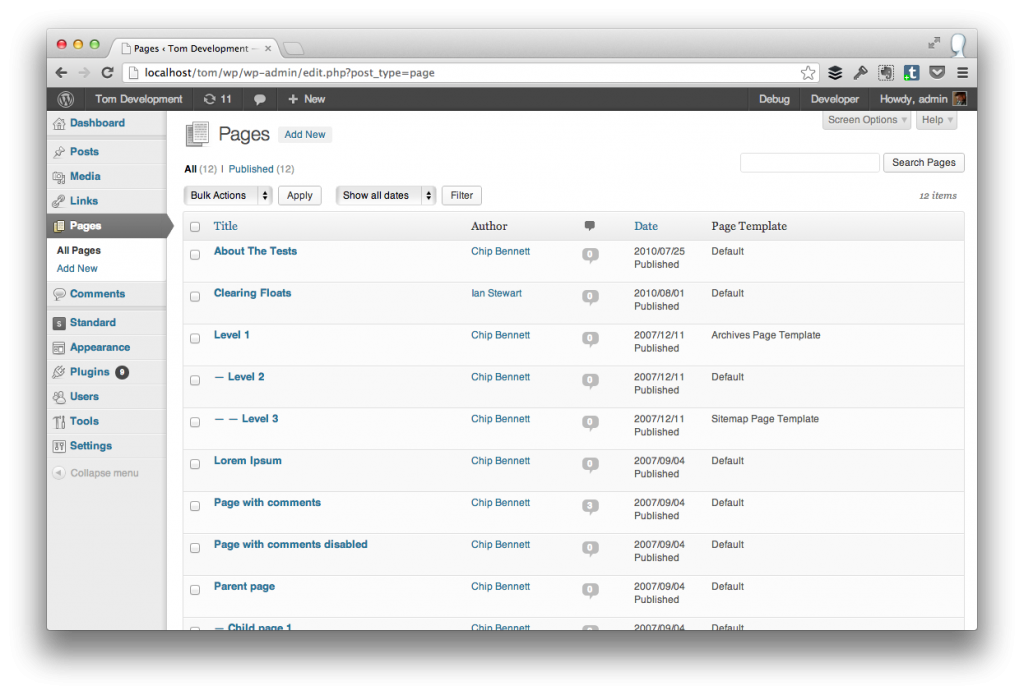
The Page Dashboard after the Page Template Dashboard has been activated.
The plugin is also fully localized and ready for translation as per the WordPress best practices.
You can read more information and download a copy of the plugin at the WordPress Plugin Repository.
As with all of my other projects, I’m always looking for feedback be it in the form of bug reports, issues, or suggested improvements so don’t hesitate to contact me or leave a note in the plugin’s forums.


Excellent plugin – I’ve got it installed on one of my sites now. It will also work well for my new client sites where they have a pre-built theme created by someone else that just needs some tweaking/fixing done. Thanks!
You are my hero!! I was just thinking about writing a plugin that did this, but you have more than what I was going to do. So a big thank you is in order!!
Simple yet very useful, as can be usually applied to every great idea! Thanks for this, Tom, I was missing something like it.
Now THAT is what I call a great plugin! Love the idea behind it. Bravo!
Thank you, sir!
Hey Tom!
Just a quick heads-up: I’ve been curious, so I had to give it a spin. And so I’ve installed it on a site where I had a child-theme enabled. On the “Page Template” column, all of the pages showed “Default”, even though some of them were associated with a page template.
While peeking at the code, I noticed that you’ve used
get_template_directory()to check if the template file exists. But that always checks the parent theme. I think that instead, you should useget_stylesheet_directory()because it takes into consideration both child and parent themes.Also, when getting the template’s filename, wouldn’t it be better to use the core function
get_page_template_slug()? (notice what that function returns)Hope that was useful! And keep up the great work!
The
get_stylesheet_directory()is a great point. Basically, this plugin came out of a small utility I was using locally so I opted to release it.This will make a good improvement, so I’ll aim to release it soon (and give you props in the credit).
As far as
get_page_template_slug()is concerned, I’ll look into it – first time I’ve heard of that function. If it’s more useful and better than what I’m doing, then I’m all for it.You’re like the Microsoft Encarta of little known WordPress API functions
.
Apparently I am! Analyzing core is possibly one of my hobbies. Not completely sure about it yet.
Oh, and I’m glad you’ve found my feedback useful. It’s fine because when you release a plugin you barely get to think the ins and outs of it properly. Iterate and ship – that’s how it should be.
Yes – big fan of having strong 1.0′s and then improving from there. I try to do that with nearly every single thing I ship.