Software Engineering in Web Development, Backend Services, and More

Tag: WordPress (Page 40 of 220)

Articles, tips, and resources for WordPress-based development.

Does WordPress Hold You Back as a Developer, Really?

One of the commentaries that we often read or hear about WordPress is its “low barrier to entry” and why this is good for the web.

The counterpoint to this is that it prevents developers (or “would-be developers,” as some may say) from embracing more modern technologies because WordPress doesn’t require them.
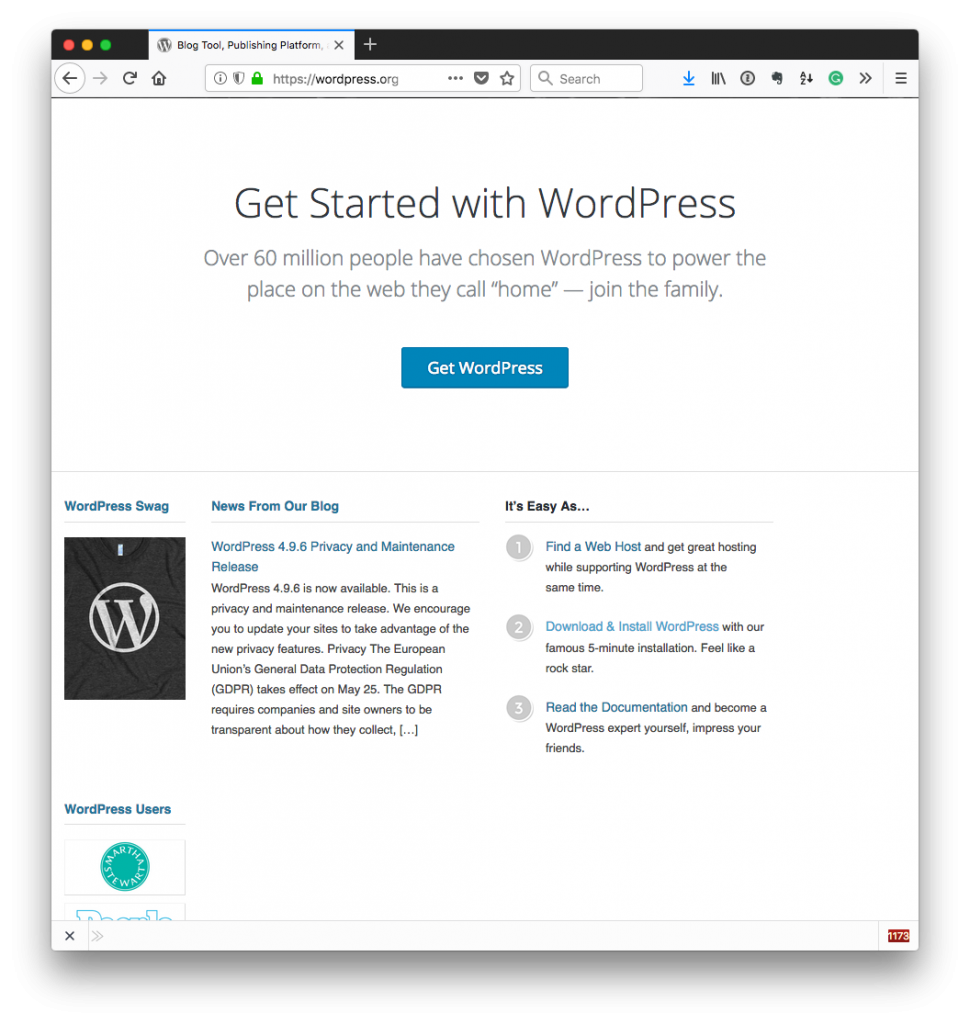
Does WordPress Hold You Back?

To be honest, I’ve even seen some go as far as to say that if someone says they are a PHP developer who has primarily worked in WordPress for their career, then you should subtract, say, three years from their “real” PHP experience.

Yikes.

I see reasons for this – I’m guilty of some of the “older” practices – but does that mean that WordPress prevents us from becoming high-quality, object-oriented programmers?
Continue reading

Where Are the Amazing WordPress Jobs?

A couple of days ago, John O’Nolan who’s the guy leading the team behind Ghost shared the following tweet:

https://twitter.com/JohnONolan/status/996132104445378560

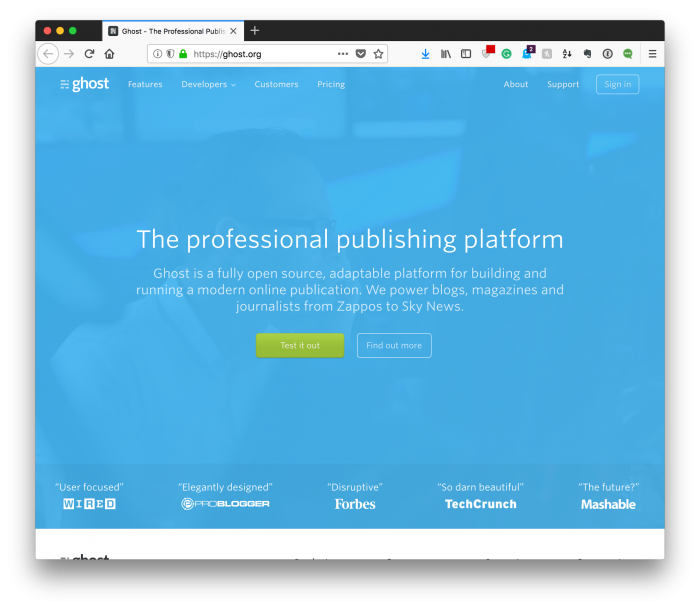
Amazing WordPress Jobs: Ghost

I quoted the tweet to give context to the following question:

This is a legitimately honest and unloaded question: How many companies built on WordPress have job postings like this?

I can think of *maybe* 5 off the top of my head, but I’m curious about what’s out there now.

At the time of this writing, I’ve received next-to-nil on responses, so I thought it might be worth sharing a few thoughts about it here.

Continue reading

Running Multiple Versions of PHP with Homebrew

One of the challenges with building solutions on WordPress is working with the various environments each host provides.

That is, some are still running very old versions of PHP; others are running newer versions, but even then there are variations among them.

Case in point: I’ve been running PHP 7.2 on my local machine for development for some time; however, I’m currently on a project where a few of the dependencies on the continuous integration tool offers support only for PHP 7.1.

And because I like my development environment to mirror the staging and production environments, I think it’s important to make sure there’s parity.

If you’re using a package manager, it’s pretty easy to get going with multiple of versions of PHP with Homebrew, but you may run into a couple of snags as it relates to running it alongside Valet.

Continue reading

When Valet Stops Working Properly, What Do We Do?

I’m a fan of using both Homebrew and Valet when it comes to setting up and configuring a basic WordPress development environment. Though using package managers and simple software for such like this should make things easier, it doesn’t absolve us from the occasional problems.

Case in point: There are times in which we may have to update our TLD to play nicely with Chrome and other browsers, or even upgrade the entire installation.

Unfortunately, it’s not always as easy as it should be. Technically, we should be able to uninstall Valet and update it via Composer. But I’ve personally run into some problems that relegated having to:

  • manually uninstall Valet,
  • use Homebrew to uninstall PHP and clean up what was left completely,
  • reinstall Homebrew packages,
  • install Valet,
  • verify the browser uses the same version of PHP as the installation of Valet.

It sounds like a lot of work for something that should more or less “just work” and it is quite a few steps, but they are pretty quick to set up.

Continue reading

The WordPress Developer’s Guide to MySQL Data Reconstruction

At some point in every developer’s career, there is going to be a time where you do something that tanks production.

  • Maybe you’ll push code that ends up busting a cache that serves data to millions of people,
  • Perhaps you’ll update an application and end up blowing away information that’s not backed up,
  • Or maybe you’ll push a change that “works on your machine” but completely hoses the source control repository.

And there are plenty of other examples. I’m sure you can quickly name five more yourself.

I’ve committed (pun intended, sort of) my fair share of all of the above but one of the things that I see from people working in our space.

That is, those who work with database-backed web applications –  is the lack of understanding of database organization at the file system level and how it is possible to reconstruct data even when you don’t have a standard backup off of which to work.

In this post, I’m going to take a deep dive into MySQL database organization at the file system level, how you can restore information from that versus a backup file should you find yourself in that situation, and provide references (or bookmarks) should you need them.

Continue reading

« Older posts Newer posts »

© 2026 Tom McFarlin

Theme by Anders NorenUp ↑