Software Engineering in Web Development, Backend Services, and More

Tag: WordPress (Page 122 of 220)

Articles, tips, and resources for WordPress-based development.

TinyMCE and WordPress: Adding User Input

In the previous post in this series, I showed how to add content to the post editor using a custom TinyMCE button. The problem with the approach, as we’ve covered thus far, is that the content that we’re adding to the editor is hard-coded.

We’re rarely going to want to be doing this, right? I mean, wouldn’t we rather grab input from the user and then add that to the editor?
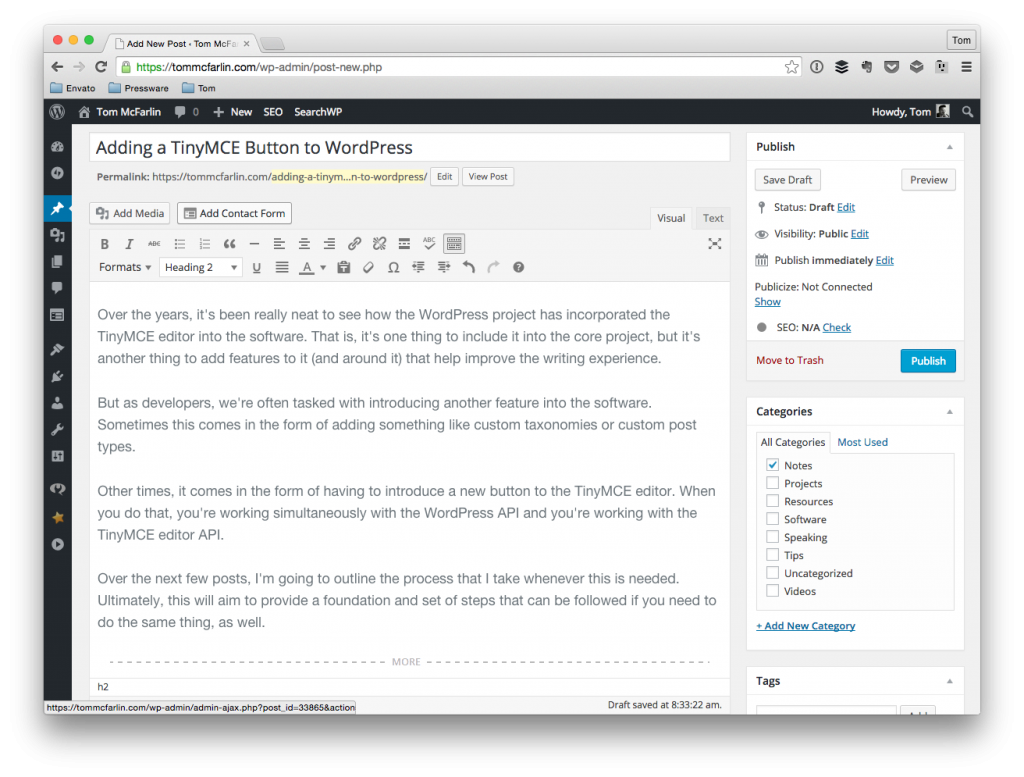
My very own copy TinyMCE Editor. Show spectacular.

My very own copy TinyMCE Editor. So spectacular.

For some, this may be creating a shortcode based on some input, for others it may be grabbing input, making an Ajax call, and then putting the result of the request into the editor, or it may be something as simple as taking whatever input the user has provided in a prompt and then adding it to the editor.

Though the latter case is not likely something that is a realistic use case (after all, if they just wanted to put something into the editor, why not just, you know, enter it into the editor?), it’s something that will make rounding out this series a bit more complete because it will show how to connect displaying a prompt to the user, grabbing the input, then using the TinyMCE API to drop the input into the editor.

So that’s what we’ll do.

Continue reading

Get The Post Type of the Current Post with JavaScript

Whenever you need to get the post type for a given post, there are a couple of ways to do this:

  • If you’re in the dashboard, then you can use `get_current_screen()` and then access the `id` property of the object that’s returned. You can read more about this in the Codex.
  • If you’re on the front-end (or even in the dashboard, really), you can use `get_post_type`. This is also covered in the Codex.

But what if you want to grab the post type of the post that’s currently being edited on the client-side (read: via JavaScript)?

Continue reading

How To Save WordPress Submenu Page Options

If you’re using functions such as add_menu_page or add_submenu_page to create pages in the WordPress dashboard, it’s pretty easy to get something up and going, but what if you’re looking to actually save WordPress submenu page options?

Submenu Page Options

That is, let’s say you’re creating a page in the dashboard that’s tied to a new menu item – perhaps something that’s being added to the Tools menu – and you want to display some options among some other text or some other element or set of elements that you’re displaying.

It’s completely possible to use the Settings API to do exactly that, but it may also be a little heavy-handed for saving a couple a small set of options.

Luckily, WordPress has a hook that’s available that makes it pretty easy to save information like this that’s completely usable outside of the Settings API.
Continue reading

How To Remove WordPress Meta Boxes

Out-of-the-box, the meta boxes that WordPress displays on the dashboard aren’t exactly overkill. I mean, if you’re a blogger, then I think the chances are strong that you’ll need:

  • Publish
  • Categories
  • Tags
  • Comments
  • And maybe the Excerpt feature (depending on your theme)

But if you’re building a solution for someone else where that information is irrelevant, wouldn’t it be worth removing the WordPress meta boxes to make the dashboard a little bit cleaner with less irrelevant options?

Continue reading

Being a Pragmatic Programmer in WordPress

One of the things that I’ve begun to think about as I move through my career in development is what it means to be truly pragmatic about the work that I do.

But first (and no, this is not an affiliate promotion), I think it’s worth noting that The Pragmatic Programmer is a book that I think every person who is a developer of some sort should reading (maybe several times, even). It’s an easy read and brings up a lot of good points as it relates to being the best programmer that you can be as it relates to best practices (whatever that may look like for your slice of the industry).

Anyway, I’ve talked about the tension of having to stay on top of every new technology that’s released as well as the importance of going deep rather than wide as it relates to the work that we’re doing on a day-to-day basis.

Continue reading

« Older posts Newer posts »

© 2026 Tom McFarlin

Theme by Anders NorenUp ↑