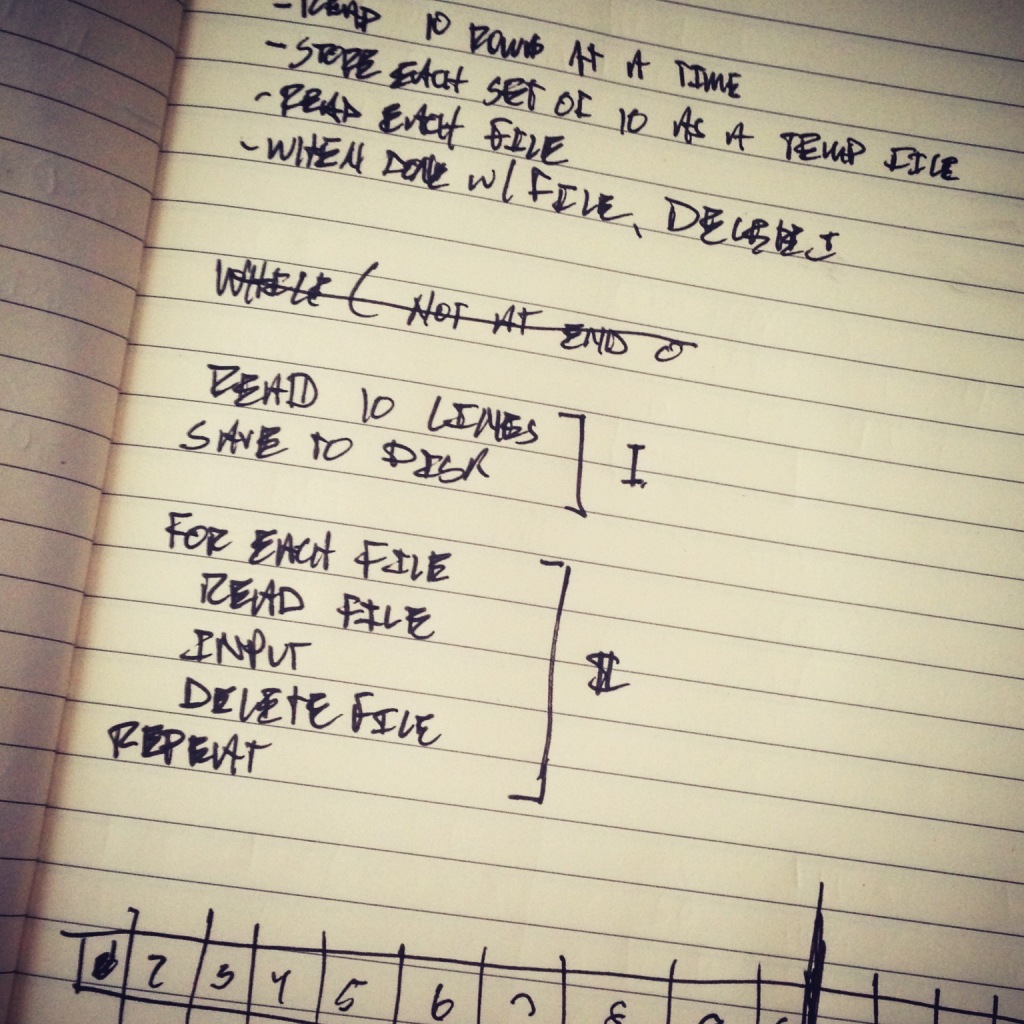
One of the problems that comes with importing CSV files into WordPress isn’t the process that comes with actually doing it but that comes with the work that happens while processing a large dataset.
That is, on staging and production servers, we are subjected to the constraints of the PHP environment which may end up resulting in PHP timeouts. In order to help combat this, there are a number of things that we can do the first of which is to split up our input file into smaller files (which I discussed in the previous post).
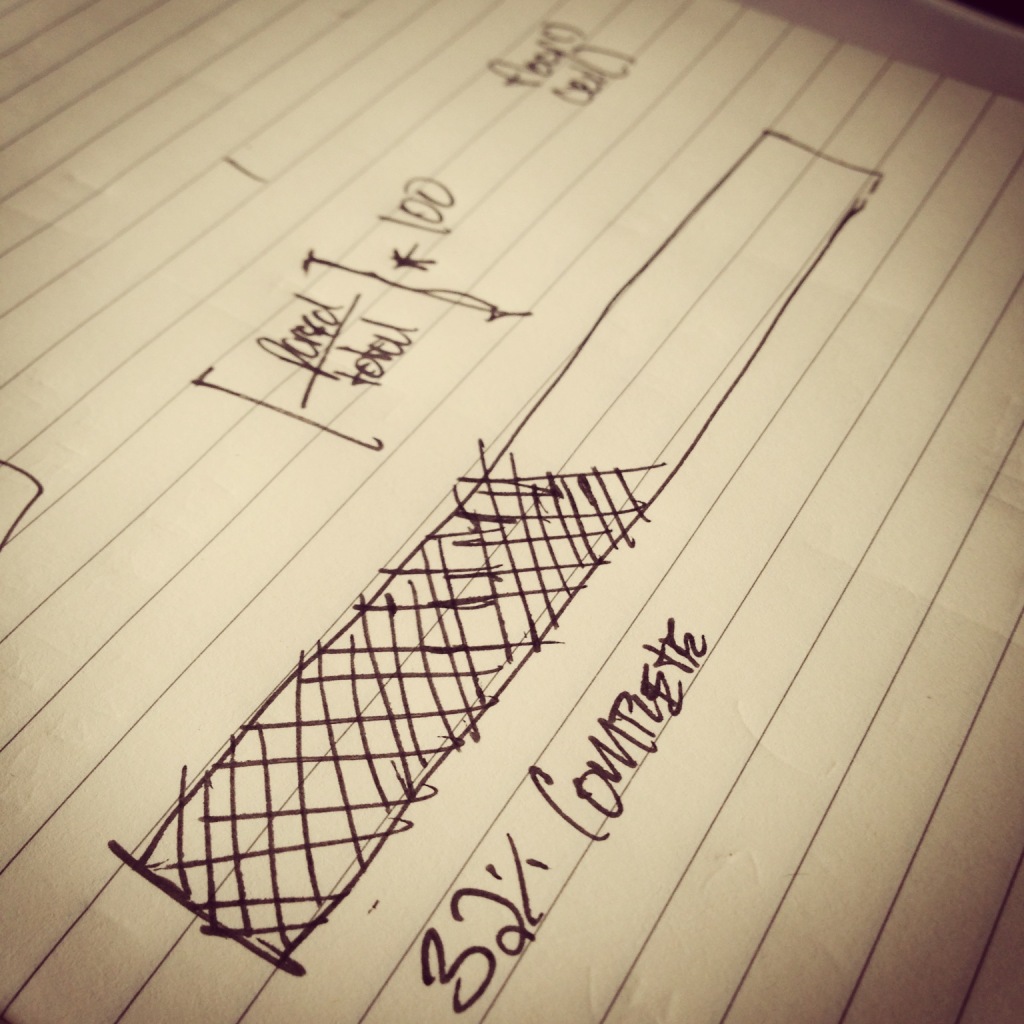
Obviously, the idea behind this particular strategy is to create smaller files that we can import one at a time that won’t result in a PHP timeout issue (since smaller files clearly result in less data to import). Though this comes with another challenge: giving the user visual cues that something happening while they wait for the import process to complete.
There are a few strategies for doing this, but I’ll cover the process that I’ve used at a high-level and at which I’ve found to work well given lots of information and constraints above.