Tom McFarlin

Software Engineering in WordPress, PHP, and Backend Development

Page 177 of 428

WordPress Security with Nonce Values

When talking about WordPress security from a developer’s standpoint, it’s inevitable that the topic of nonce fields and nocne values are going to come up. And rightfully so! These are ways to help protect submission information from contaminating our databases.

But are they the way to fully secure our code? Before looking at that, I want to make sure we’re all on the same page as to what a nonce value is. When you look through enough WordPress source code (well, source code in plugins, etc.) then you’re likely to find some developers don’t use them (though they should).

WordPress Security: Nonces in the Codex

Simply defined:

A nonce is a “number used once” to help protect URLs and forms from certain types of misuse, malicious or otherwise. WordPress nonces aren’t numbers, but are a hash made up of numbers and letters.

Nor are they used only once, but have a limited “lifetime” after which they expire.

During that time period the same nonce will be generated for a given user in a given context. The nonce for that action will remain the same for that user until that nonce life cycle has completed.

Though this is the gist of it, there’s more to it than that, and I highly recommend reading the Codex article as it does a good job of outlining what they are, how to use them, and what their purpose is when working with them.

The question remains, though: Are nonces enough when it comes to WordPress Security?

Continue reading

Rapid Application Development in WordPress

Back in the day (as if that was really that long ago for me ;), “rapid application development” used to be a phrase that was used to describe the amount of time we could take an idea and get it into a functional prototype in order to evaluate its utility.

That reads terribly, terribly boring.

Think of it this way:

How fast can you take an idea, turn it into a functional prototype, and determine if it sucks or not?

Or maybe:

In general, RAD approaches to software development put less emphasis on planning tasks and more emphasis on development.

Maybe that fits with more of the cultural norm than, say, 15 years. ago. Anyway, there were tools like Visual Basic that made this easy.

Admittedly, I was a little young to grok what all of this was about, but I read a lot, and I tinkered with Visual Basic from 3.0 up to .NET so I was pretty familiar with the language and how the whole system worked.

But enough of that kind of talk. Here’s the question: How can we apply rapid application development within the context of WordPress?

Furthermore, is it possible to apply it in a way that allows us also to iterate on a product (free or not being irrelevant) without only evaluating its value to our users?

Continue reading

Programmatically Update User Profiles

When you need to update user profiles with code in WordPress, there are two hooks available:

And there’s a subtle difference between the two. If you don’t use the proper hook for the task at hand, then you may not end up with the result you’re expecting.

Update User Profiles in WordPress

The idea for this post is coming based on some work I’ve done on a recent project, and I thought it’d be worth sharing how the two hooks work and when one is preferable over the other (or when you may want to use both).

Continue reading

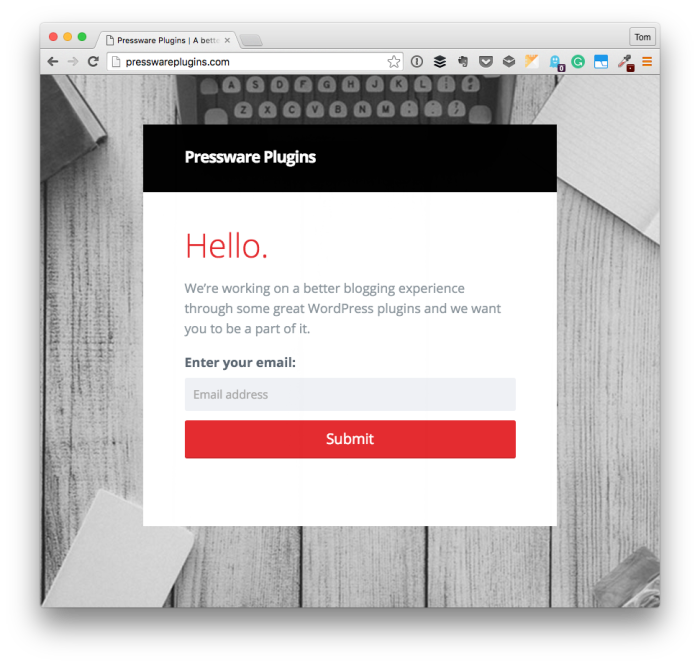
Pressware Plugins For A Better Blogging Experience

Creating a better blogging experience with WordPress can mean different things to do different people.

I think experts, developers, etc., have a leg up on the rest who want to have a streamlined workflow for how they draft content, respond to comments and generally, work within WordPress more so than the average blogger does.

Maybe I’m way off base. But when I see plugins like Postmatic who are aiming to improve commenting within WordPress and I see projects like Stuttter aiming to create single, useful tools for people who use WordPress, I can’t help but wonder:

I believe something about WordPress affords having a better blogging experience. But what might that look like?

Continue reading

Get Started with WordPress

If you’re looking to get started with WordPress, whether or not you’re a new user or someone who’s looking to start building things with WordPress, then there’s a lot of information to cover.

Some of this include understanding the ins-and-outs of themes and plugins, and it also includes getting a deep understanding of everything that comprises WordPress.

There’s no doubt: It’s a lot.

  • Databases
  • Web server software
  • Hosting environments
  • HTML, CSS, JavaScript, PHP, Preprocessors
  • …and so on

Some people already have a little bit of experience when it comes to the topics mentioned above, but not everyone does. And if you’re looking to learn that information, then you often have to pay for a course or a membership to a site.

There’s nothing wrong with that, but what if you’re looking for a primer on this information?

Continue reading

« Older posts Newer posts »

© 2026 Tom McFarlin

Theme by Anders NorenUp ↑