Software Engineering in WordPress, PHP, and Backend Development

Author: Tom (Page 318 of 429)

Some Thoughts on Design Patterns in WordPress

A few months ago, I did a series of articles on Design Patterns in WordPress that was meant to provide an introduction to object-oriented design patterns, and how they can be used when developing projects on top of WordPress.

When it comes to working with WordPress, code is normally written one of two ways:

  1. Procedural
  2. Object-oriented

For procedural programming, think of `functions.php` in theme development, and for object-oriented think of plugins. This isn’t to say that procedural programming isn’t used in plugins – it often is (case in point: Markdown Code For WordPress) – but so are object-oriented techniques (see the WordPress Plugin Boilerplate).

In short, decide patterns exist for a reason: They are proven solutions to common problems that appear in software development.

Yes, they may have to be tweaked a bit for a given situation, but the definition, structure, and so on remains the same. The thing is, I don’t often see many design patterns used throughout WordPress product development.

To be clear, I’m not talking about WordPress core, I’m talking about products built on top of WordPress. Perhaps I’ve just not done enough digging or paid enough attention to some of the work that’s out there, but I think if we – as developers – spent time working on implementing design patterns in our work, projects could have much more longevity rather than devolving into spaghetti code that’s so often found in WordPress work.

Continue reading

Comment Images 1.11.0 – Now Available

Last week, I had an interesting request for my Comment Images For WordPress plugin:

I wanted to make the default DISABLE so I could turn it ON on the ones I need it, instead of having to go through 200 posts and turn it OFF on 190 posts, that’s all. But if that’s not possible I understand.

Truth be told, this is a scenario that I’ve never thought of, but if you’re someone with a blog who has hundreds (or even thousands) of posts, then being able to disable or enable the feature across the board makes sense.

Continue reading

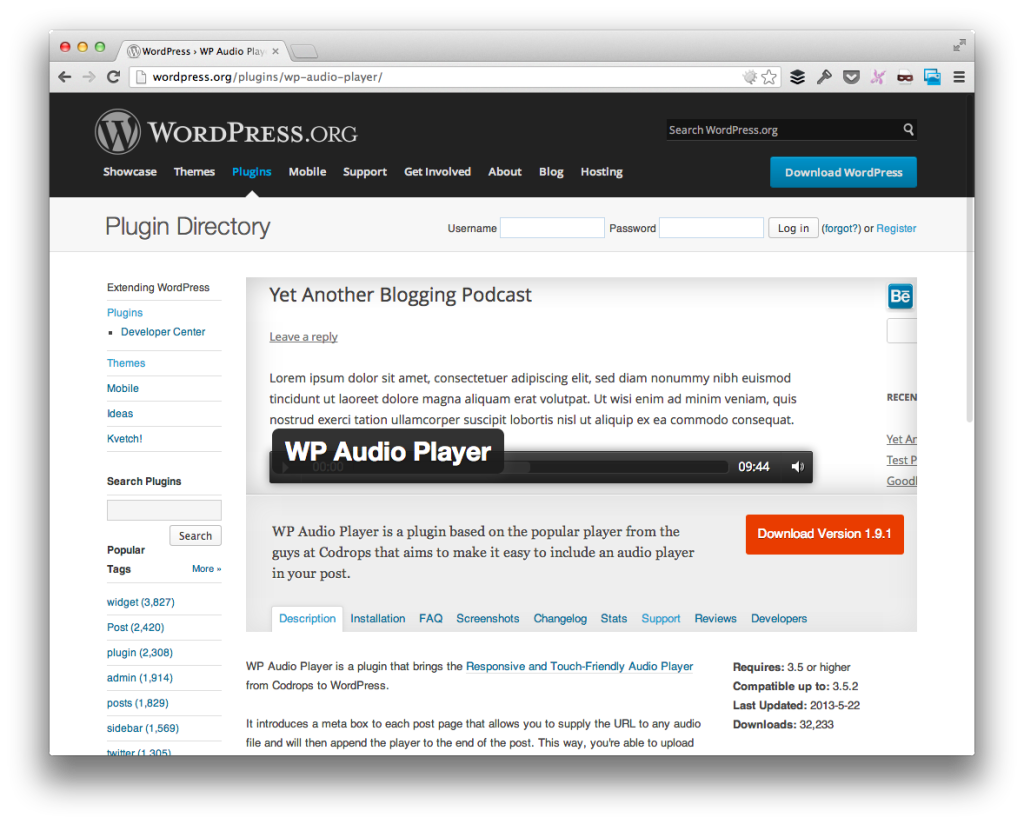
Retiring WP Audio Player For WordPress

With the recent release of WordPress 3.6 and its built-in support for audio files, I’m opting to to halt development on WP Audio Player for WordPress plugin.

WP Audio Player For WordPress

Here’s the thing: This has nothing to do with WordPress folding something into core that was once available via plugins and putting a plugin “out of business.”

Mostly, it has to do with my personal preferences and opinion behind the core libraries used in WordPress 3.6.

Continue reading

Improve Your WordPress Development Skills

Comments are closed on this post. If you have questions or comments, email me!

Last night, I sent out the first email to the subscribers for theĀ Improve Your WordPress Development Skills class that I’ve discussed over the past couple of weeks.

The email hit on the following points:

  • What’s covered in the class
  • When the course will be held
  • The pricing
  • Some of the bonus content that’s coming after the course
  • …and more

Continue reading

Quick Tip: Disable Auto-Updating of CodeKit Settings

When it comes to CodeKit, there are normally global CodeKit settings that I use; however, a number of the projects that I work on often result in some minor deviation from my core settings.

For those who have used CodeKit regularly, you know that you can set per-project settings, but if you’re using a project that’s under source control, there’s likely one irritating factor that you’ve noticed.

Continue reading

« Older posts Newer posts »

© 2026 Tom McFarlin

Theme by Anders NorenUp ↑