Software Engineering in WordPress, PHP, and Backend Development

Tag: WordPress (Page 80 of 219)

Articles, tips, and resources for WordPress-based development.

Working with Associative Array Values in WordPress

Spend enough time working in WordPress, and you find that a lot of data is often held in arrays (and multidimensional arrays, at that). I’m not arguing whether or not this is a bad thing or a good thing; it’s more of an intermediary step between grabbing something from the database and then rendering it on the page.

As you venture into the world of WordPress development, though, and you aren’t necessarily sure how you want to manipulate some of that data before rendering it, saving it, or working with it, you may ask yourself the following question:

How do I read the associative array values in WordPress?

And if you have experience in PHP, this isn’t something that’s terribly difficult. But if you’re working with an existing structure or trying to extend or manipulate something that already exists,

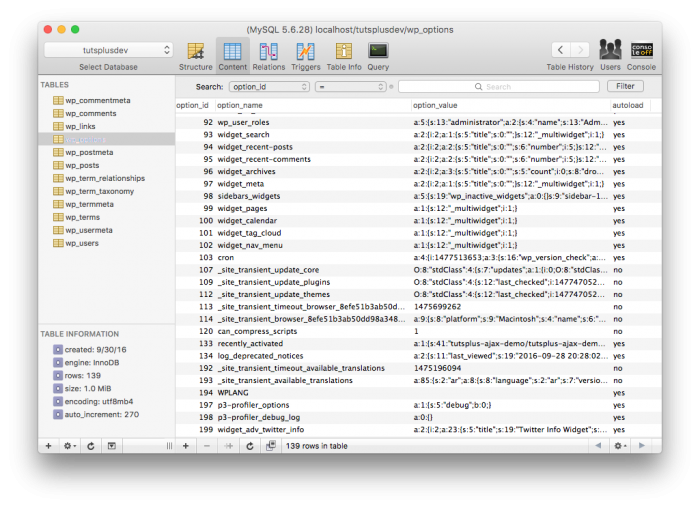
Associative Array Values: Look at all the serialized options.

Look at all the serialized options.

But if you’re still learning the ropes and you start trekking down the PHP manual, you’re likely to find something like array_values or array_intersect_key or something like that only to find out that you’re more confused than when you’ve started.

So what are you to do?

Continue reading

Should We Use PSRs or WordPress Coding Standards?

It probably gets a bit tiresome to talk about coding standards, practices, and things like that when you’re trying to focus on simply getting things done.

And though I get it, I also think that having standards and practices – at least within the context of your team – can go a long way regarding being productive, writing maintainable code, and having things in place to help with maintenance over time.

PSRs or WordPress Coding Standards: The PSRs

All of that’s beside the point, though. In the last few years, I’ve found that WordPress – at least those who work on the server-side – usually come in two flavors:

  1. Those who follow the WordPress Coding Standards,
  2. Those who follow the PSRs.

I think there are good reasons for choosing either one. Naturally, I’d say that because I’ve almost always used the WordPress Coding Standards (I have very few exceptions), but I understand the choice to use the alternative as well.

PSRs or WordPress Coding Standards: The WordPress Coding Standards

And it’s something I’m beginning to consider doing, too. But I’m curious, for anyone who’s used both or who has an opinion (strong or otherwise) on which one and why to share.

Continue reading

Safely Perform a WordPress Admin Redirect

A few posts ago, I talked through the process of creating your custom WordPress admin page (and listed reasons as to why you may want to do this rather than using an existing API). One of the challenges of doing this, though, is knowing how to set up a WordPress admin redirect.

That is, let’s say that you specify some options – or perhaps you don’t – and you need to be able to display a custom message. Or maybe you want to do some processing on the backend and then show the results on the front-end.

Whatever the case, one of the challenges of not using one of the existing APIs is being able to correctly setup a WordPress admin redirect so that it takes the user back to the page they were on, but also does so with whatever messaging you want to display.

Continue reading

WordPress REST API Example (One of Many)

With the second-half of the REST API merge confirmation coming to WordPress 4.7, it’s safe to say that there are going to be there clearly be more than one WordPress REST API example made available in the next few months.

Then again, there are examples that already exist because it’s possible to include the REST API in your project as a plugin, but I digress.

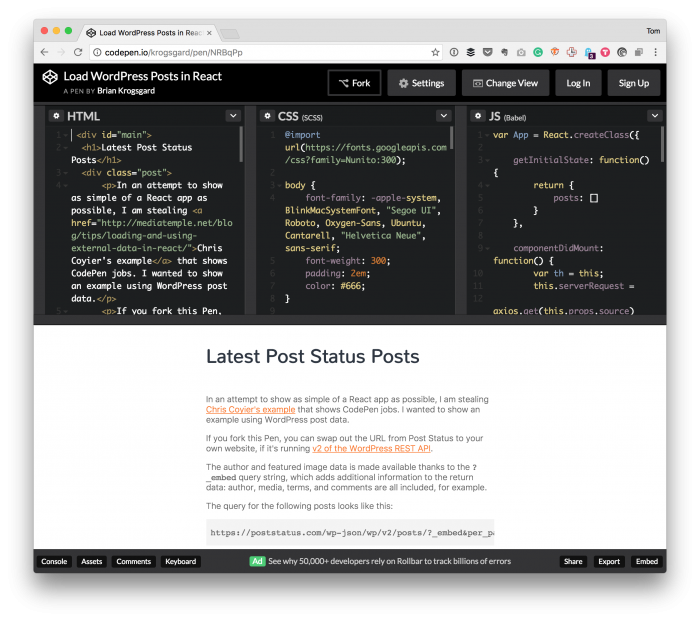
One of the neater, smaller examples that I’ve recently come across is by Brian Krogsgard.

WordPress REST API Example: By Brian Krogsgard

Not only does it show a WordPress REST API example, it shows how to use it in the context of a Rect applications.

Continue reading

Programmatically Set the WordPress User Role

When using WordPress, it’s one thing to set the WordPress user role using the provided interface. And this is what we do if we’re working as administrators of a particular site.

But say you’re working on a project, you need to import users and, as part of the process, set the WordPress user role in the context of the import process.

This could come as importing a new user, or it could come as updating an existing user. It doesn’t matter so much as there is a need to set a user role with working with a user.

The WordPress API makes this pretty easy, but there are two things to understand that, if missed, can result in basically overloading the user with multiple roles.

Here’s what I mean.

Continue reading

« Older posts Newer posts »

© 2025 Tom McFarlin

Theme by Anders NorenUp ↑