Software Engineering in Web Development, Backend Services, and More

Tag: WordPress (Page 153 of 220)

Articles, tips, and resources for WordPress-based development.

Tips for Saving and Retrieving Post Meta Data

One of the common things that I’ve seen – and personally done – is mismanaging $_POST data as it comes into the server-side from a form or some type of input element from the front-end. This may be in the case of sending data via Ajax or by doing a standard page refresh.

Chill Out, Veruca. We're getting there.

Chill Out, Veruca. We’re getting there.

Whatever the case, whenever you’re dealing with $_POST data in WordPress and you’re looking to save information into the database, there may be times where you’re interested in saving empty values, and there maybe times where you’re interested in savings values only if they are not empty.

If you’re going after the latter, there are a couple of safe guards you should introduce in your code to make sure that rows are only being written when there’s data to actually be written.
Continue reading

Custom Meta Box Tabs in WordPress

One of the things that has become relatively common within themes that offer a lot of options is the use of tabbed navigation. That is, options that are related are logically grouped into tabs and then the user can navigate through each tab in order to select the options.

Whether or not this is a good thing for themes is outside the scope of this particular post; however, another place in which tabs may also be used is within the context of custom meta boxes.

That is, a custom meta box sits below the post editor and it offers several options or additions to the post meta data each of which is group together in their own tab.

Though I personally find this a bit more effective than using tabs of pages for screen options, that discussion is outside the scope of this post.

Regardless, there are ways to improve the ways in which custom meta box tabs are created such that they are organized in a more maintainable way, and each tab has its own view, partial, or template so that it’s easier to work with over time.

Continue reading

WordPress Theme Updates Are New Themes

I know that there are different ways that people approach building WordPress themes and I’m not one to argue that there’s a single right way to do it. Sure, some ways are better than others, but that’s true of a lot of things.

Personally, I approach building themes, plugins, and so on as I would as if I was building some type of software. That has to do with my background. Similarly, someone who has a background in design and in front-end development will conceptualize what they are building in a different way.

Like I said, all of that’s fine (in fact, I think it’d be interested to see how different people view building themes, but I digress), but I do know that one common thing we always have to think about as it relates to updated our WordPress themes is the actual front-end design.

Specifically, does it make sense to completely change the design of a theme for a different version of the theme?

Continue reading

Single Page Tabbed Navigation in WordPress

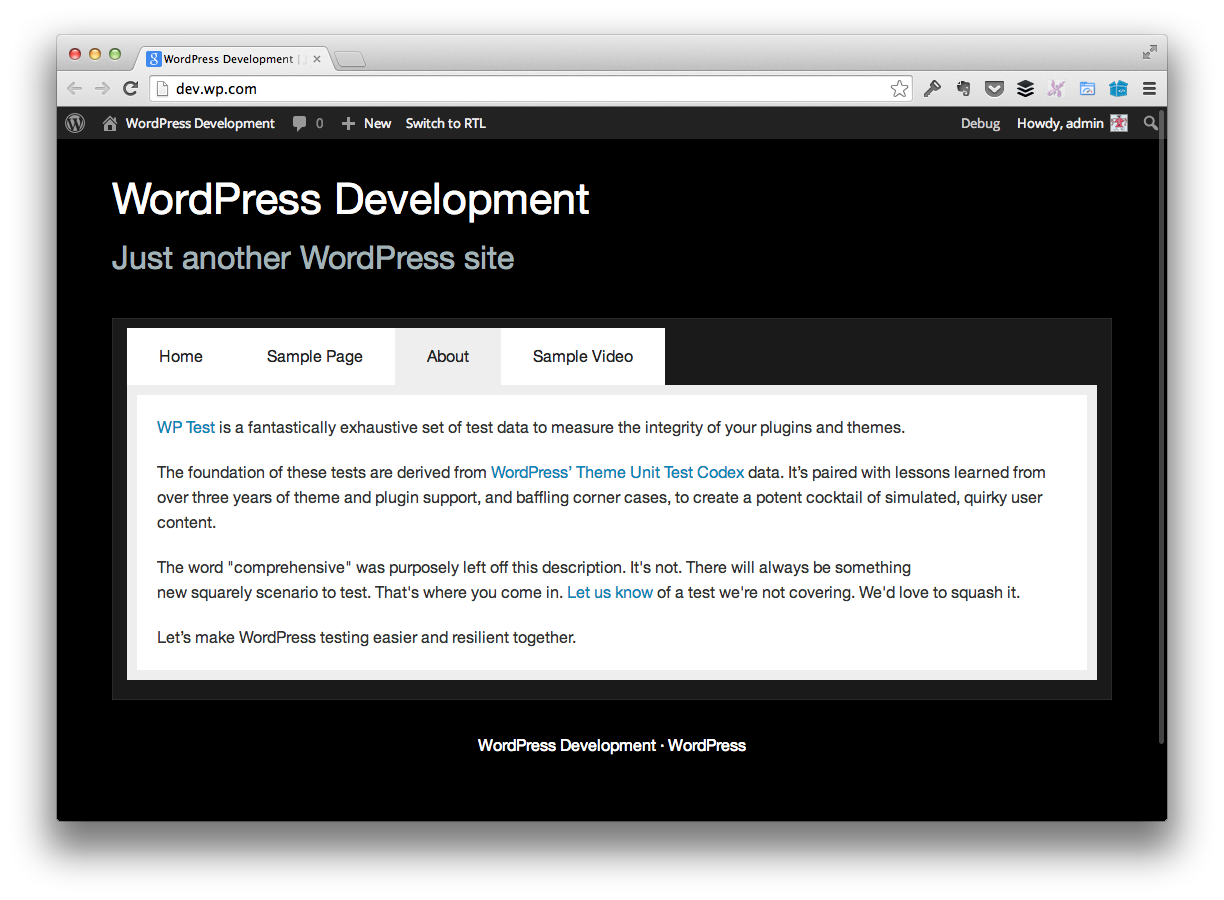
In a couple of recent projects, I’ve been tasked with adding tabbed navigation to various WordPress templates. The thing is, these tabs work in such a way that all of the information is loaded on the page so when the user clicks on the tab, the contents of the page appear without having to do a page refresh.

Tabbed Navigation


In some cases, it may be best to load pages via Ajax, in some cases, it’s better to load things up all in the first page load. This particular post is about the best strategies for that (that’s a debate for another post).

Continue reading

JavaScript and WordPress Page Performance

Last week, I was having a conversation with a fellow WordPress developer about improving page performance as it relates to JavaScript. Specifically, we were talking about if it makes sense to load JavaScript sources at the bottom of the page.

If you’ve done any client-side development for a moderate length of time, odds are strong that you’re well-aware that it’s considered a best practice to include JavaScript sources before the closing body tag rather than in the head element.

This is because it allows the browser to render the page more quickly without waiting for larger files to download (and JavaScript files are normally heavier than HTML documents because of their file size and the processing they do on the DOM).

There’s a lot that could be said with respect to this in terms of general web development, but in terms of WordPress, opting to enqueue your scripts at the bottom of the page versus the top of the page may require a bit more consideration.

Continue reading

« Older posts Newer posts »

© 2026 Tom McFarlin

Theme by Anders NorenUp ↑