If you’re interested in adding a TinyMCE button to WordPress, then this series of articles aims to do just that. In the first post of the series, I walked through some of the basic things that need to be done in order to get started with adding a custom button.
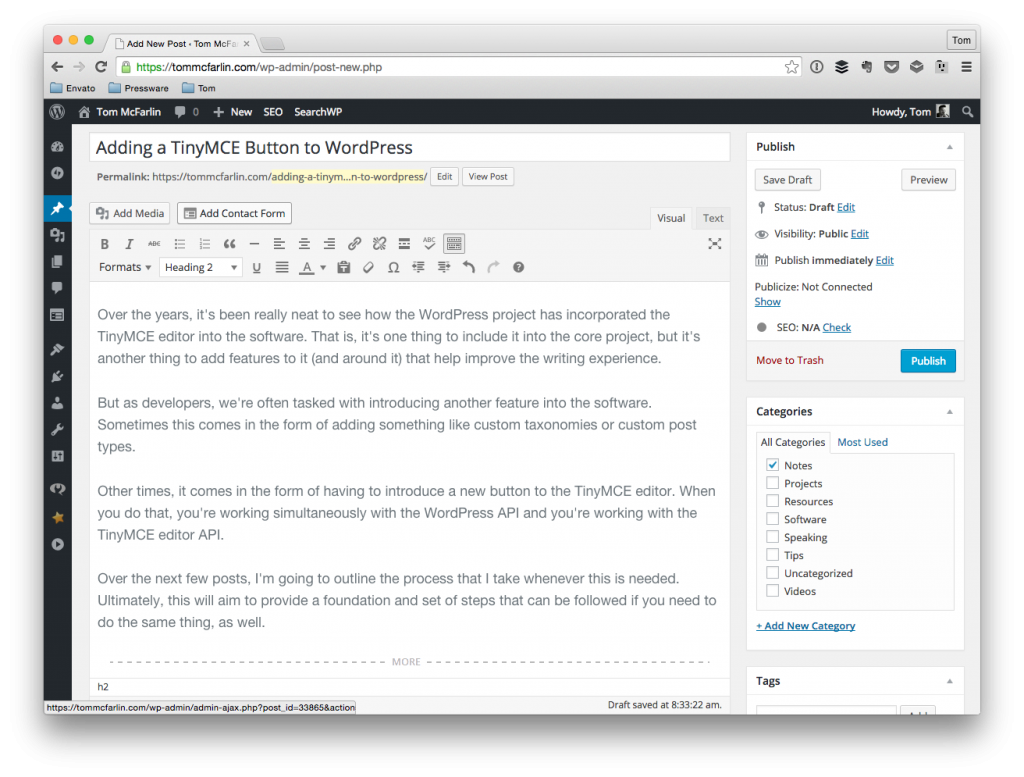
My very own copy TinyMCE Editor. So spectacular.
I laid out the file organization, the basic plugin structure, some of the foundational JavaScript, and started working on the hooks that are necessary for adding a custom button.
As it stands right now, the functions responsible for adding a new button aren’t actually defined within the context of a class much less hooked into the plugin itself. So in this post, we’ll take a look at exactly how to do exactly that.