Software Engineering in WordPress, PHP, and Backend Development

Category: Articles (Page 47 of 258)

Personal opinions and how-to’s that I’ve written both here and as contributions to other blogs.

The Third Social Media Sabbatical of 2018

Back in February, I opted to take a social media sabbatical which is nothing more than a fancy way of saying “time off of social media.” This was a continuation of something I did last year, too.

Then, back in December, I took the month off of pretty much every social network of which I was a part and thoroughly enjoyed the time away. But it wasn’t because of anything such as removing myself from something bad.

Over the year, I’ve begun to question what I think about social media as a whole, but I think that time away from it serves me well (that is, me personally – I don’t pretend nor attempt to make this prescriptive for anyone else).

Anyway, with us heading into the final month of the year and with the success that I’ve had in months past, I thought it might be time for me to do this again to close out the year.

Social Media Sabbatical of 2018: Episode III

This time, though, I might remix it a little bit.
Continue reading

WordPress Widgets: Refactoring, Part 1

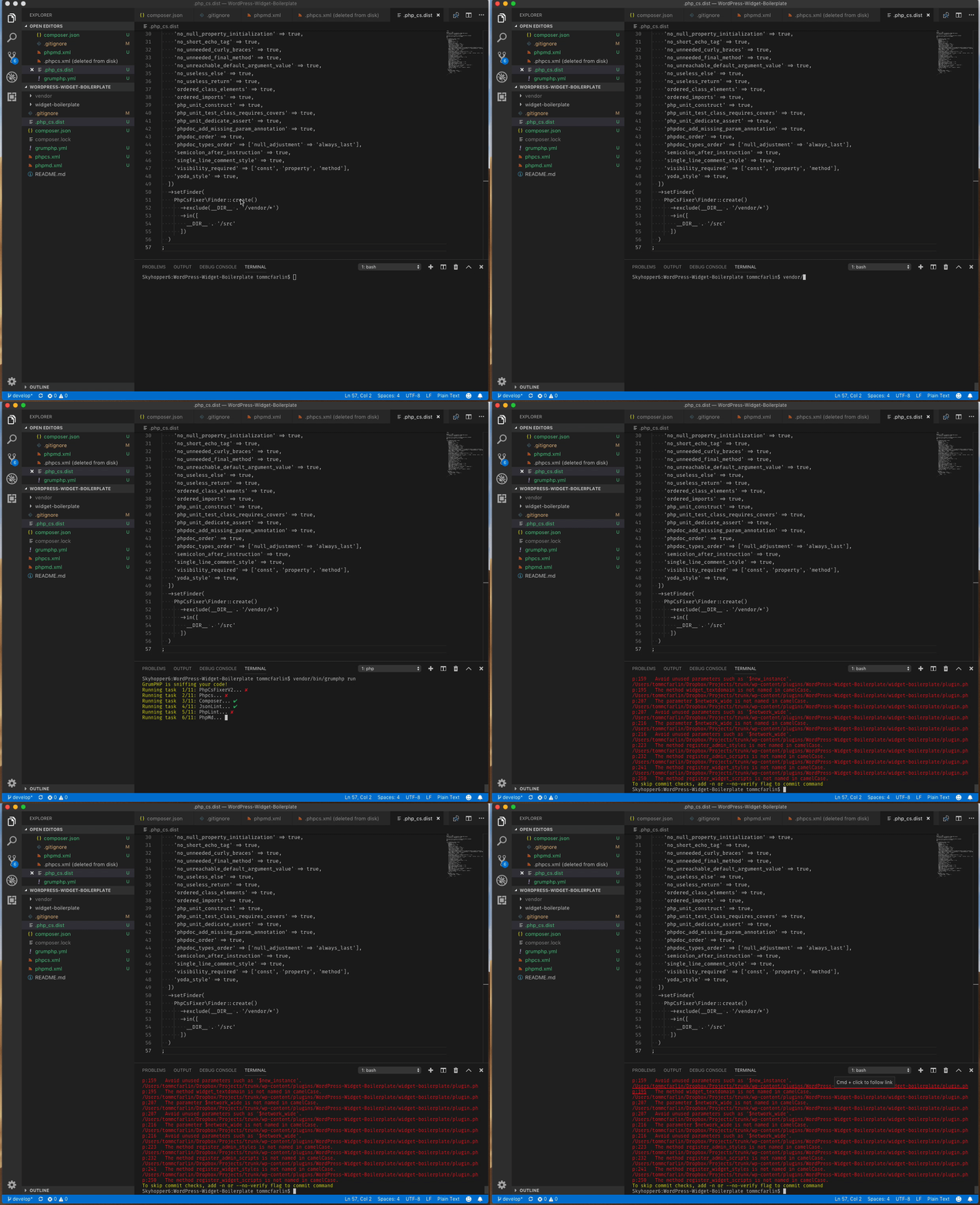
The last post included a lot of information on setting up code quality tools in your WordPress development environment, but they are necessary if we are going to be doing a lot of refactoring.

But as I mentioned at the start of this post, laying code quality tools first provides us with a foundation we can use as we refactor the boilerplate (which we clearly need to do given the amount of red shown by GrumPHP).

Honestly, I see these as necessary if you’re going to be doing any type of development hence the need to show how to set them up.

Regardless, the previous post shows just how much work we have cut out for us, right?

Screen Capture on 2018-11-20 at 12-50-27.gif

Now we’re going to start with refactoring the WordPress Widget Boilerplate.

This will not only improve the code quality but also walk us through some object-oriented principles that we can apply when building our widgets and we can apply in future WordPress development efforts.

Continue reading

A Helper Function for Admin Notices

If you’re in the business of building plugins, or even themes for that matter, and are incorporating object-oriented practices into your work then you’re likely faced with serialization of some type. And one of the aspects of serialization that it requires some type of feedback for the user.

This can be a success message, a failure message, or a message simply warning the user that some went wrong or perhaps something should be updated.

Whatever the case, WordPress provides all of the facilities that we need; however, we can make it even easier on ourselves by writing a helper function for admin notices. It’s simple, too.

Continue reading

WordPress Widgets: Starting with Standards

The purpose of this series is to start doing a deeper dive into working with object-oriented programming in the context of WordPress.

And since the WordPress Widgets API is one of the APIs that does use object-oriented practices, it’s a logical place to start. Further, it will give us some foundational techniques that we can use to apply to future work as we see how to build more object-oriented projects on WordPress in future series.

So far, we’ve covered the following:

  1. WordPress Widgets: An Object-Oriented Approach. The Widgets API provides a solid litmus test and example of how to get started with object-oriented programming in WordPress.
  2. WordPress Widgets: How to Detect Object-Oriented Programming. The goal is to arm you with everything you need to detect object-oriented practices.

If you’re not caught up, now’s a great time to do so. And if you have, then you’ll recall from the last post, we ended with the following note:

That is, we’ll revisit the WordPress Widget Boilerplate and I’m going to be refactoring it in its current state to adopt more modern PHP standards.

To begin updating the WordPress Widget Boilerplate to follow said standards, we need to do a few things:

  1. create a branch from the existing boilerplate,
  2. install code quality tools,
  3. ensure our IDE is properly set up,
  4. and begin refactoring the code to said standards.

And that’s what we’re going to start doing with this post.

Continue reading

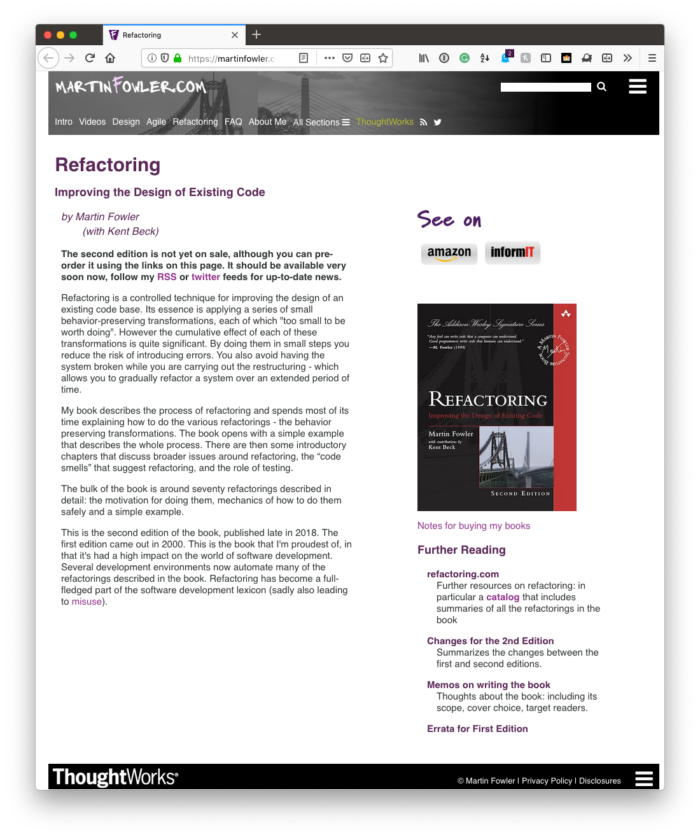
Simply Refactoring WordPress-Based Code

Back in 2011, I was doing a lot of reading on working with legacy code, code quality, and refactoring.

Refactoring WordPress-Based Code

There’s a quote by Martin Fowler (who literally wrote the book on refactoring) attributed to Uncle Bob that’s stuck with me – and I’m sure many, many programmers – ever since:

always leave the code behind in a better state than you found it

The thing about this particular idea is that I think it might sound a bit more idealistic until you really start to try to practice it in everything that you do.

That is, if you take it at face value it sounds like anytime you need to work on a codebase, then you need to leave the entire codebase better than when you found it. But the more I’ve tried to apply this rule in my day-to-day work, the more practical, the cleaner, and the more maintainable WordPress-specific code has become.

So when it comes to refactoring WordPress-based code, what does that look like?

Continue reading

« Older posts Newer posts »

© 2026 Tom McFarlin

Theme by Anders NorenUp ↑