Tom McFarlin

Software Engineering in WordPress, PHP, and Backend Development

Page 203 of 428

My Suite of Apps: LineIn

I don’t do a lot of audio work on my computer – I don’t podcast or have a vlog or anything like that. I do, however, participate in a number of Skype calls and/or Google Hangouts, and I also do a fair amount of screencasting.

Because of the latter, I have a couple of pieces of equipment that I use in order to make sure that I’m getting the highest quality audio possible.

This includes:

  • A Rode shotgun microphone (with a stand),
  • And a Blue Icicle for connecting the microphone to the USB port of my computer

It’s a simple setup, but it works. The thing is, if I have my headphones in and I’m working on my laptop, then I have three potential microphones available that the computer can capture audio:

  1. The microphone built into the display
  2. The microphone that’s built into my headphones
  3. My Rode Shotgun

And even though I can generally set the devices I prefer to use and leave them, all it takes is one mistake before I end up double and triple checking my settings for each call and each screencast.

Unfortunately, I made one such mistake before so now I check my settings every. single. time.

But, for the sake of screencasting, I even take it one step further: I use a small software tool called LineIn (and anyone familiar with audio inputs and mixing boards will understand the importance of knowing which device is capturing what audio at what level).
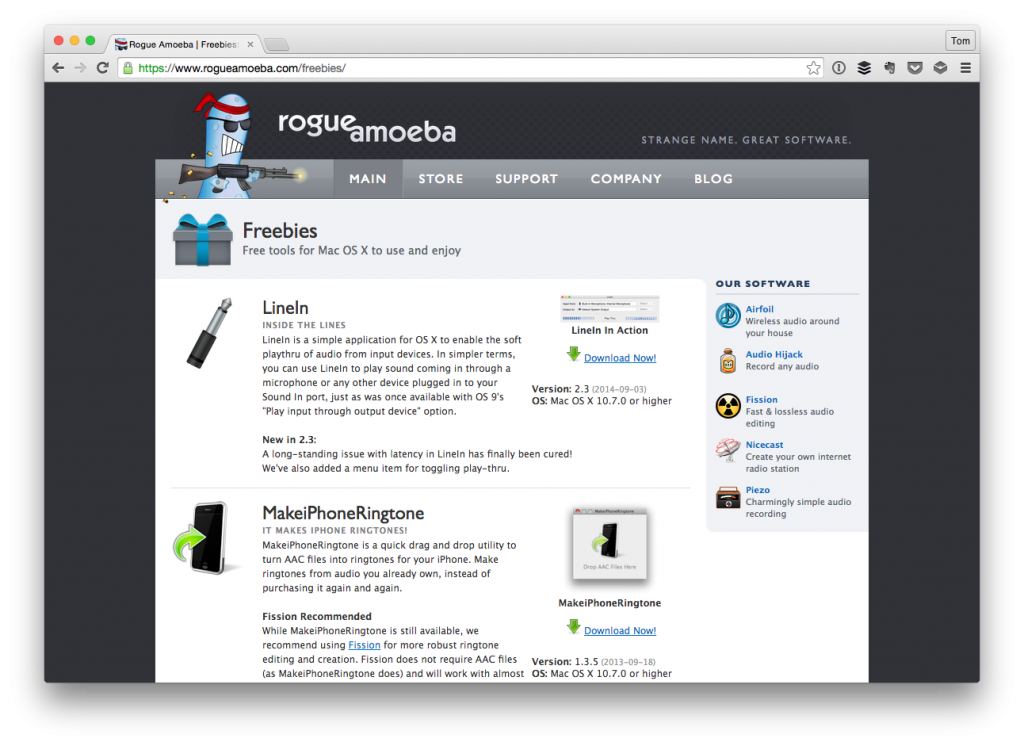
The LineIn Homepage

And it’s been a fantastic little application for making sure my levels are balanced and that allow me to hear what others will hear based on my system settings.
Continue reading

Hey Programmer: Don’t Be a Jerk

Cliff, a local developer friend, happened to share this on Twitter earlier this year. I’ve been sitting on this post until I found a good time to post it.

Of course, I don’t know what a “good time” is, but since I’ve had this drafted and I’m on the road right now, this seemed like as good a time as any.

Anyway, I thought that it was something that we could all read, learn from, and carry forward in our day-to-day interaction online.

Continue reading

WordPress and Theme-Specific Plugins

When it comes to working with WordPress themes and plugins, there’s a general rule of thumb that most experienced designers and developers follow:

Themes are for presentation, plugins are for functionality.

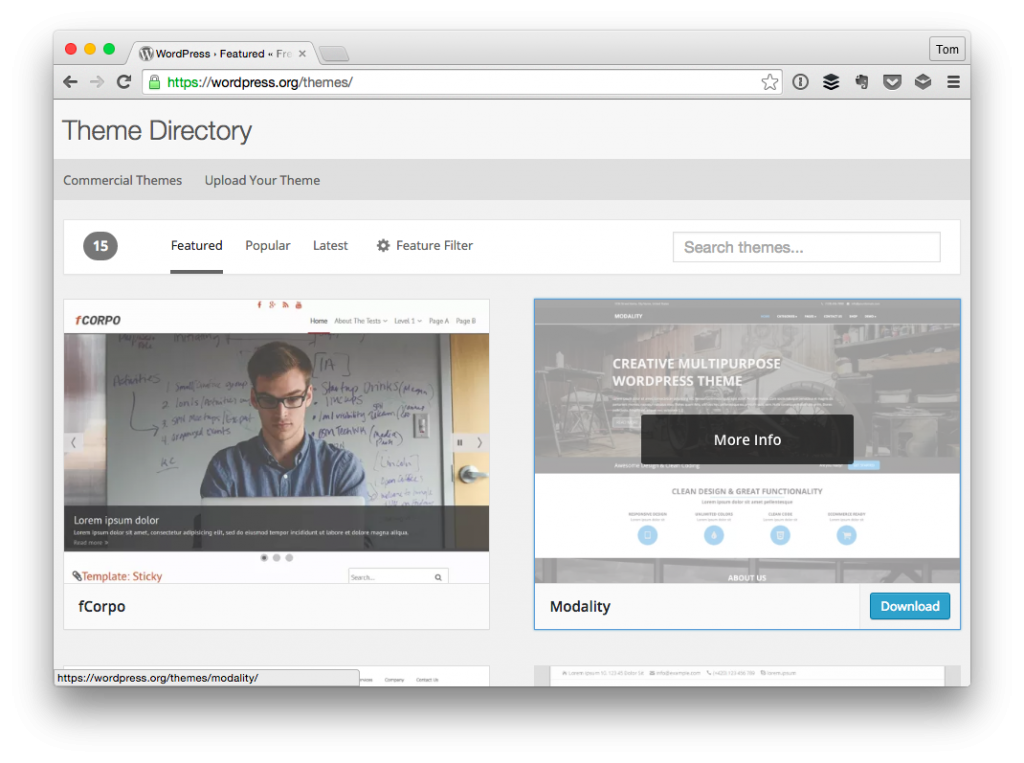
Sure, there’s a little bit of blurring of lines, but this is the goal for which we strive when working through our code. And yes, there’s a lot that can be said (and has been said) about themes that include a ton of features, options, bundled plugins, and so on, but that’s not where this is going.

WordPress Themes

Instead, I’ve been thinking about how this relates to general theme development, niche theme development, and using WordPress as a platform for application development.

Continue reading

Expectations If The User Presses Enter

This post is really more of a quick tip than anything else, but if you’re in the business of building web sites or web applications in which users interact with the project and are used to using shortcuts throughout the rest of their applications, then you need to consider the case of what to do if the user presses enter.

If The User Presses Enter

That is, if the end user is using the project you’re working on in order to, say, submit information to the server via a form, then they shouldn’t necessarily have to manually use the mouse (or trackpad) to click on the ‘Submit’ button in order for their information to be transmitted across the wire.

If you’re an experienced web developer, then you’re likely familiar with using JavaScript to handle situations like this, but if you’re new to the business or just new to working with JavaScript then here’s the basics for handling this use case.

Continue reading

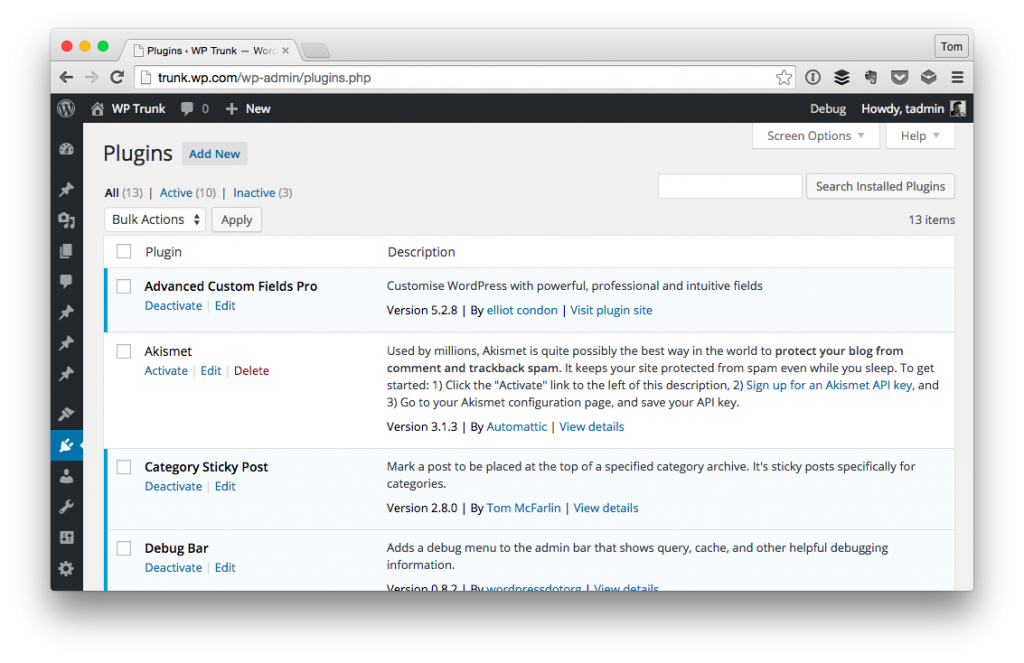
Two Tips for Writing WordPress Plugins

Occasionally, I’m asked for two quick tips or suggestions that I have for those who are just getting started with writing WordPress plugins.

WordPress Plugins

The assumption is that they’ve done all of the necessary leg work to get to the point where they are comfortable writing code and working with WordPress, but they want to avoid some of the pitfalls that many (or most?) of us experience when we first get started on our own projects.

Continue reading

« Older posts Newer posts »

© 2026 Tom McFarlin

Theme by Anders NorenUp ↑