Tom McFarlin

Software Engineering in WordPress, PHP, and Backend Development

Page 133 of 428

WordPress Development Tools (As Of Today)

Like anyone who reads this blog, I’m periodically asked what WordPress development tools I use. Though I realize I share things that I use now and then, I’ve never really collected everything into one place.

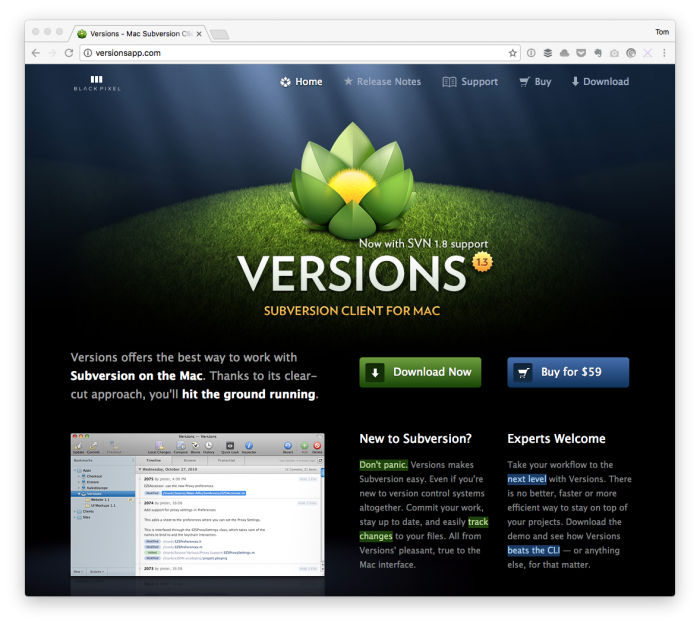
WordPress Development Tools: Tower

And, truth be told, this is a blog, so things change as time moves forward.

So I’m going to be dividing this post into two parts:

  1. Today, I’m going to cover the actual software I use to get work done.
  2. Tomorrow, I’ll share what it is I use regarding WordPress plugins and related web-
    specific software.

With that said, here’s the list of software and some minor commentary I use to get work done when building things both for others and for myself.

Continue reading

Customizing WooCommerce Emails with These Hooks

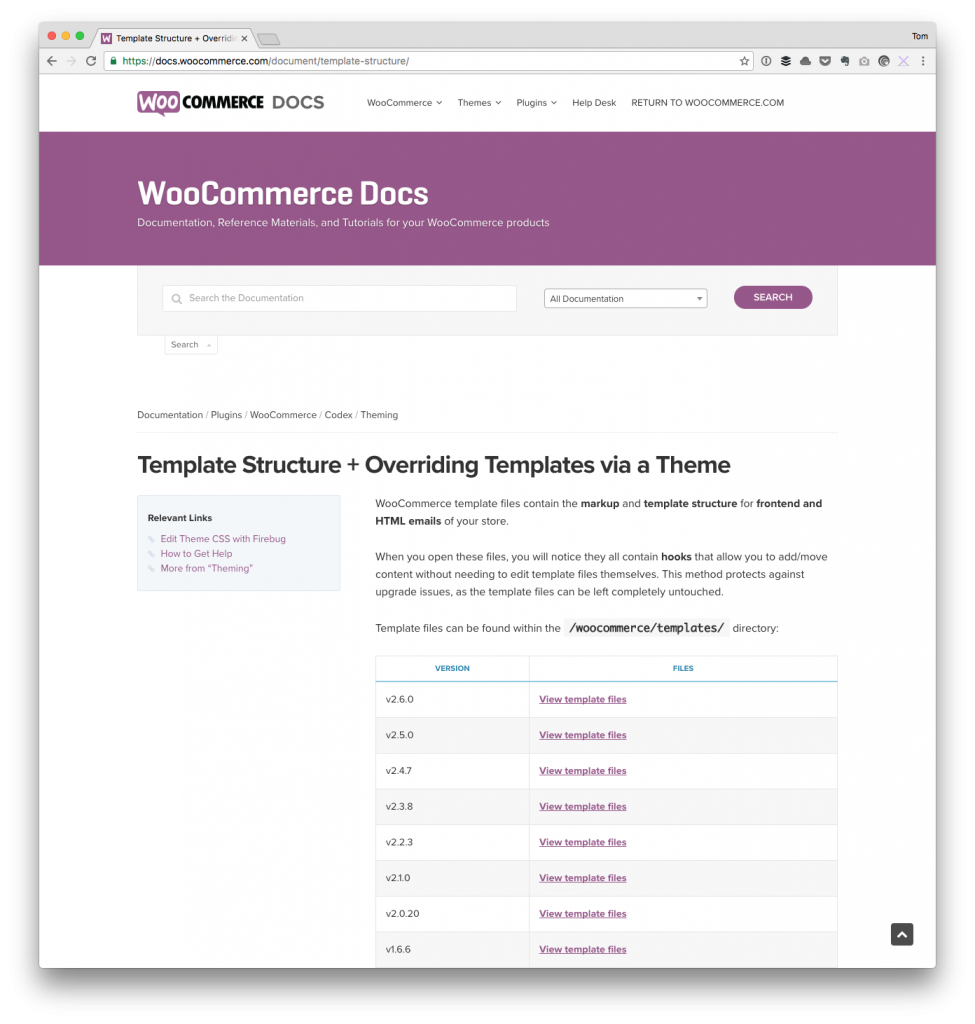
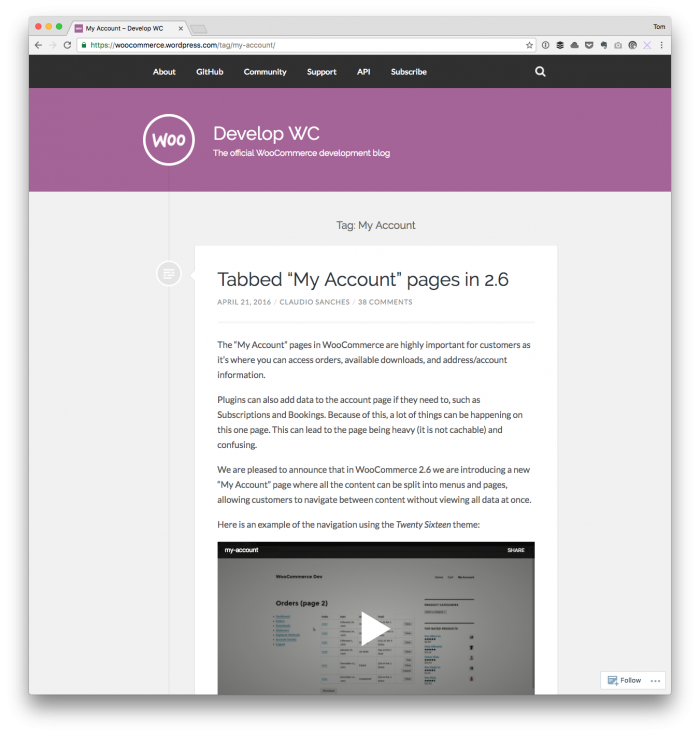
Customizing WooCommerce emails isn’t something that’s terribly difficult assuming that you’re familiar with how the WordPress hook system works. And that you’re familiar with what hooks WooCommerce provides.

Customizing WooCommerce Emails

The former is pretty easy to find as there a solid reference and I, along other with others, have talked about it in-depth. Once you have that understanding, though, trying to track down all of the hooks for the latter is the challenge.

There are a few references I’ll share at the end of this post, as well as some various tips I recommend for customizing WooCommerce emails, but I always appreciate a practical example more than anything else so I’ll start with that first.

Continue reading

Stop Indexing All PHP Files in PHP CodeSniffer

If you’re working with PHP CodeSniffer in your WordPress project, then you’re likely familiar with how much time it takes to complete indexing all PHP files.

You start up your IDE, configure PHPCS, point it to your set of WordPress rules, and then wait for it to begin doing its job. Don’t get me wrong: I love having it sniff the code while writing it, but it also takes a bit of time for it to finish parsing it.

Indexing All PHP Files

Stop PHPCS From Indexing All PHP Files.

Granted, this is true of likely any PHP-based project, but how many of those do I write about here? 🙂

Continue reading

Tab Management in Chrome with Toby

Tab management is one of those problems that’s kind of funny.

Remember back in the day when we had browsers and we opened multiple windows so we could track all of the various sites on which we were browsing or on which we were working or whatever?

IE6

The browser everyone loved to hate.

Yeah. Those days.

Then remember when Firefox came along (or one of the open source alternatives), it was kind of nice to be able to install an extension or add-on that added tab management.

But now we’ve just kind of increased the problem exponentially. At least I have. Because I have multiple windows each with multiple tabs.

And yeah, the Merge Windows extension is nice because it helps bring everything together. But then we’ve gotta deal with saving our session (which there are some nice extensions for that) or keeping track of where we were.

That’s where tab management starts to get a little bit rougher.

Continue reading

View WordPress Page Templates in the Admin

Three years ago, I published a small plugin both on GitHub and in the plugin repository that made it possible view WordPress page templates in the admin.

I called it Page Template Dashboard – naming things isn’t easy, and even when you do, it’s obviously not great – but WordPress has changed a lot in three years.

View WordPress Page Templates with Page Template Dashboard

Remember when WordPress looked like this?

In three years, a lot can change in your personal life too, and this makes it hard to work on personal projects. But when you can steal a few hours – usually late at night – it makes it possible to revisit and update projects like this.

So last night, I release the latest version of Page Template Dashboard.

Continue reading

« Older posts Newer posts »

© 2026 Tom McFarlin

Theme by Anders NorenUp ↑