A friend sends you a Spotify link. You’re an Apple Music subscriber. You tap it, Spotify opens (or the App Store depending no your setup), and now you’re searching for the song manually. Or someone in a group chat drops an Apple Music link and half the group can’t use it. It’s a small friction, but it happens (at least in my group chats).
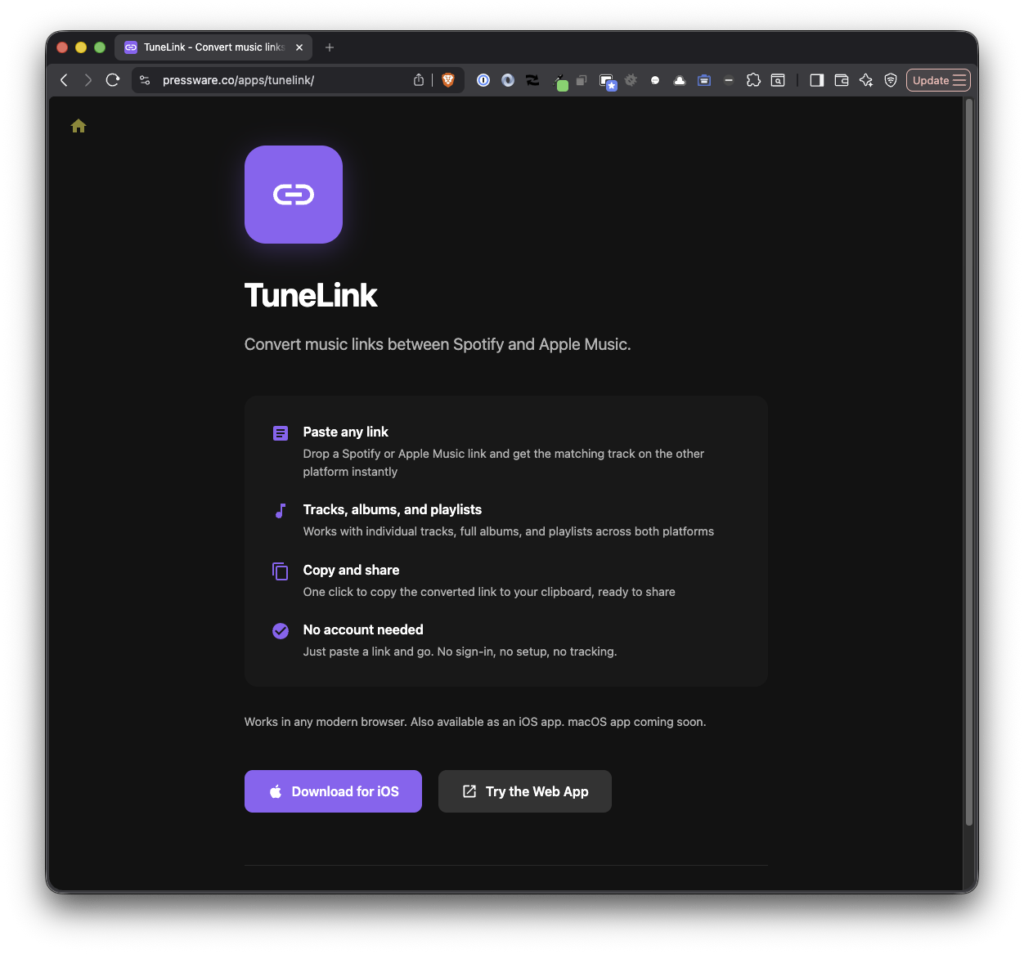
TuneLink fixes this. Share a link from one service, get the equivalent on the other and it’s automatically added to your clipboard.
What It Does
TuneLink aims to do one thing as quickly as possible: Paste a Spotify link, get an Apple Music link. Paste an Apple Music link, get a Spotify link. No accounts, no subscriptions, no ads.
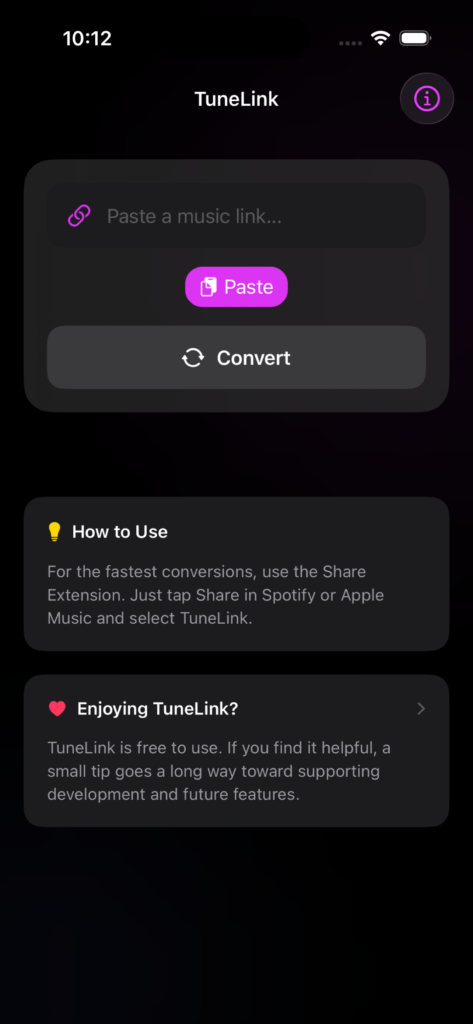
Once you convert a link, TuneLink shows you the track title and artist so you can confirm it found the right match. From there you can copy the converted link or open it directly in the other service’s app.
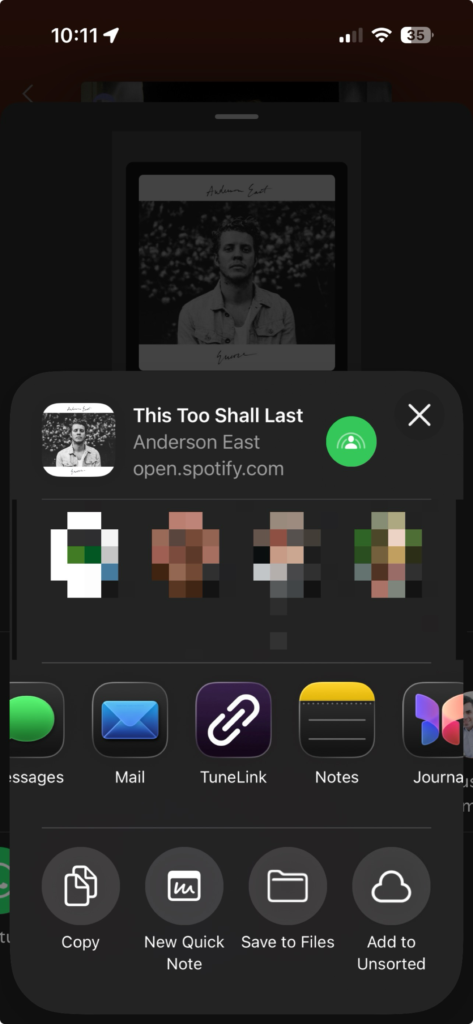
The real speed comes from the Share Extension. When you’re already in Spotify or Apple Music, tap the share button, pick TuneLink from the share sheet, and the converted link is copied to your clipboard automatically. The extension dismisses itself after a beat. You never leave the app you’re in.
First Launch
The app walks you through a short onboarding that covers the basics: paste a link, get a result, and how to set up the Share Extension for faster conversions. You can replay this from the About screen if you want to revisit it.
Under the Hood
TuneLink is built with SwiftUI targeting Swift 6 with strict concurrency. The API client is an actor, state management uses @Observable with @MainActor annotations, and the project is generated with XcodeGen to keep the .xcodeproj out of source control.
The app consists of the following:
- a Shared framework that holds models,
- API client and URL validation,
- the main app,
- the Share Extension,
- and a test suite using Swift Testing.
The conversion itself happens server-side. TuneLink calls a REST API that matches tracks across services and returns the equivalent link. The app handles the rest: validating the input URL, showing the result, copying to the clipboard, and opening the link in the target app.
There’s also a tip jar built on StoreKit 2 for anyone who wants to support development. TuneLink is free and always will be, but the option is there.
Get It
TuneLink is free on the App Store. Requires iOS 18.0 or later.
If you’d rather not install anything, there’s also a web application does the same conversion in your browser.
Questions or issues, contact me.
