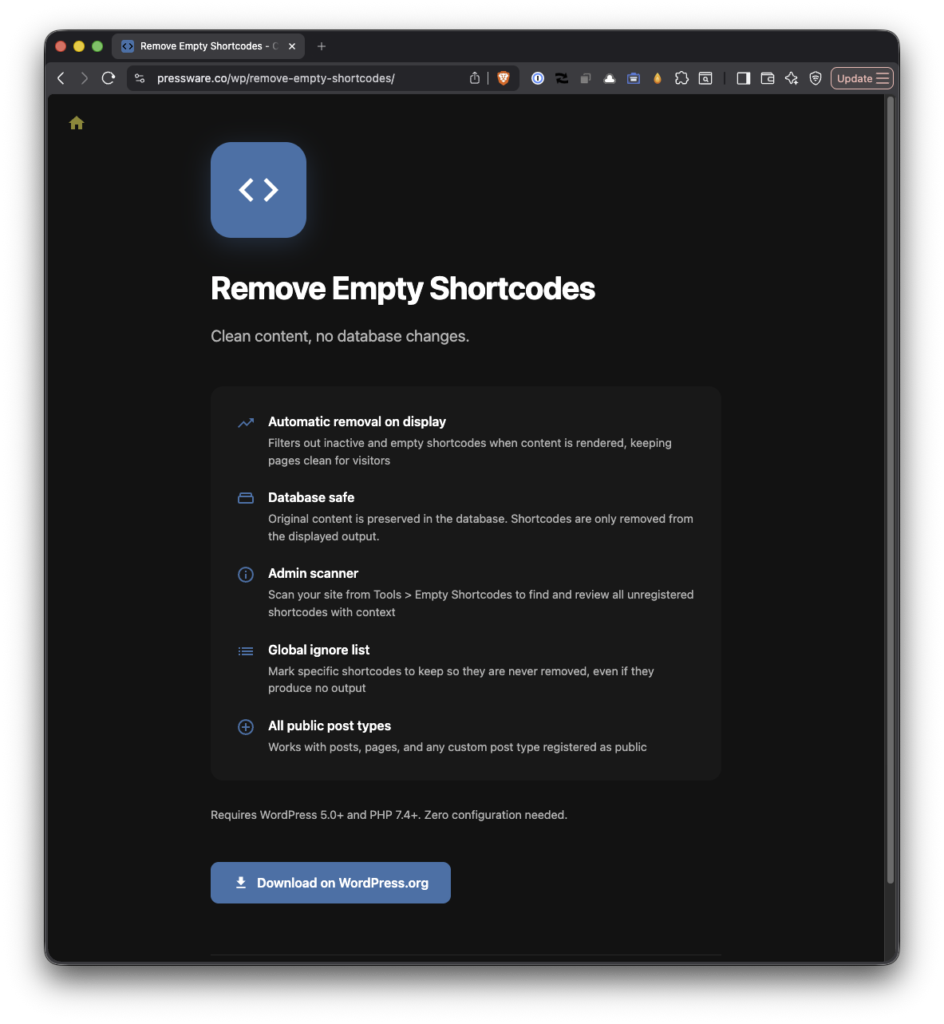
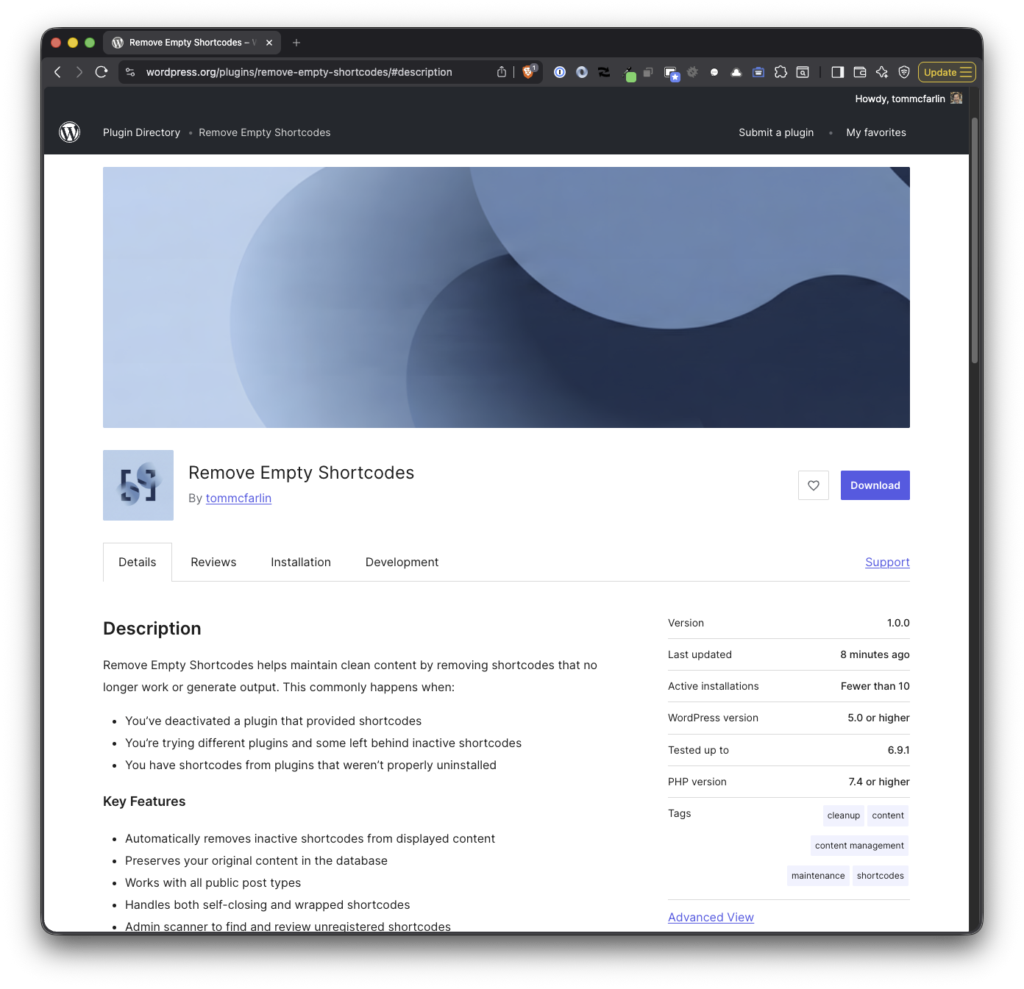
A couple of weeks ago, I shared Remove Empty Shortcodes 1.1.0, which improved the plugin to do the one thing it exists for again: strip out the inactive shortcodes a deactivated plugin or page builder leaves behind. It worked. It just didn’t work everywhere.
1.2.0 is where “everywhere” finally means everywhere.
Back in February, I wrote about Remove Empty Shortcodes 1.0.0 in which the plugin includes the admin scanner, a real test suite, and automated deployment to WordPress.org.
Back in March 2025, I wrote about reviving Remove Empty Shortcodes after letting it collect dust for a few years. At the time, I’d rewritten it, added support for multi-line shortcodes, and pushed it back to the WordPress plugin repository.
That was version 0.6.0. This is 1.0.0 and it’s a much more significant release.
In 2019, I wrote a WordPress plugin that’s primary feature was to prevent unused shortcodes from rendering in the content whenever a page was loaded.
It worked well enough for a little while. Then time passed.
During that time (and for one reason or another):
I removed all of my plugins from the WordPress plugin repository,
I focused on a number of different things both professionally and personally,
And though I let this plugin remain on GitHub (as opposed to archiving it), I stopped maintaining it.
Just recently, I came across the problem of rendering orphaned shortcodes again and I noticed someone had left an issue in GitHub. So I decided to rewrite the plugin, tag a release on GitHub, and release it into the WordPress plugin repository.
Remove Empty Shortcodes, Again
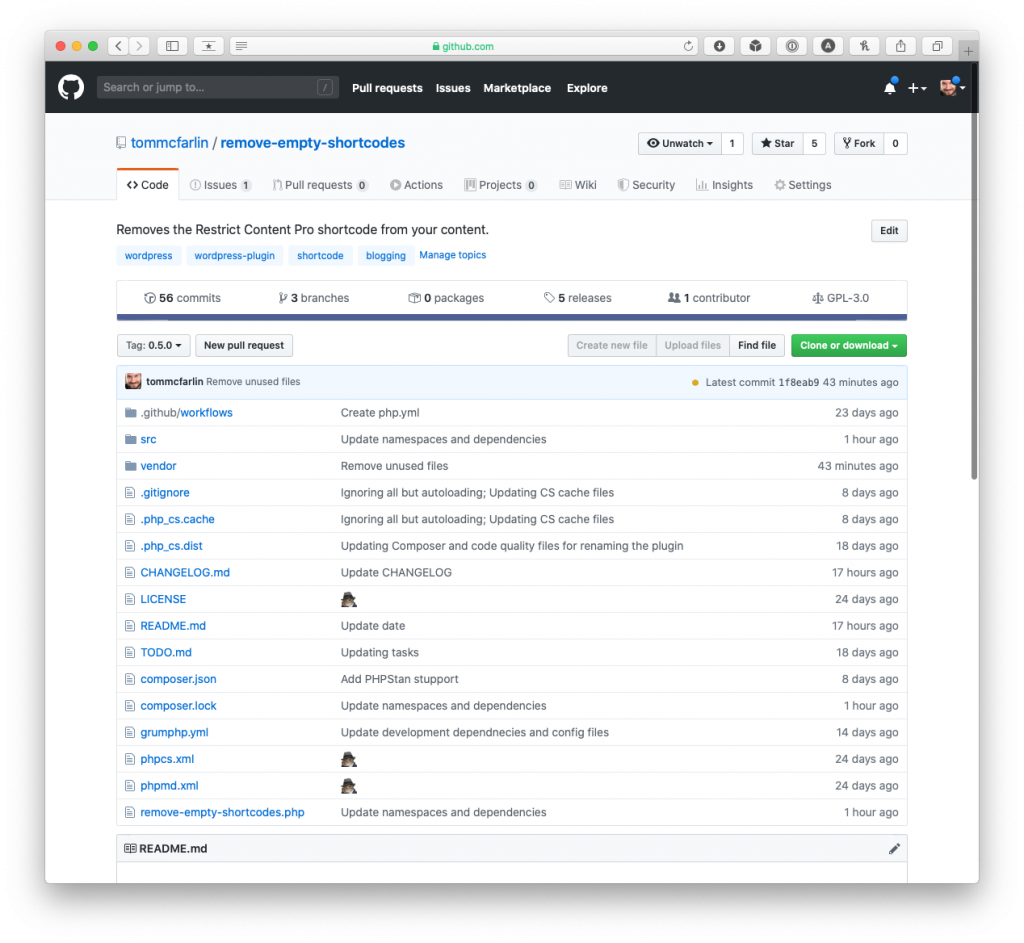
The original repository page for Remove Empty Shortcodes.
When I first wrote this plugin, I had stopped using Restrict Content Pro but the shortcodes were still littered throughout various posts in my archive. And this exposed a larger problem with shortcodes as a whole:
If a user installs a plugin that uses shortcodes and then deactivates the plugin, the shortcode will still render in the content of the post.
Obviously, this muddies the content for readers by leaving artifacts of code that’s no longer running. So rather than query the database for shortcodes that were orphaned in my content or just remove a single plugin’s shortcodes, it seemed easier to do something else: Automatically remove empty or inactive shortcodes from my WordPress content while preserving the original database entries.
And that’s what this plugin does. Specifically, it intercepts the content before it’s rendered, removes the shortcodes, then passes the rest of the data back to the main process to render the content.
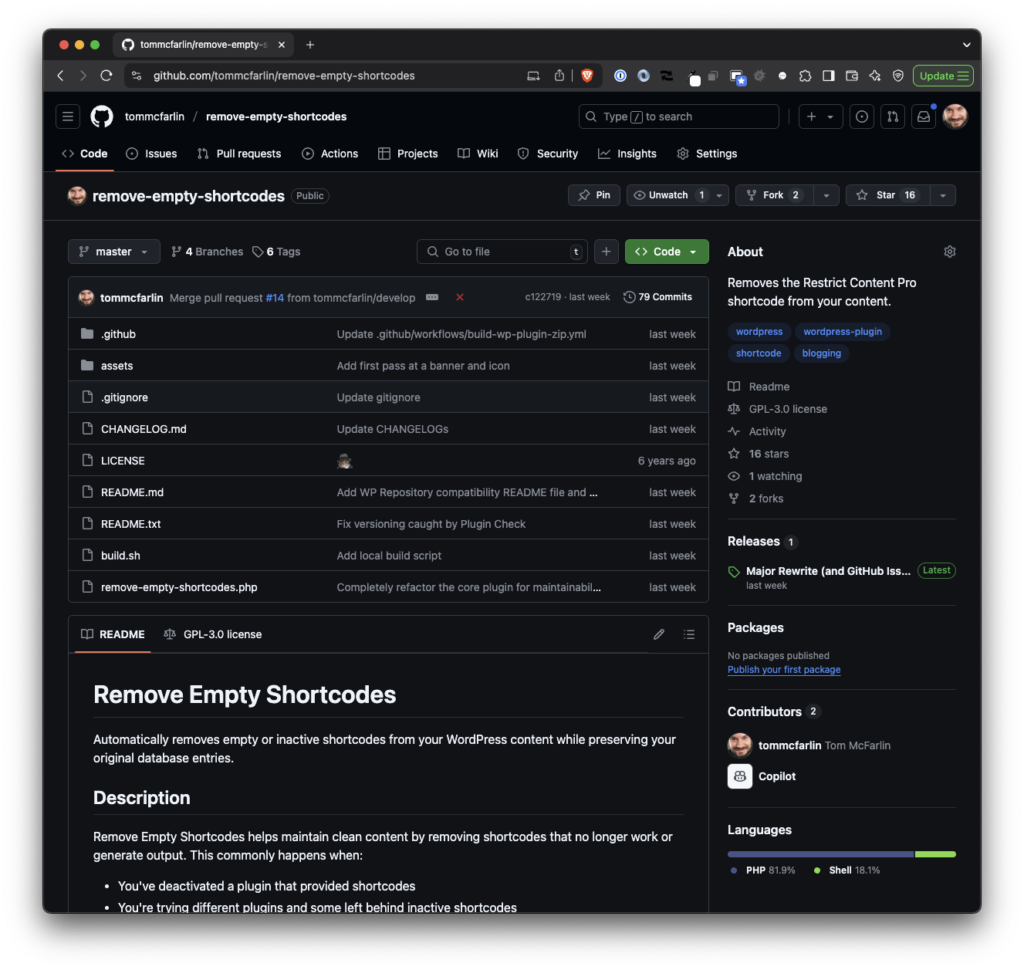
The updated repository page for Remove Empty Shortcodes.
This ensures that if you ever reactivate the plugin, the shortcode still exists and will work as intended.
As of this post – and this version – the plugin only works on post and page post types.
You can read all about the details for the plugin (including the FAQ) oin the Plugin Repository but here’s the gist of information relevant to this post:
How It Works
The plugin checks your content for shortcodes when pages are displayed. If it finds shortcodes that:
Don’t produce any output
Aren’t registered with WordPress
Are empty or inactive
Then it removes the shortcodes from the content before rendering it in the browser.
Use Cases
Clean up content after removing plugins that used shortcodes
Remove inactive shortcodes without editing posts manually
Maintain clean content for readers and search engines
Preserve original content in case you reinstall removed plugins
Conclusion
It’s been a long time since I’ve released a plugin in the WordPress Plugin Repository (regardless of how large or small) let alone bothered writing about one on this site.
But since this is one of those things that I’m using on a site with over a decade and a half of content, it may be useful for someone else, as well.
And yes, there additional things that thing plugin could do and maybe it will but that will largely depend on adoption or my own needs or both.
A couple of weeks ago, I shared a small plugin I was working on, Remove Empty Shortcodes, that will – as the name implies – remove empty shortcodes from posts and pages where shortcodes are no longer present.
Today, I’ve tagged another release of the plugin and its available for download on GitHub.
Kinsta offers premium managed WordPress hosting for everyone, small or large. Powered by Google Platform and strengthened by Cloudflare, they take performance to the next level. All hosting plans include 24/7/365 support from their team of WordPress engineers. Get startedwith a free migration today.