“I’ve got too many tabs open” or “something something too many tabs across too many browser instances.” It’s a common phrase for a lot of us.
For me, maybe they are for research for a project, a handful of articles I’ll “read later” (even if I have a “read it later” app already), or just the accumulated debris that’s happened throughout the week.
Then I get prompted for an update. Maybe it’s for the browser itself or maybe it’s for the operating system. Regardless, either one requires a restart and though I read “we’ll restore your tabs after the restart,” I find this doesn’t happen consistently.
Maybe its PEBKAC. If that’s the case, though, maybe the solution can EBKAC, too.
The core problem is this: Closing everything means losing context. Sure, it’s possible to bookmark each tab individually, but that’s tedious. I could use a session manager extension, but most of them do far more than I need.
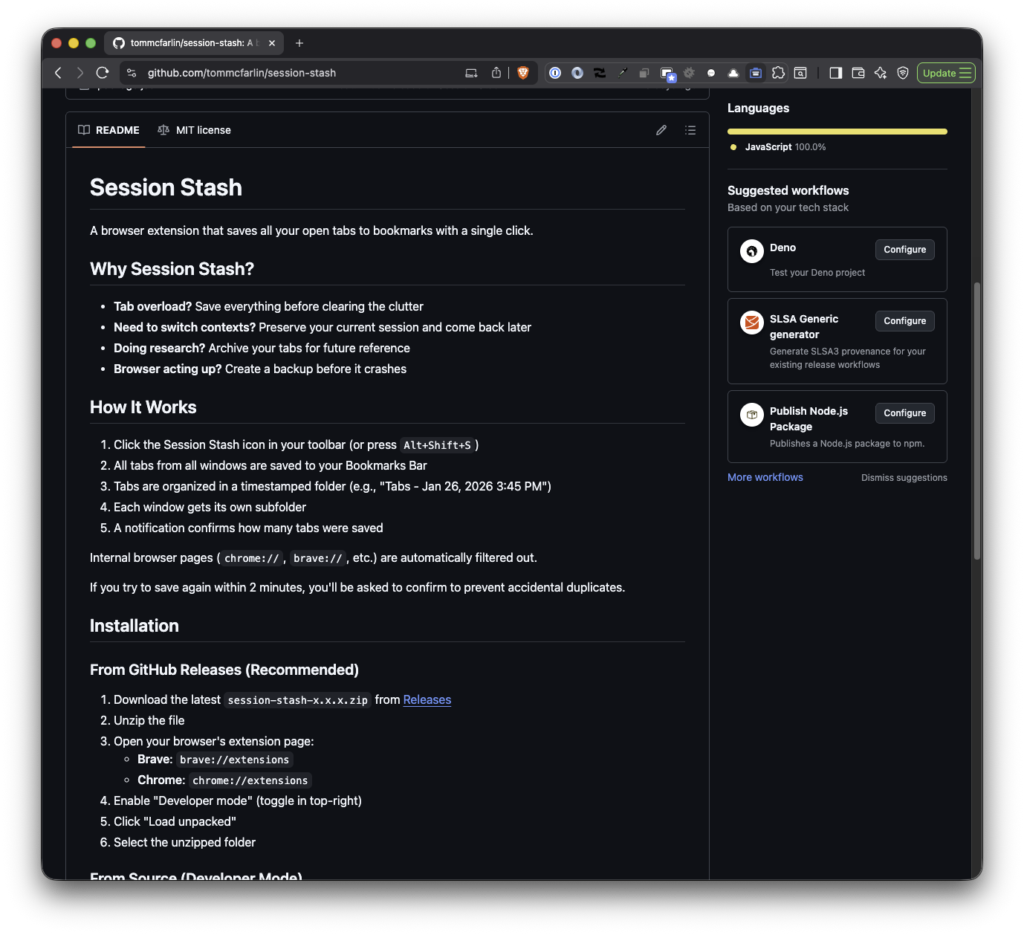
So I built Session Stash.
What It Does
Session Stash is a browser extension that saves all your open tabs to your Bookmarks Bar with a single click. That’s it. No accounts, no syncing, no complicated UI.
When you click the icon (or press Alt+Shift+S), it:
- Creates a timestamped folder in your Bookmarks Bar
- Organizes tabs by window
- Filters out internal browser pages like
chrome://andbrave:// - Shows a notification confirming how many tabs were saved
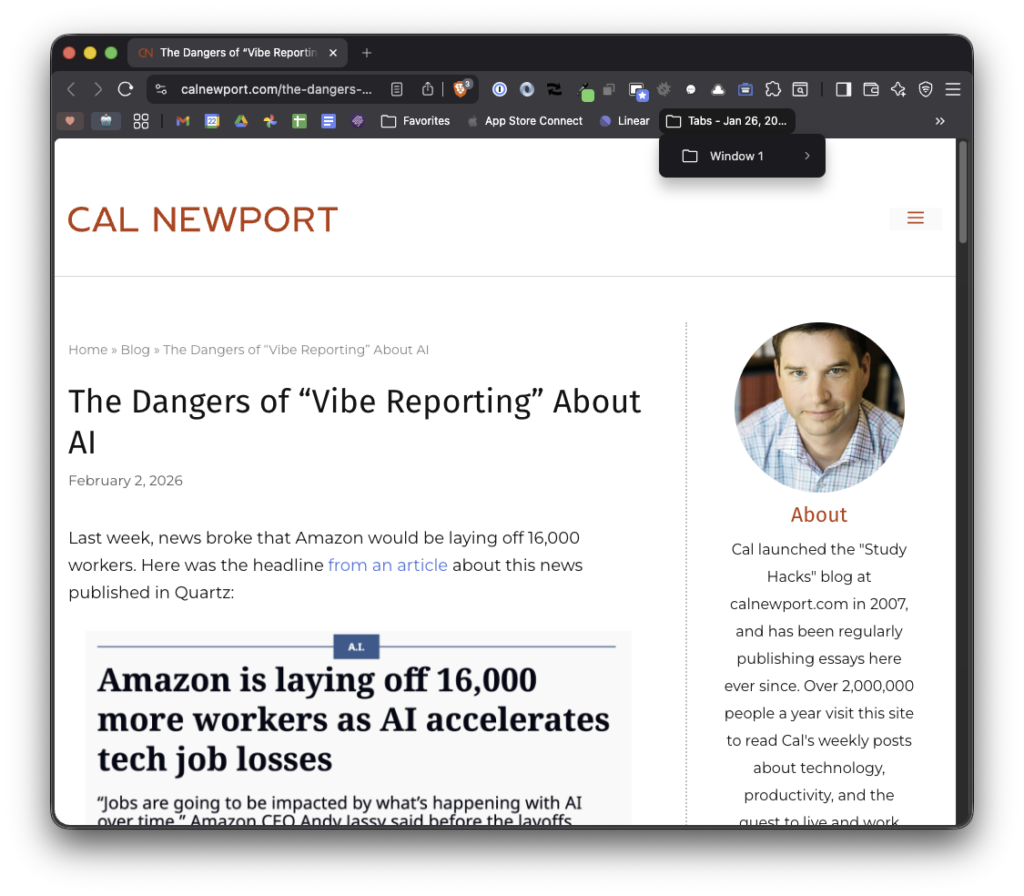
The result is a folder like “Tabs – Jan 26, 2026 3:45 PM” containing subfolders for each window. If you accidentally double-click or try to save again within a couple minutes, it’ll ask you to confirm first.
Why Not the Chrome Web Store?
I’m not putting this in the Chrome Web Store. Google charges a $5 developer fee to list extensions, and I’m not interested in paying to distribute something that I’m not monetizing and that likely won’t get any traction beyond a dozen (or less) users.
Instead, Session Stash is available directly from GitHub. You download a zip file, unzip it, and load it as an unpacked extension. It takes about 30 seconds, and you don’t need to be technical to do it.
Get It
Session Stash works on Brave, Chrome, and other Chromium-based browsers. It’s on GitHub where you’ll find installation instructions and the latest release.
It’s MIT licensed, so do whatever you want with it.
