Version 1.0.0 aimed to solve a single problem: knowing what track just started without switching to Spotify. Occasionally though, there are times throughout the day I want to share a song with someone.
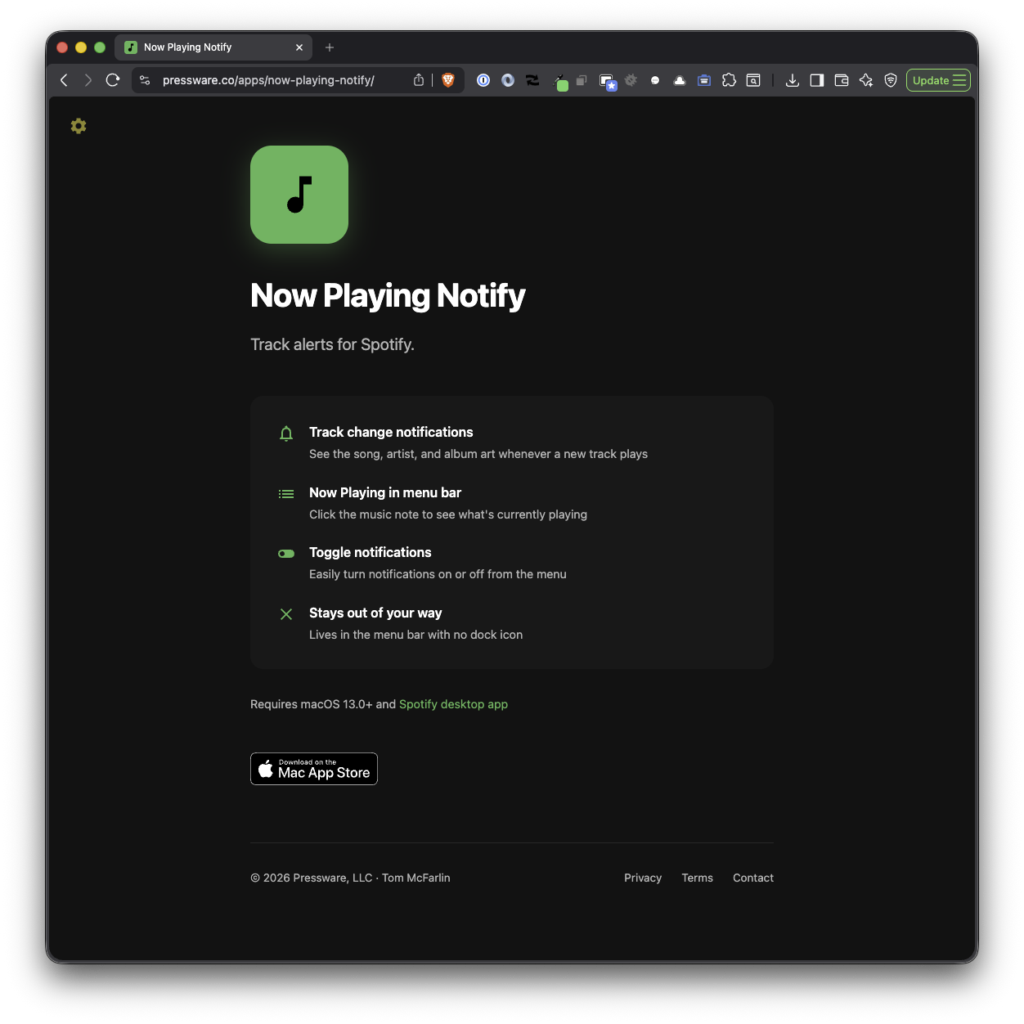
So in the latest build, I added a couple of additional features the most significant of which is to make it easier to grab a link to the currently playing song.
What’s New
Open Tracks from Notifications
When a notification appears, you can now click it to jump straight to that track in Spotify. No hunting through playlists or search. The notification already knows what’s playing and now it takes you there.
Copy Link
There’s a new “Copy Link” button in the menu bar dropdown. Click it and you get a shareable Spotify link on your clipboard, ready to paste into a message or a note. The button only shows up when something is actually playing, so it stays out of the way otherwise. (And if you’re looking to share it with someone, try TuneLink.)
I added this because sharing a track effectively requires hopping back into Spotify which is something I’m trying to avoid while a playlist is going.
Now it’s one click from the menu bar.
Launch at Login
Finally, there’s now a toggle to start Now Playing Notify automatically when you log in.
Same Philosophy
The app is still small and aims to do its job without getting in the way. No new windows, no new preferences to manage, no data collected. Three features that make the app more useful without making it more complicated.
Get It
Now Playing Notify 1.1.0 is available on the Mac App Store.
It requires macOS 13 (Ventura) or later and the Spotify desktop app.
If you run into issues or have feedback, you can email me.
