WordPress can auto-generate excerpts by truncating your post content, but the results are rarely what you want. Incomplete sentences, leftover shortcodes, broken HTML. If you’ve ever looked at an archive page or an RSS feed and wondered why the summary looks off, that’s why.
Excerpt Check is a small plugin that prompts authors to write an excerpt before publishing or scheduling a post. It’s now available on WordPress.org.
How It Works
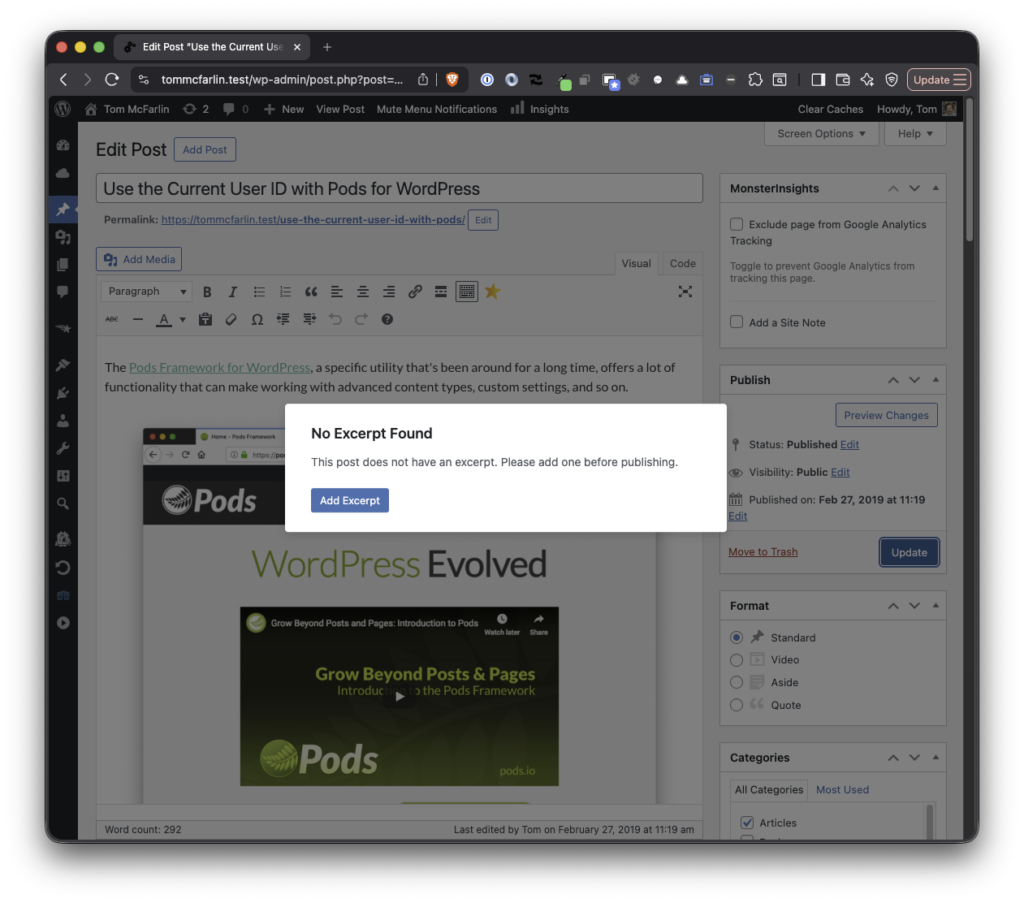
When you hit Publish or Schedule on a post that has no excerpt, a modal appears. Depending on how you’ve configured the plugin, the author can either dismiss the prompt and publish anyway (Remind mode) or be required to add an excerpt before proceeding (Require mode).
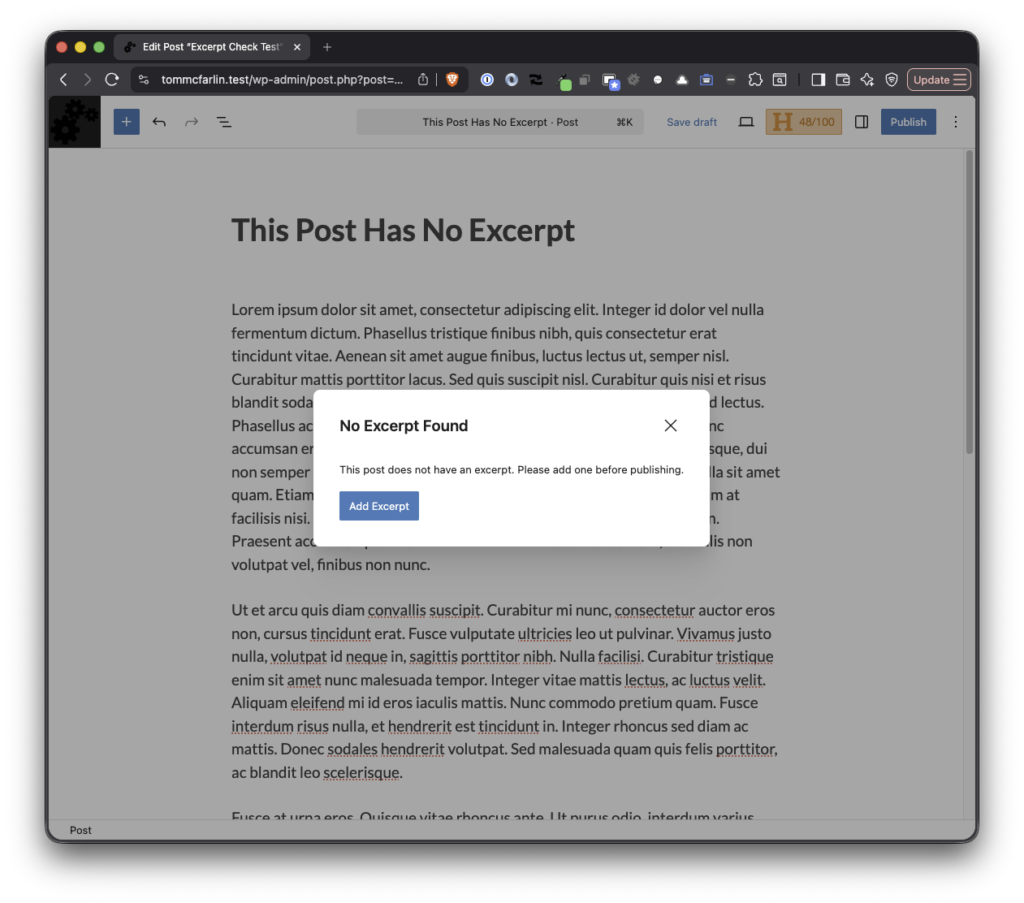
This works in both the Block Editor and the Classic Editor. Same behavior, same modal, no differences between the two.
Two Modes
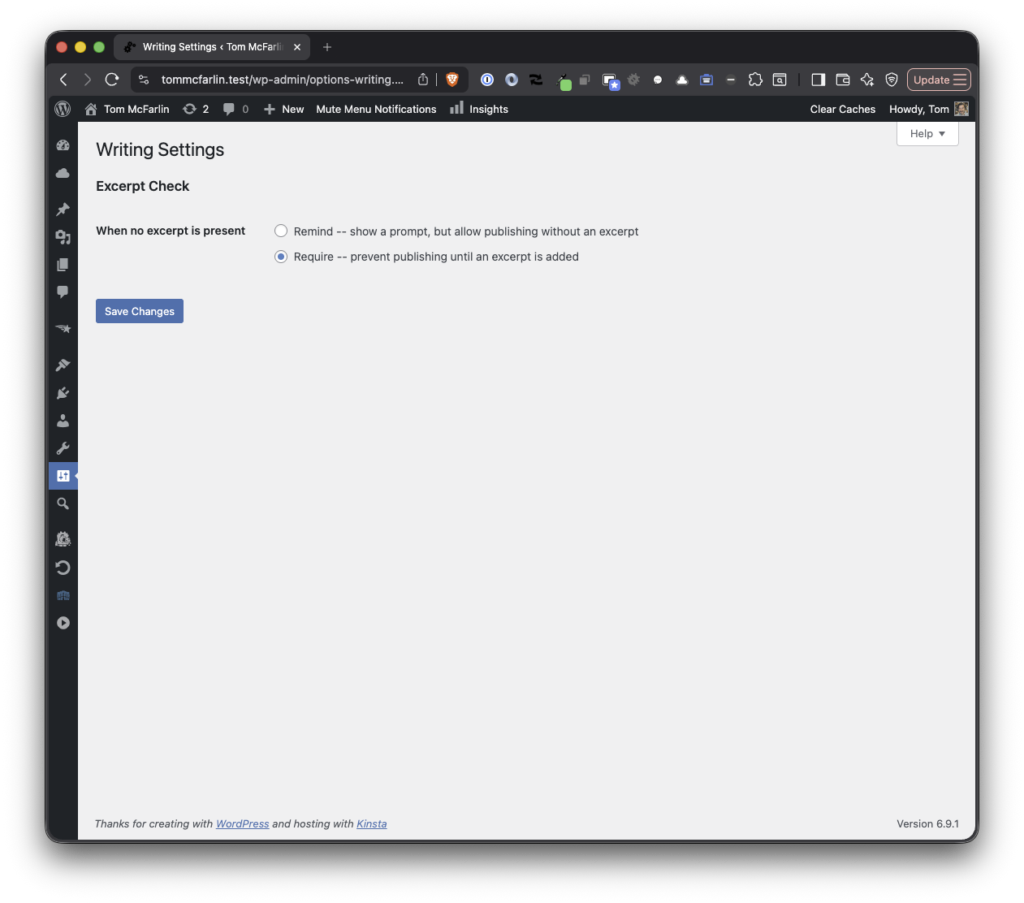
Remind mode is the default. The modal appears, the author sees the prompt, and they choose whether to add an excerpt or continue without one. Nothing is blocked. It’s a nudge, not a gate.
Require mode removes the bypass option entirely. If there’s no excerpt, the post doesn’t get published until one is added. This is useful for content teams that enforce editorial standards or for SEO workflows where custom excerpts serve as meta descriptions.
Configuration
There’s nothing to configure after activation unless you want to switch modes. The settings live under Settings > Writing, integrated directly into the existing WordPress admin page rather than adding yet another menu item.
The plugin also works with any post type that has excerpt support enabled. If you’ve registered a custom post type with 'supports' => array( 'excerpt' ), Excerpt Check picks it up automatically.
Under the Hood
The plugin is lightweight by design. It loads no assets on the front end. All of the JavaScript and CSS is scoped to the post editor, and it only fires when an author is actively publishing or scheduling.
The codebase uses a namespaced autoloader, follows WordPress Coding Standards, and is tested with PHPUnit and Brain Monkey. Deployment to WordPress.org is handled automatically through GitHub releases using 10up’s plugin deploy action.
Get It
Excerpt Check is available now on WordPress.org. Install it from your WordPress dashboard under Plugins > Add New, or download it directly from the plugin page. Activate it and it just works.
If you want Require mode instead of the default Remind mode, flip the setting under Settings > Writing and you’re done.
