Software Engineering in WordPress, PHP, and Backend Development

Category: Notes (Page 13 of 50)

Notes on programming-related problems that I’ve encountered while working on various projects.

Touch a File (Before Creating It)

If you do any type of WordPress development for clients, then you’re likely familiar with having to work within many different environments.

Sure, the backend of each system may be very similar: That is, they are all running on some form of Linux with Apache or Nginx and MySQL. But, depending on the project that you’re working on, you may end up facing a variety of file permissions.

For example, let’s say that you’ve been hired to write a plugin or some custom functionality for someone and the work that you’re doing has to integrate with work that someone else has done. On top of that, it has to integrate with permissions on a file system that you can’t change.

Furthermore, a portion of the work you have to do must write a file to the disk. The problem? The code for saving a file isn’t working.

What then?

Continue reading

Sharing Project Files on OS X

If you’re used to working on OS X or a Linux-based distribution and you need to share project files with a peer, it’s not always as easy as being able to drop a file in Dropbox or send a single file via email.

Case in point: Whenever I work on screencasts or demo videos for client files, I use Screenflow in order to capture video and audio. But because of the way I setup screencasting, I use a separate user account on my machine.

This means that I need to share project projects between the account used for screencasting and the account I use for everything else.

Continue reading

Remove an Enqueued Stylesheet in WordPress

When working on a pre-existing version of a site, you may need to check if a style is already loaded. This, in and of itself, is not that difficult, but if it’s using an older version of a dependency, then it can get a little more complicated.

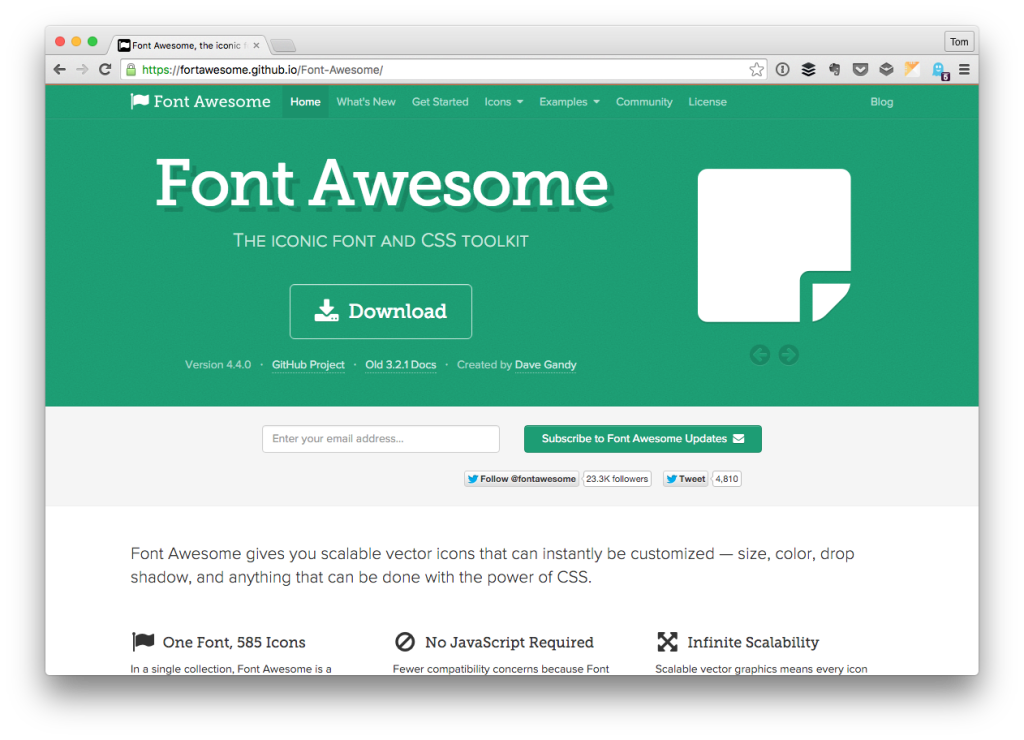
For example, let’s say that you’re building a plugin for an existing site. The existing site uses something like Font Awesome, but it’s using an older version.

Font Awesome

The requirements call for some updated icons that aren’t available in the existing version. Furthermore, the version of Font Awesome maybe be the minified version or not so we need to check for that.

Continue reading

« Older posts Newer posts »

© 2025 Tom McFarlin

Theme by Anders NorenUp ↑