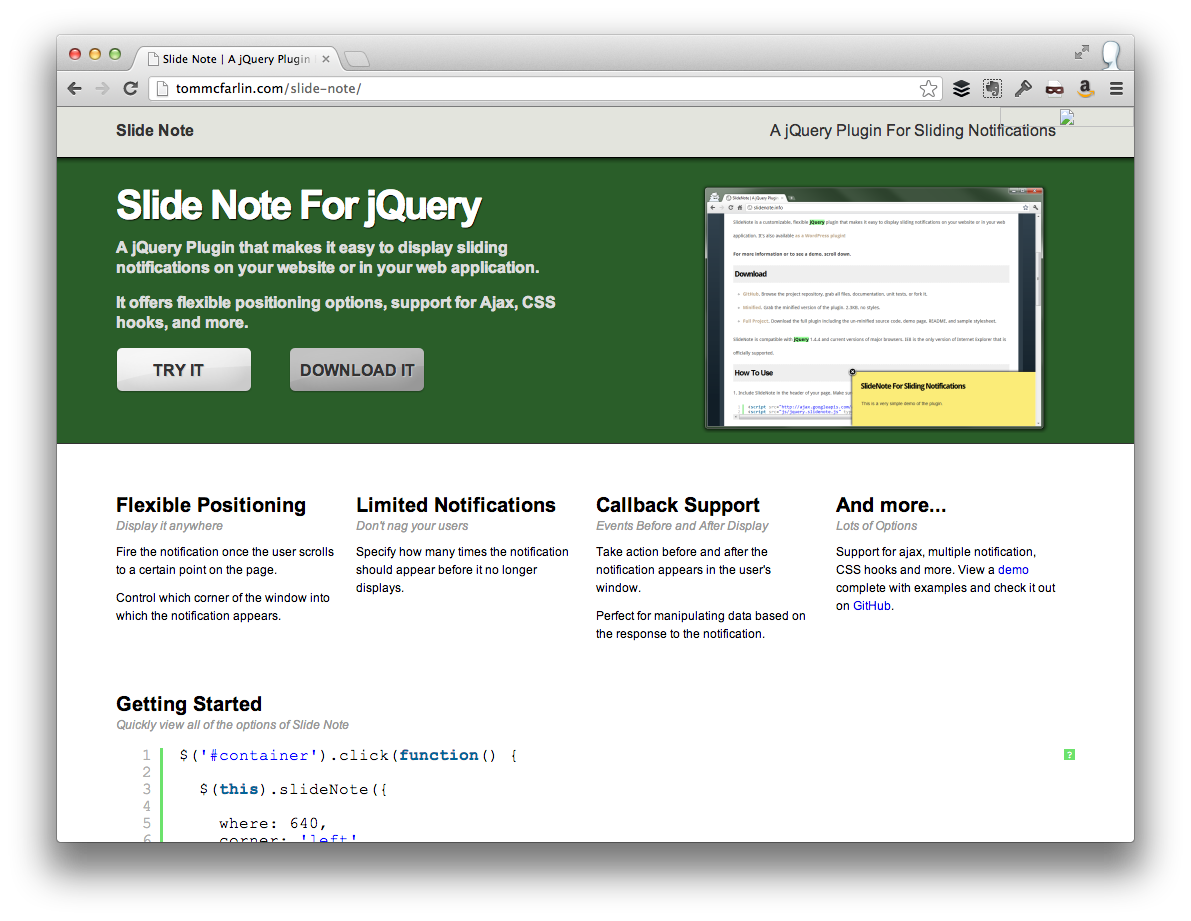
In late 2010, I released a small jQuery plugin called Slide Note that made it easy to add sliding notifications to your website or web application. It included a variety of features such as the ability to control where it was displayed on the page, custom callbacks, and Ajax integration.
Eventually, I built a small WordPress plugin around but retired it shortly after the time required to maintain and support it exceeded the amount of time I had and, honestly, the amount of joy I was getting out of the plugin.
Anyway, I continued to maintain the jQuery plugin for sometime, but it’s time to retire that plugin, too.
Retiring The Plugin
One of the things that I love most about the Internet – or even product development, in general – is that competition fosters innovation. Without it, we’d only have a handful of products from which we’d have very little to choose.
Even when it comes to small software products or open source projects, I believe the same is true.
Furthermore, if you’re working on an free, open source project I think that the following two things are true:
- Only work on it for as long as you have the time and the passion
- It’s okay to bow out if something better comes along in order to support your fellow developer
In my case, I’ve not updated Slide Note in a year and a better alternative has been released. As such, I’m officially ending development on Slide Note and will be removing its website and GitHub repository as well.
The upside to pruning projects like this is that it makes it easier to focus on the current set of active projects and it makes room for a few new ideas.
There’s definitely no shortage of those.


Leave a Reply
You must be logged in to post a comment.