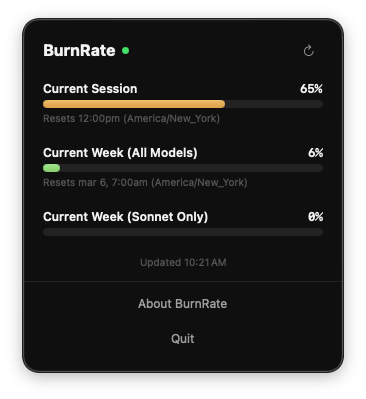
A few weeks back I shipped BurnRate. It’s a small macOS menu bar app that shows your Claude Code usage limits at a glance. It had a solid enough response and a some people dug it enough to use it daily (myself included, of course).
But there’s a problem: how do those people know when there’s a new version?
The answer, until now, was “they don’t.” They’d have to check in with me or the product page or just stumble into it.
Not exactly ideal
Built-In Update Checking
BurnRate now checks for updates on its own. Once every 24 hours on launch, it pings a small JSON manifest hosted on pressware.co. If there’s a newer version, you’ll see it right in the dropdown. Specifically, a banner with the version number, a “More Info” button that opens the full release notes, and a “Download” link straight to the DMG.
If you don’t care about that particular update, dismiss it. It won’t bother you again for 30 days, or until a newer version ships, whichever comes first.
There’s also a “Check for Updates” button in the footer for when you want to look manually. Click it and you’ll get a quick “You’re up to date” confirmation if there’s nothing new.
Fixing the Keychain Prompt Problem
This one was more annoying than anything.
BurnRate refreshes your usage data every five minutes by reading OAuth credentials from macOS Keychain. If the Keychain prompt came up and you weren’t at your desk, or you denied it, the refresh timer kept firing.
Each tick queued another Keychain dialog. Leave your desk for a bit and then return after some time and you’d have a stack of prompts to dismiss one by one.
Now there are two guards in place:
- If a refresh is already in progress, the timer skips. No overlapping Keychain calls.
- After an auth failure, the timer pauses entirely. It won’t try again on its own.
When you’re ready, click the refresh button in the header and that clears the pause and makes one clean attempt. If it works, the timer picks back up normally. If it doesn’t, it pauses again.
The net effect: at most one Keychain prompt at a time, and no surprises when you come back to your machine.
Get It
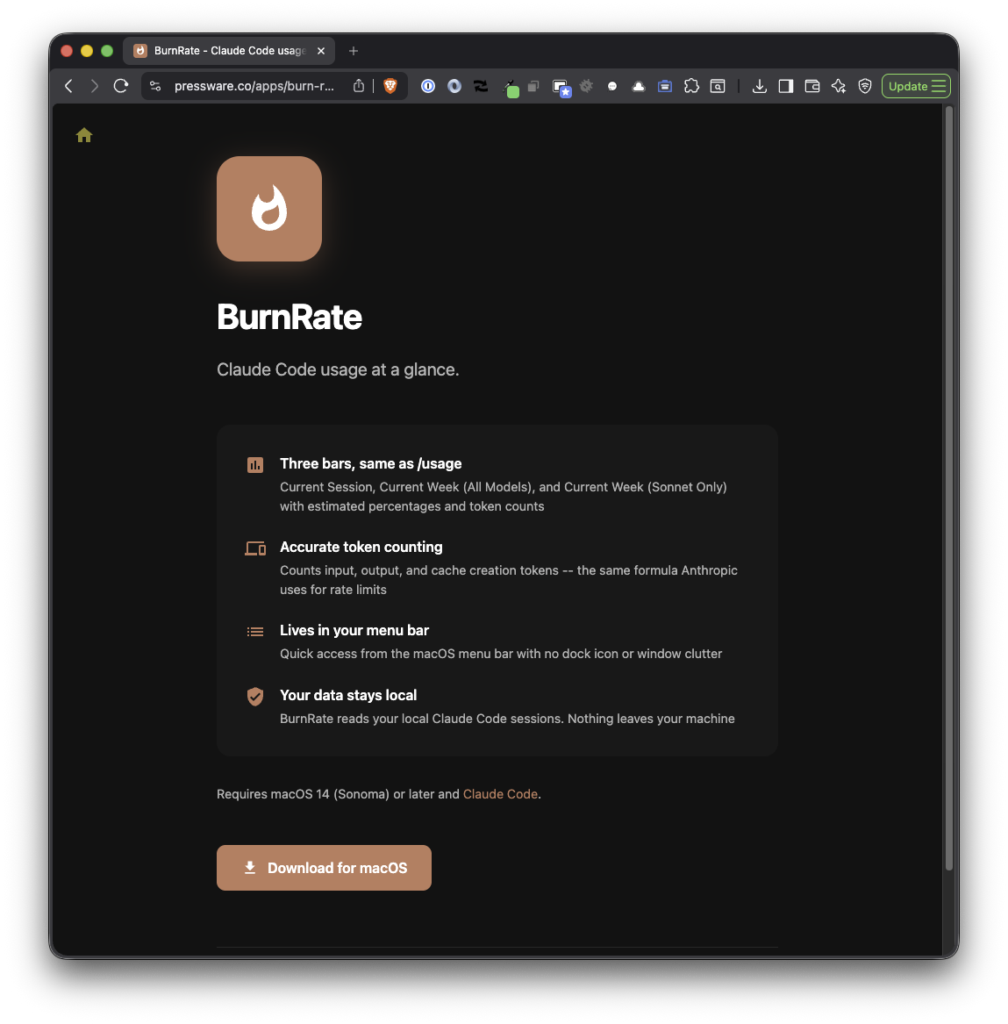
Download the latest DMG from the app’s homepage.
And after this version, you won’t have to do so anymore. The app will let you know about its update on its own. That’s kind of the whole point.
